
Create a Custom Twitch Logo That Fits Your Channel
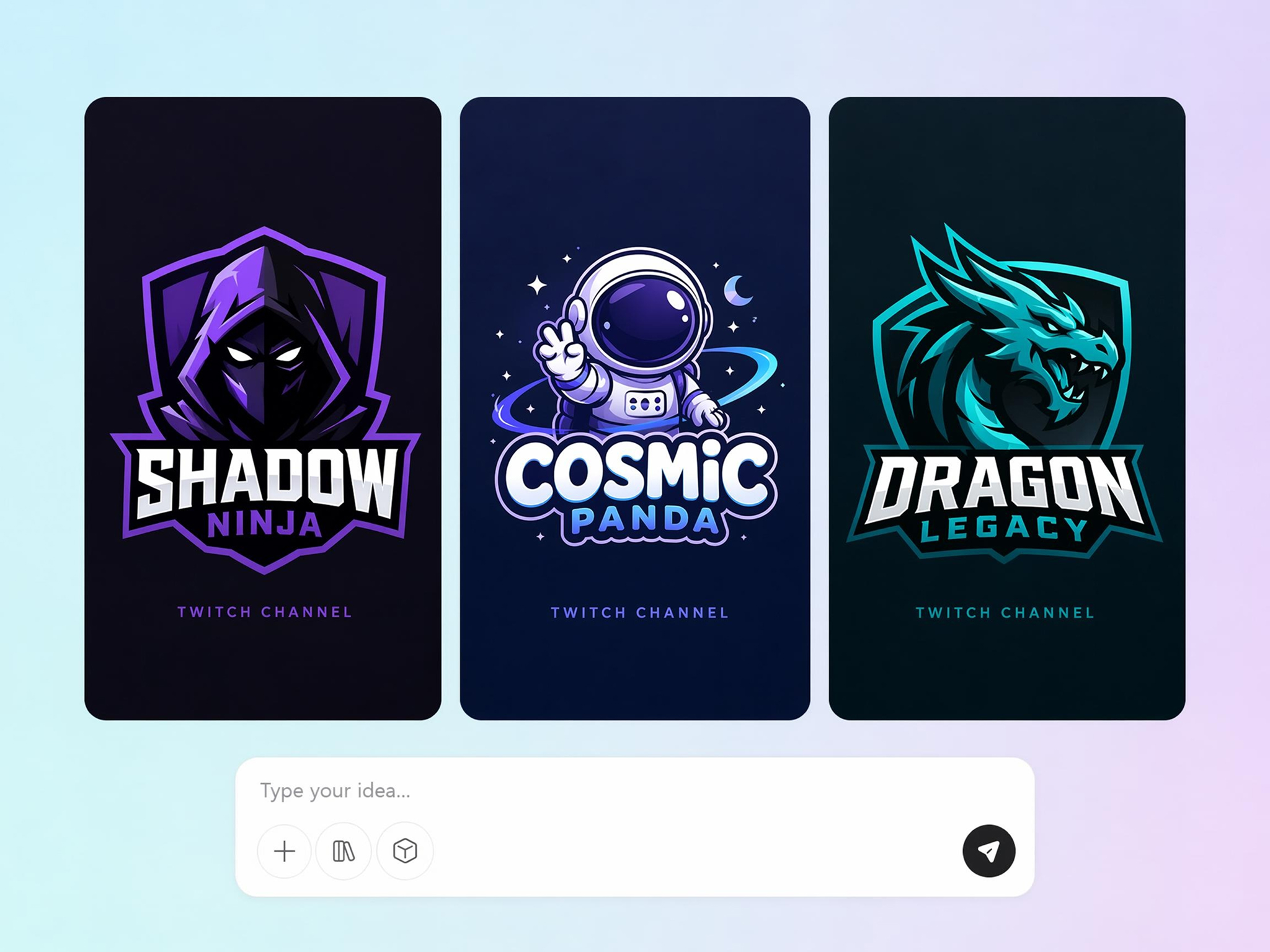
Describe your channel, content style, or gaming niche, and Designkit creates original Twitch logo concepts in seconds. Explore mascot logos, icons, typography, and gaming-inspired designs.
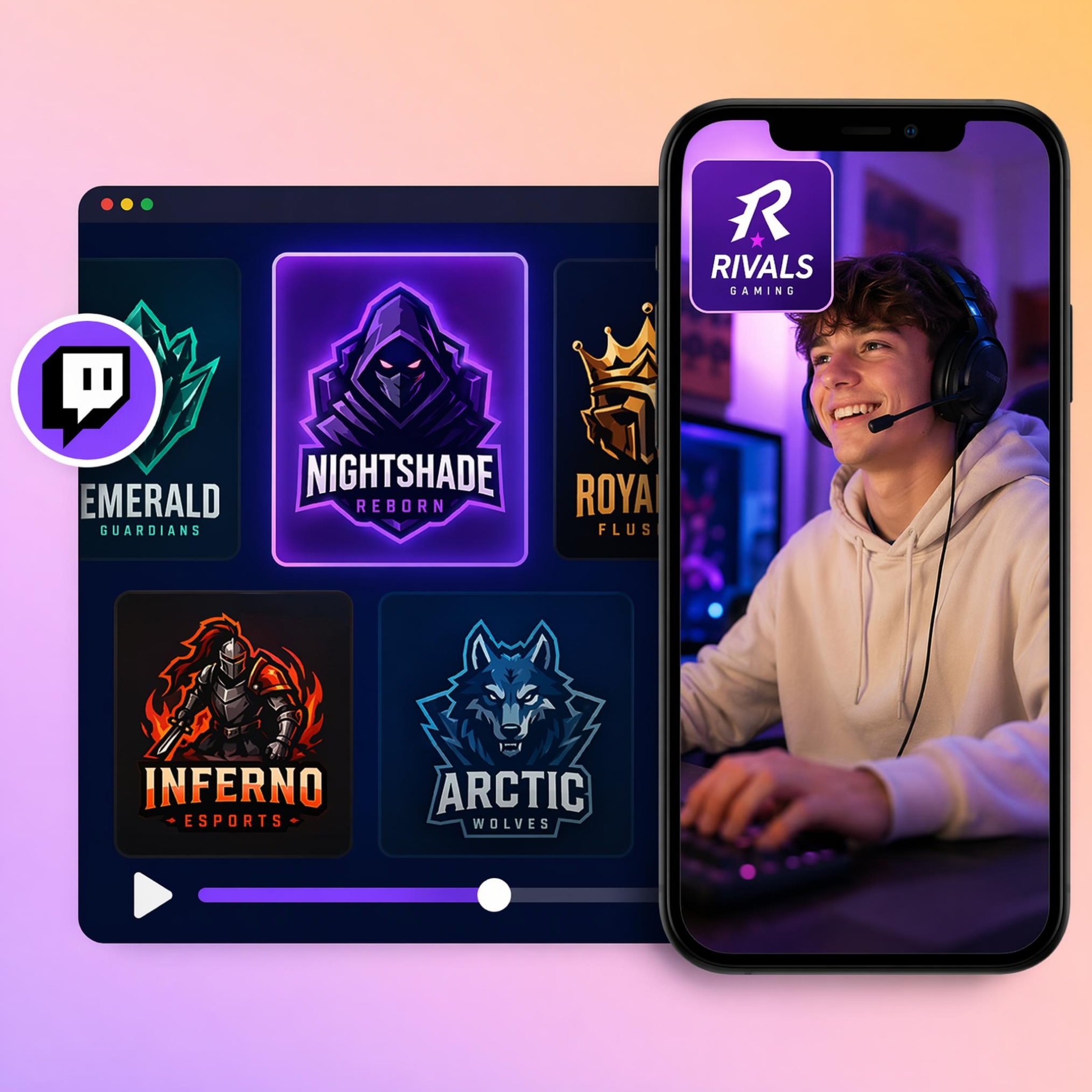
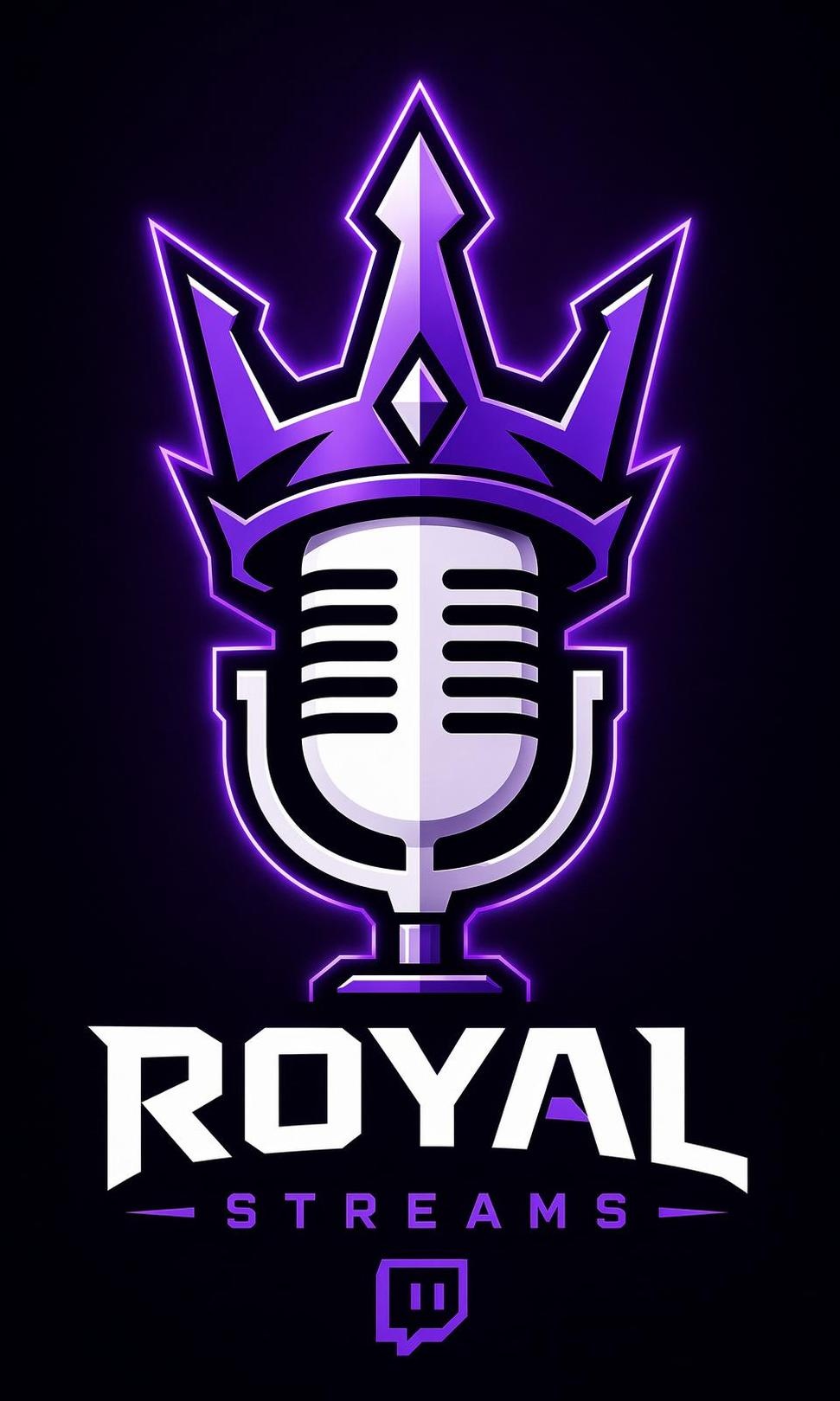
Turn Your Stream Name Into a Legendary Logo
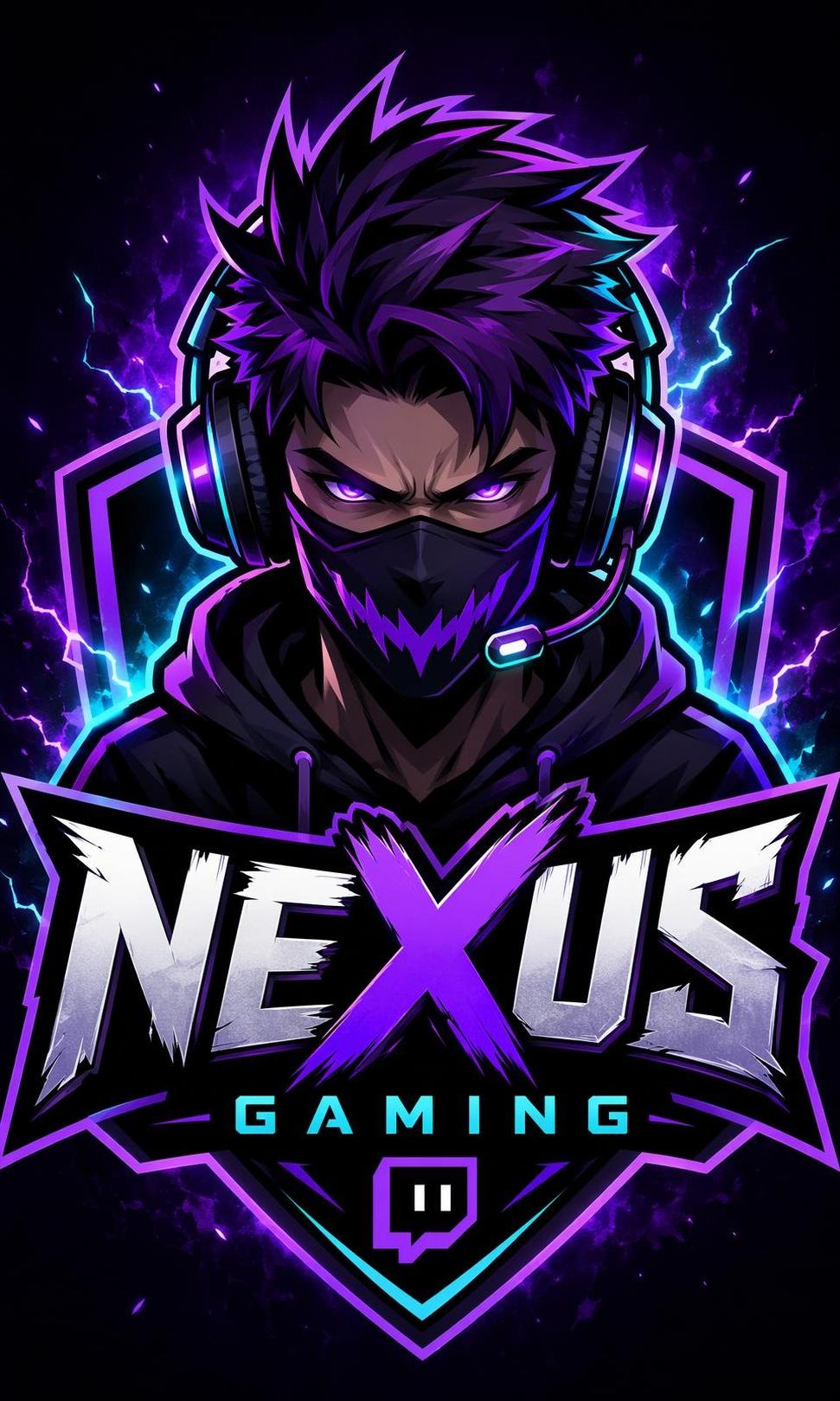
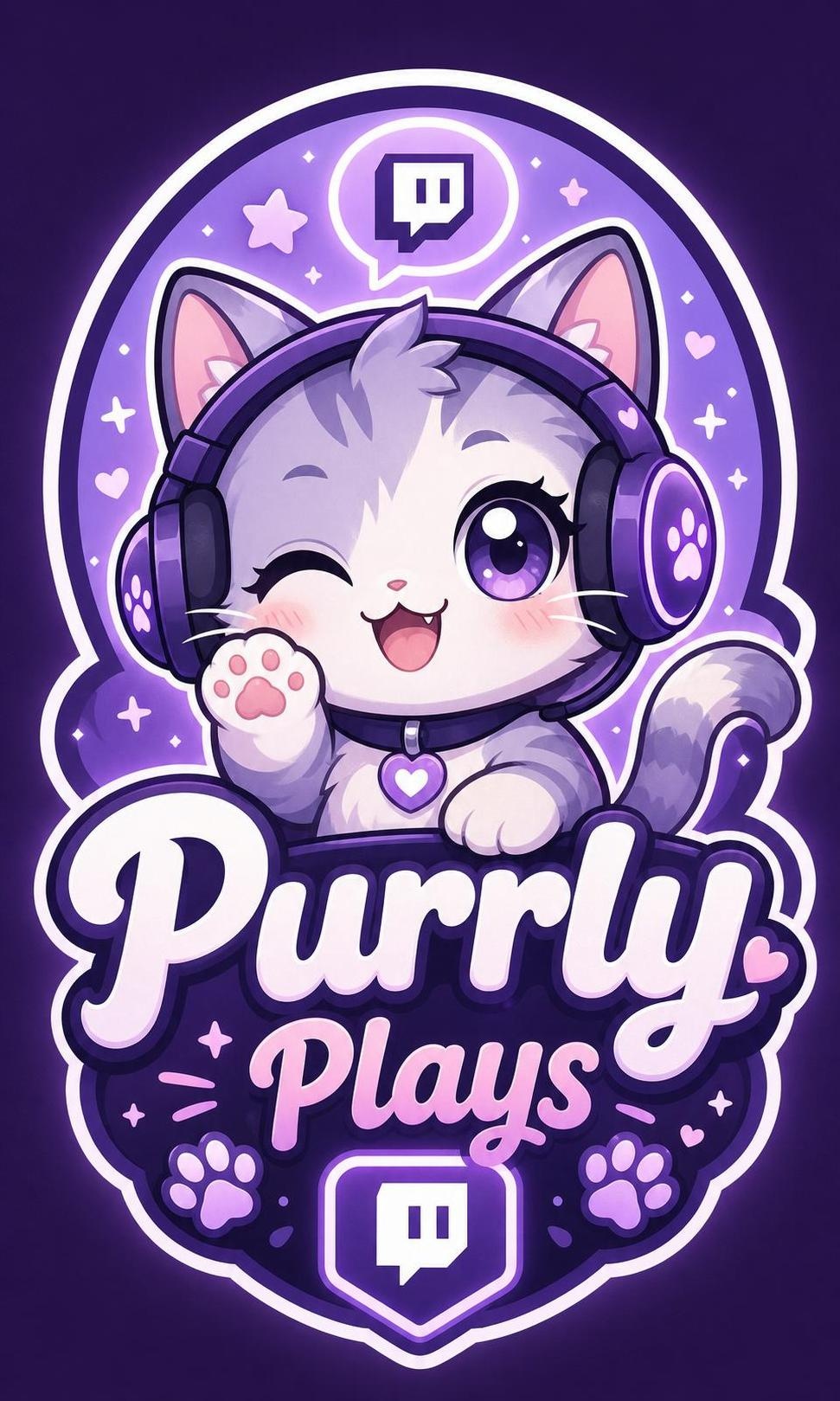
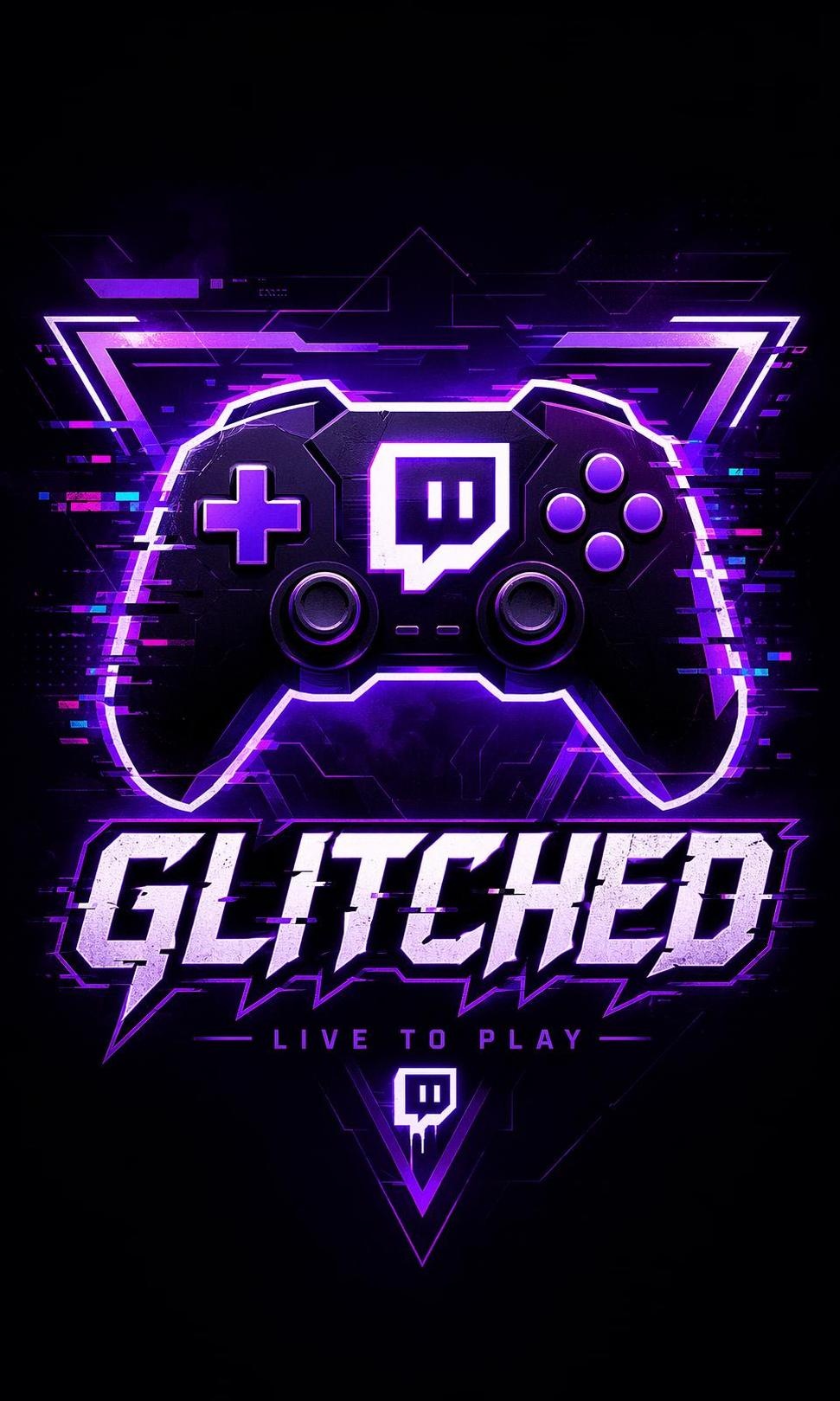
How to Create a Twitch Logo in 3 Steps
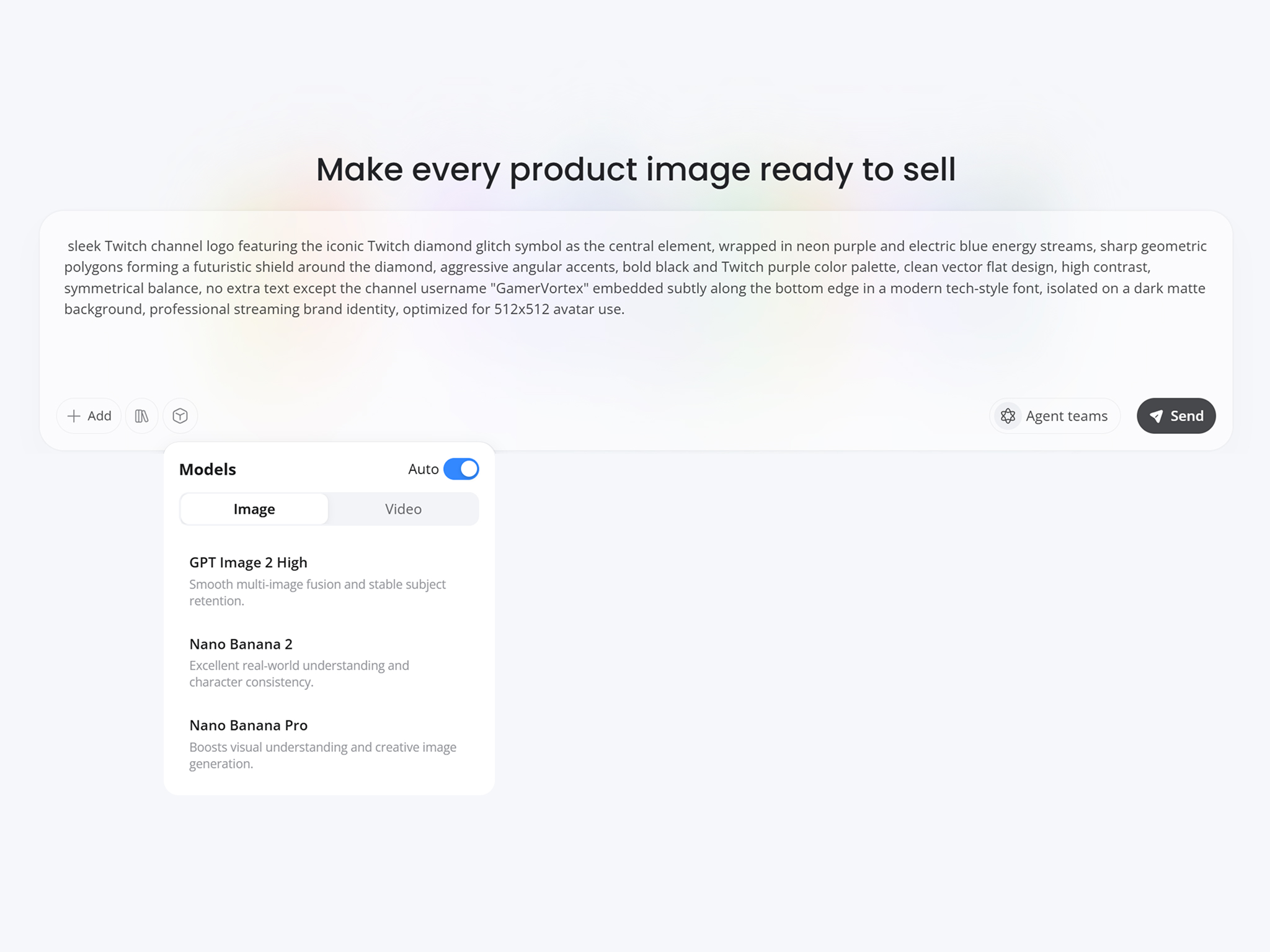
Describe Your Channel
Enter your channel name, gaming niche, personality, favorite colors, or visual ideas to give the AI a clear creative direction.
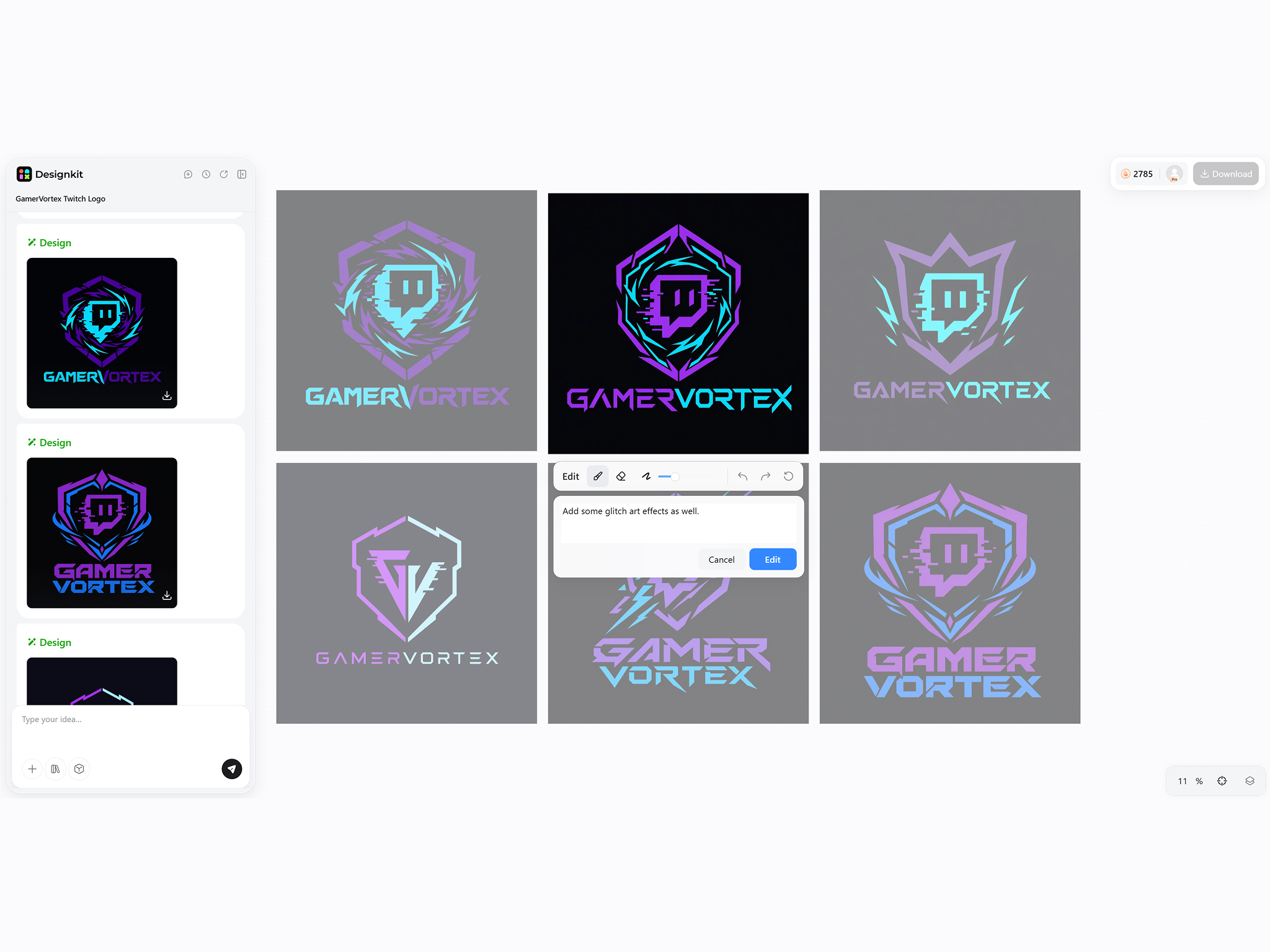
Generate Logo Concepts
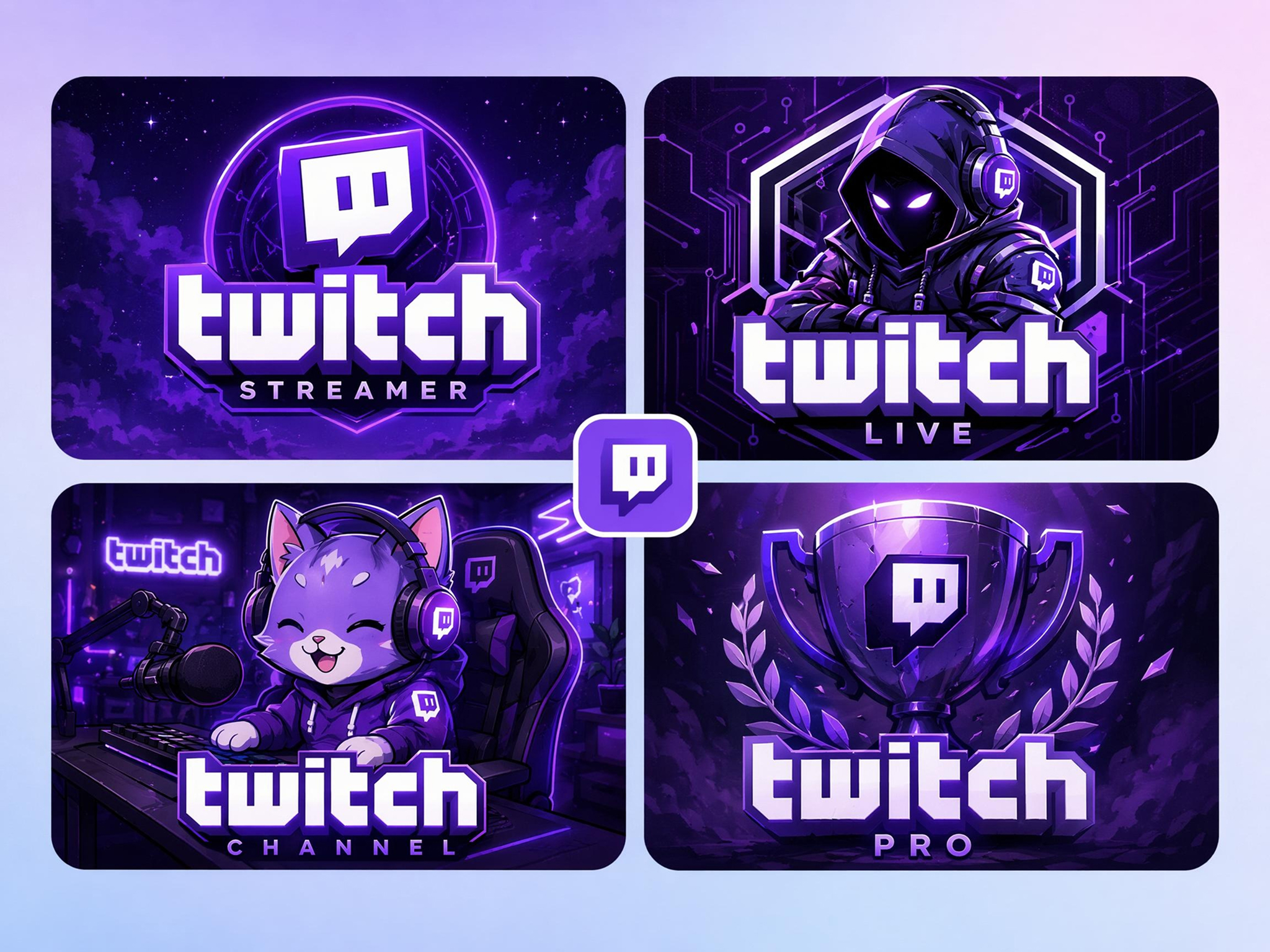
Designkit creates multiple Twitch logo ideas based on your prompt, including mascot, icon, typography, and esports-inspired styles.
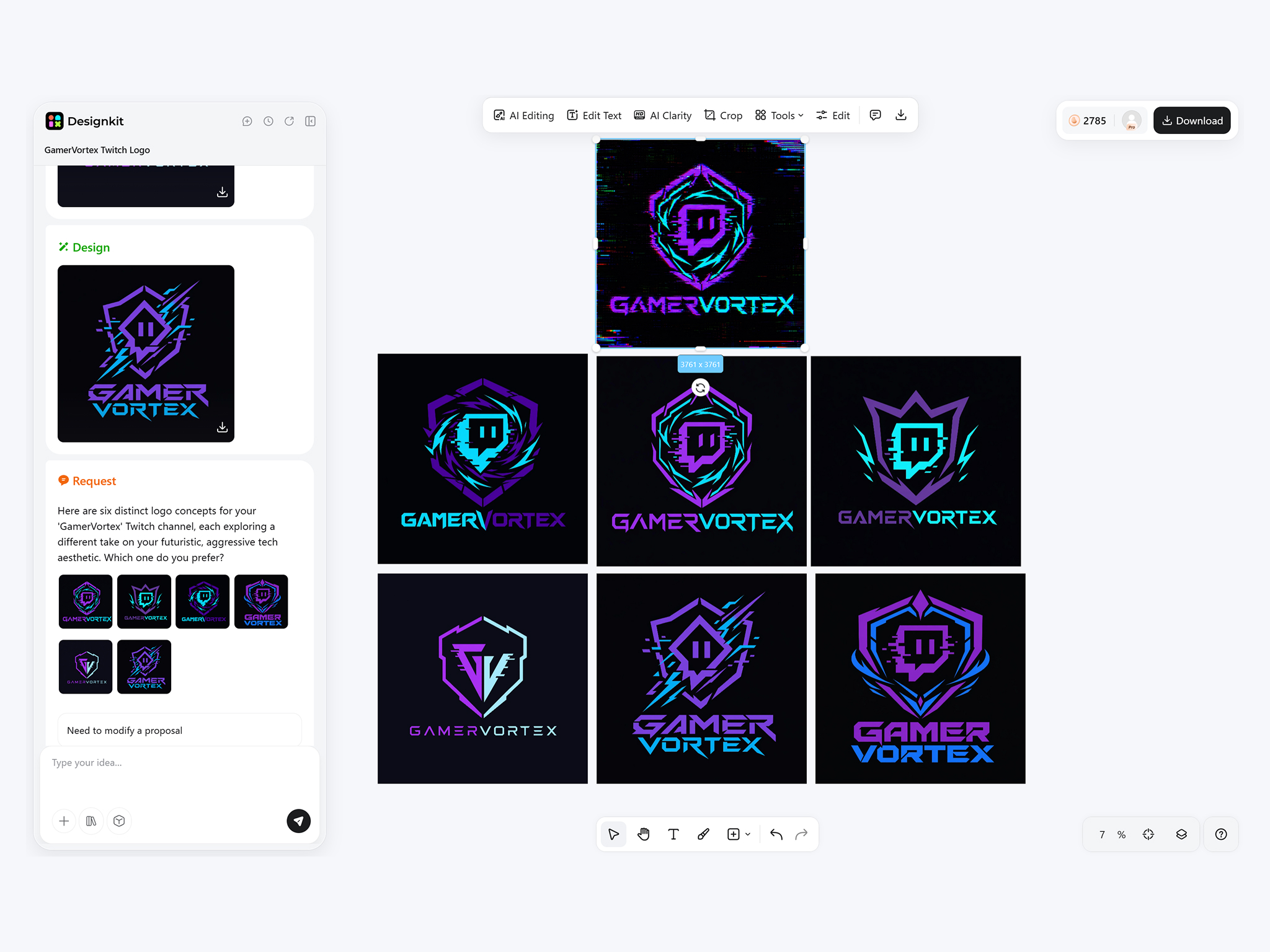
Refine and Download
Adjust prompts, compare different concepts, and download the logo that best represents your channel for Twitch and other creator platforms.
What You Can Create with Designkit's Twitch Logo Maker
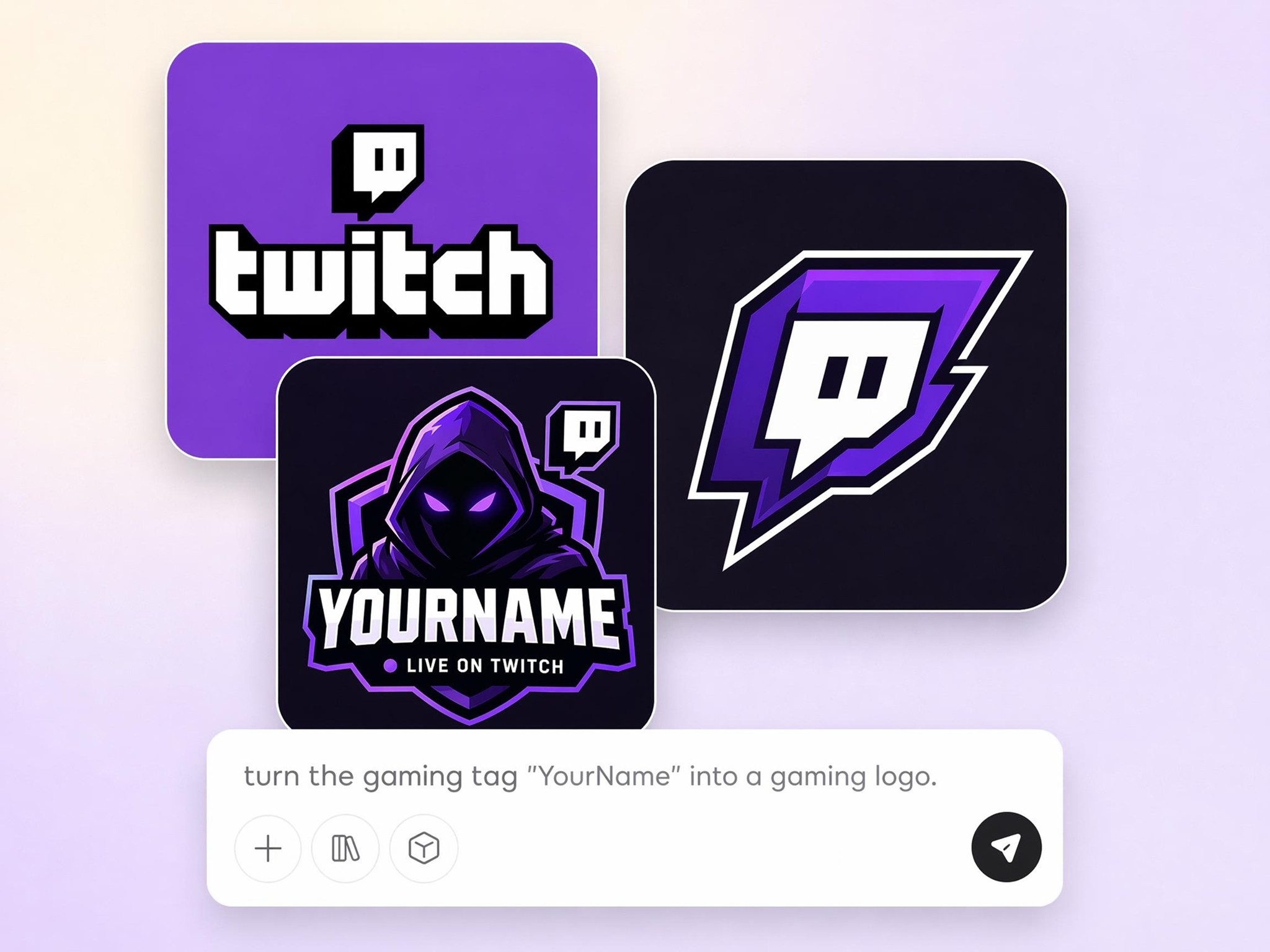
Turn Your Channel Name into a Memorable Logo
Many streamers have a memorable channel name but struggle to create branding that viewers recognize. Designkit transforms your name, slogan, or idea into custom Twitch logo concepts that reflect your content, making it easier to build a recognizable identity across every stream.
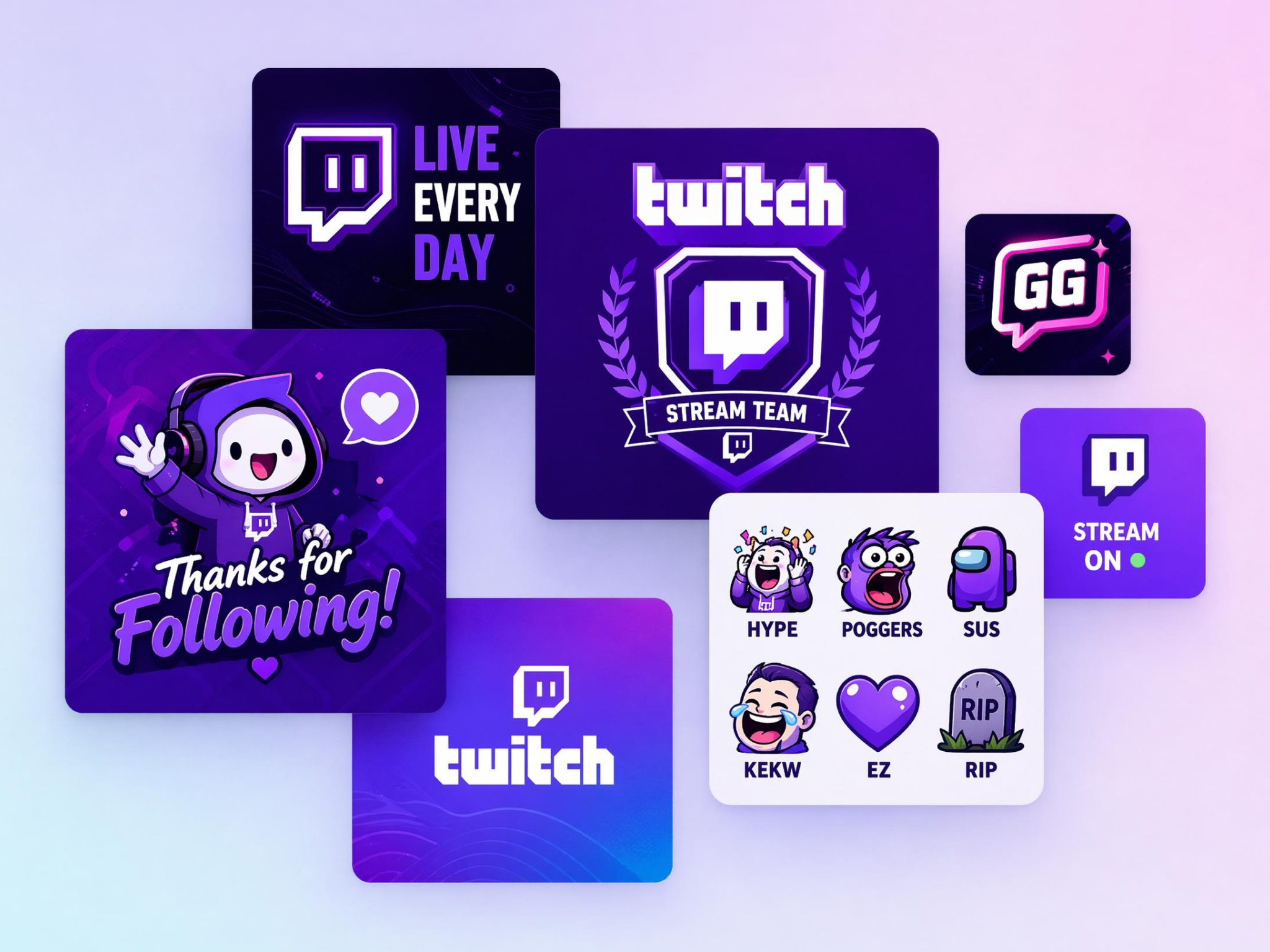
Create Logos for Every Streaming Niche
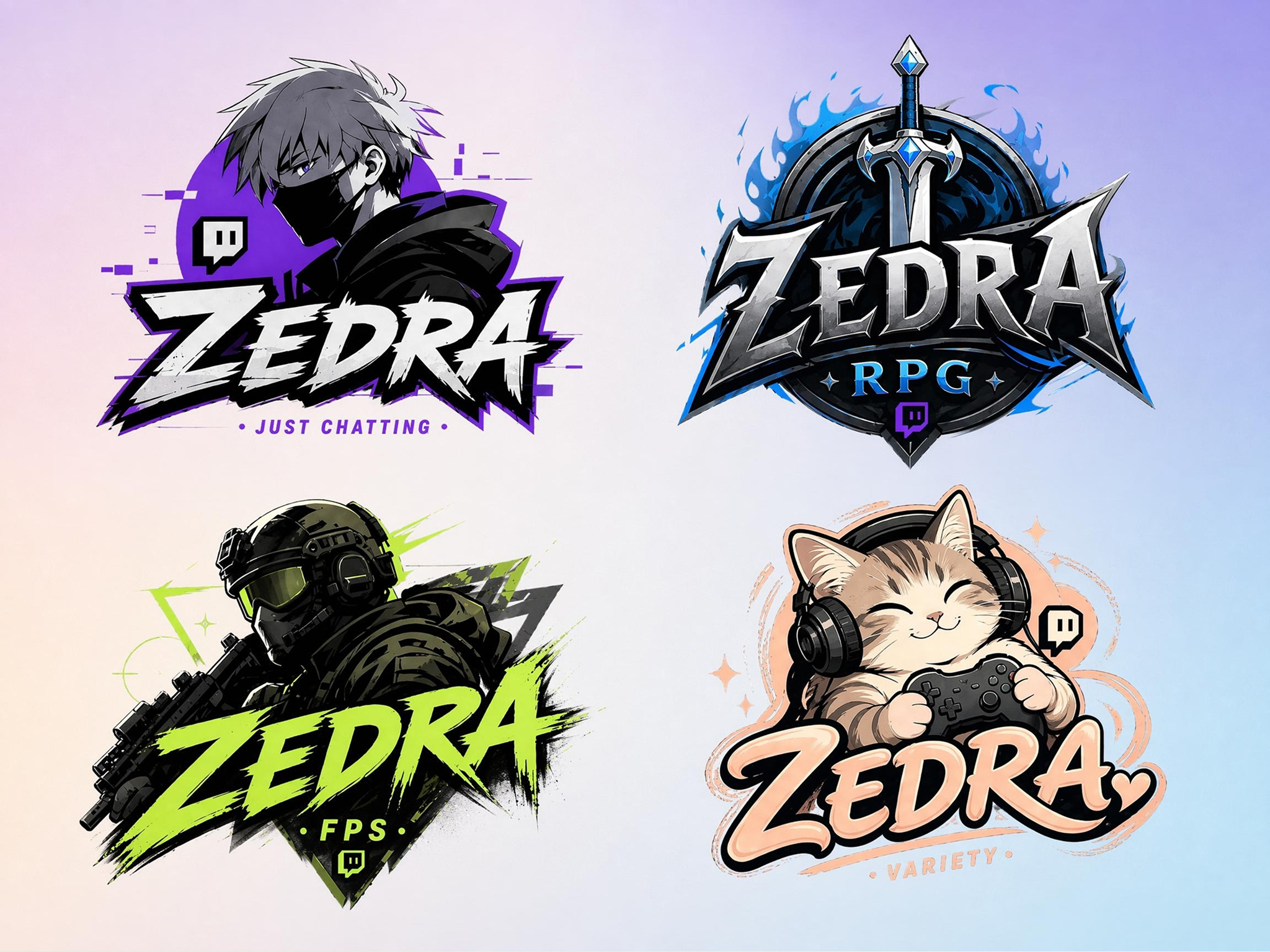
A horror streamer, esports player, and RPG creator need very different branding styles. Designkit generates Twitch logos tailored to FPS, sports, racing, fantasy, strategy, horror, and variety content, helping your visuals match the audience you want to attract.
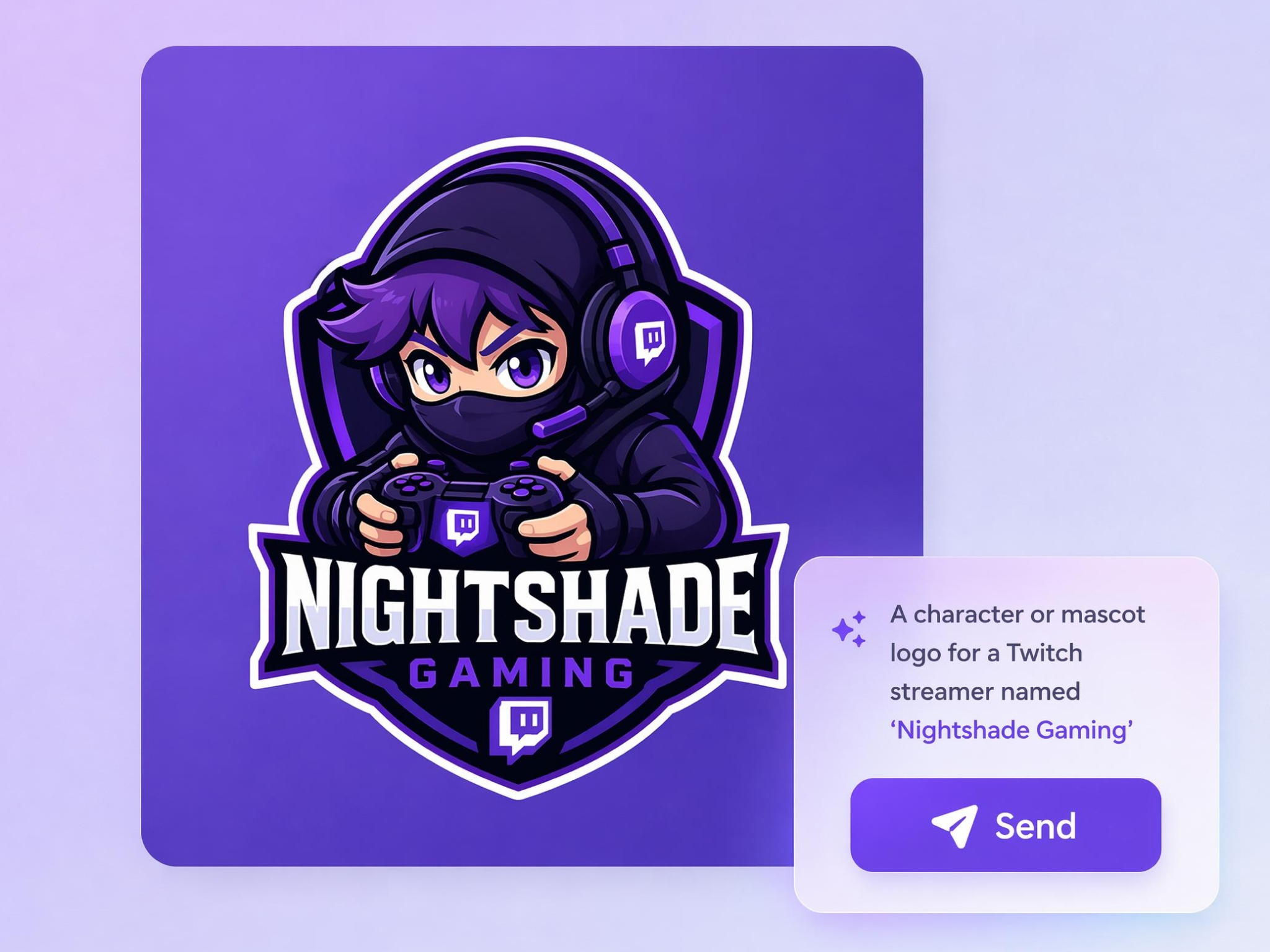
Generate Mascot and Character Logos
Creating a memorable mascot usually requires multiple design revisions and illustration skills. Designkit generates custom mascot logos featuring animals, warriors, fantasy heroes, robots, cyber characters, and other gaming-inspired concepts that fit your streaming personality.
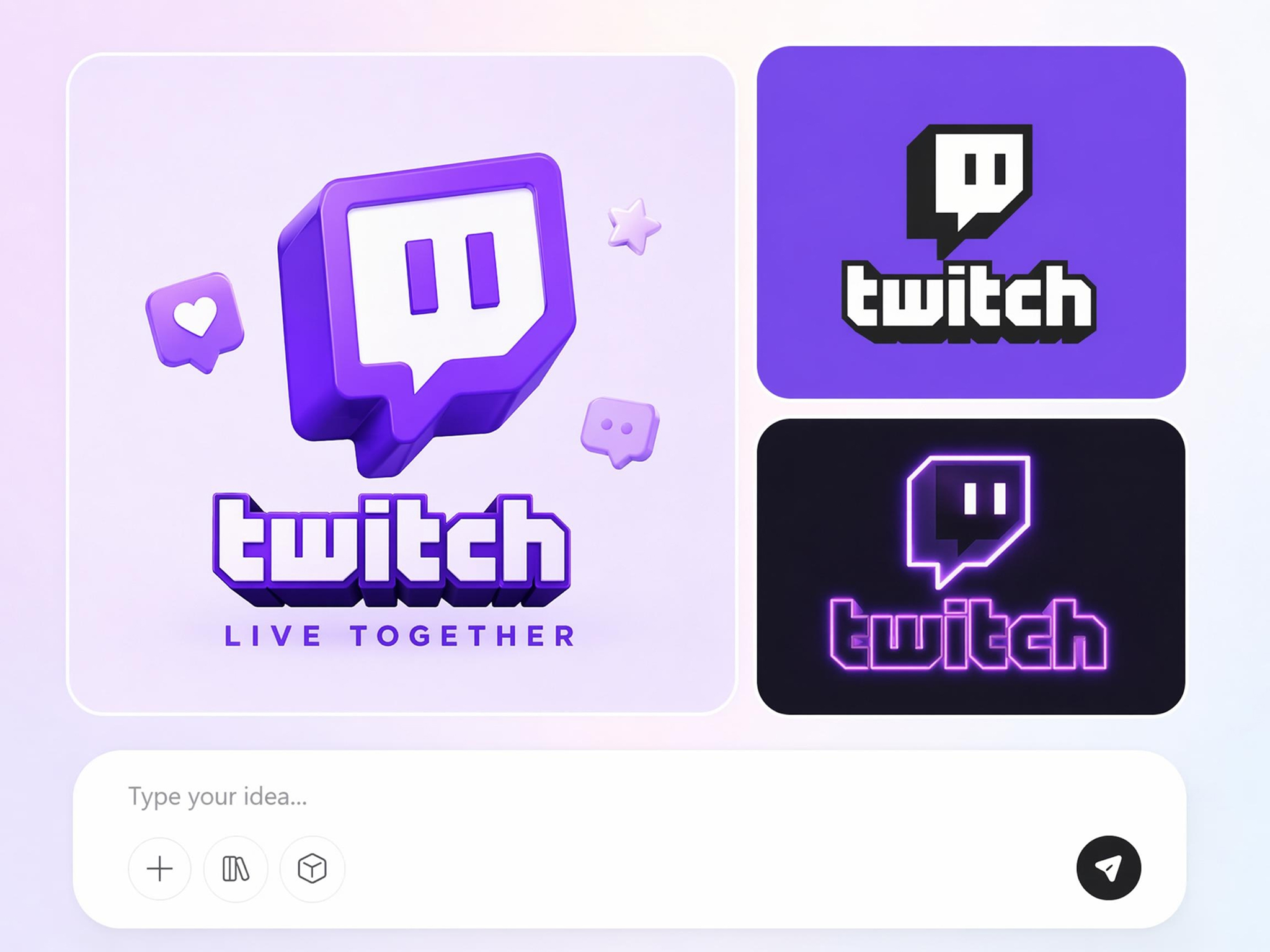
Explore Multiple Design Styles in One Prompt
Choosing one logo direction can be difficult without comparing different concepts. Designkit generates esports, anime-inspired, minimalist, neon, vintage, and creator-focused logo styles from a single prompt, making it easier to select the design that fits your channel.
Use One Logo Across Your Creator Brand
Creators often need separate assets for Twitch, YouTube, Discord, merchandise, and social platforms. Designkit creates logos that can be reused across your creator ecosystem, helping maintain a recognizable visual identity wherever your audience follows you.
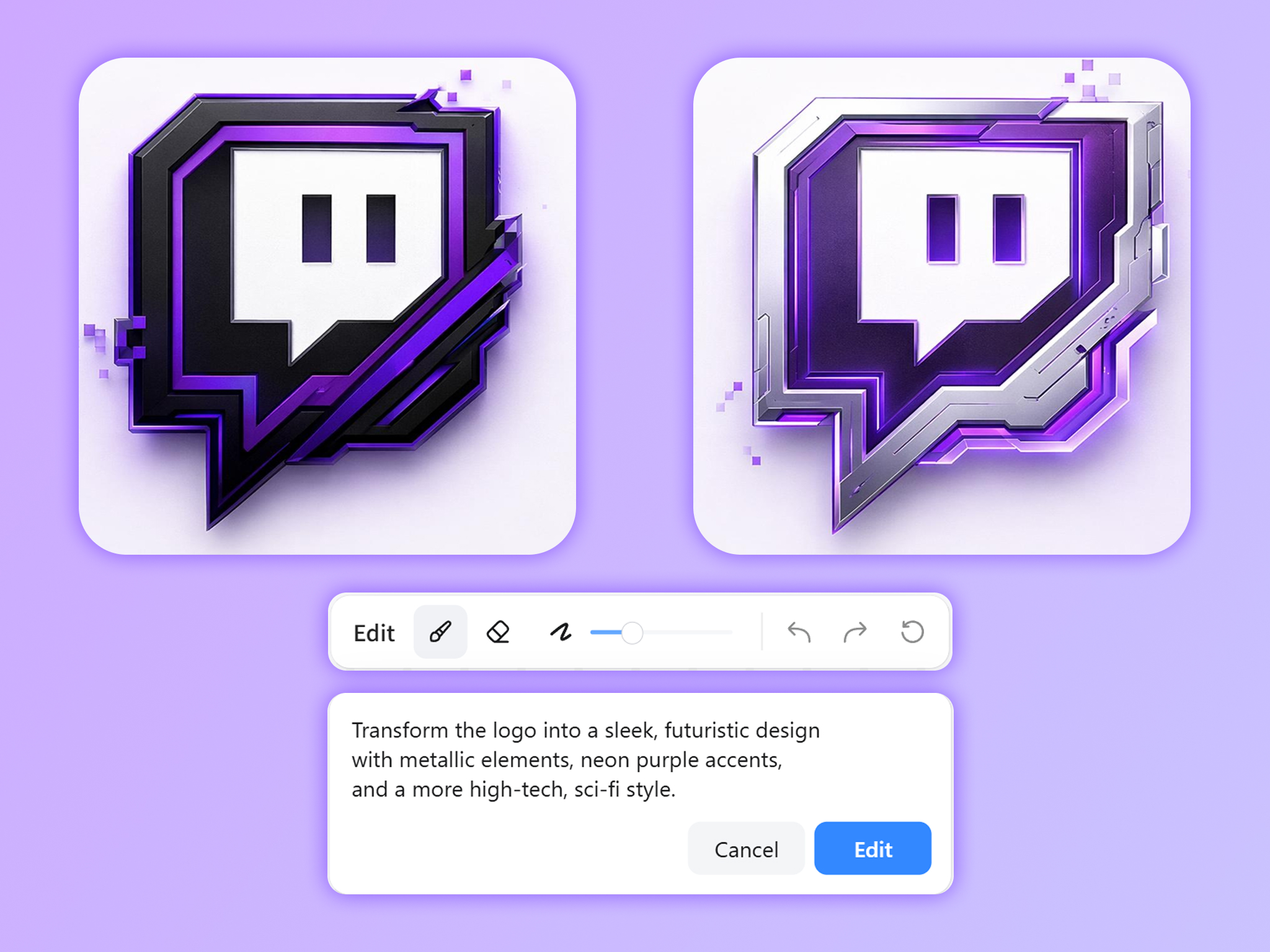
Refine Every Logo with Natural Language Prompts
Your first logo concept may need adjustments before it reflects your brand. Designkit lets you refine colors, typography, mascot ideas, effects, symbols, and overall style through simple prompts, so you can continue improving the design without rebuilding it.
Who Uses Designkit's Twitch Logo Creator?
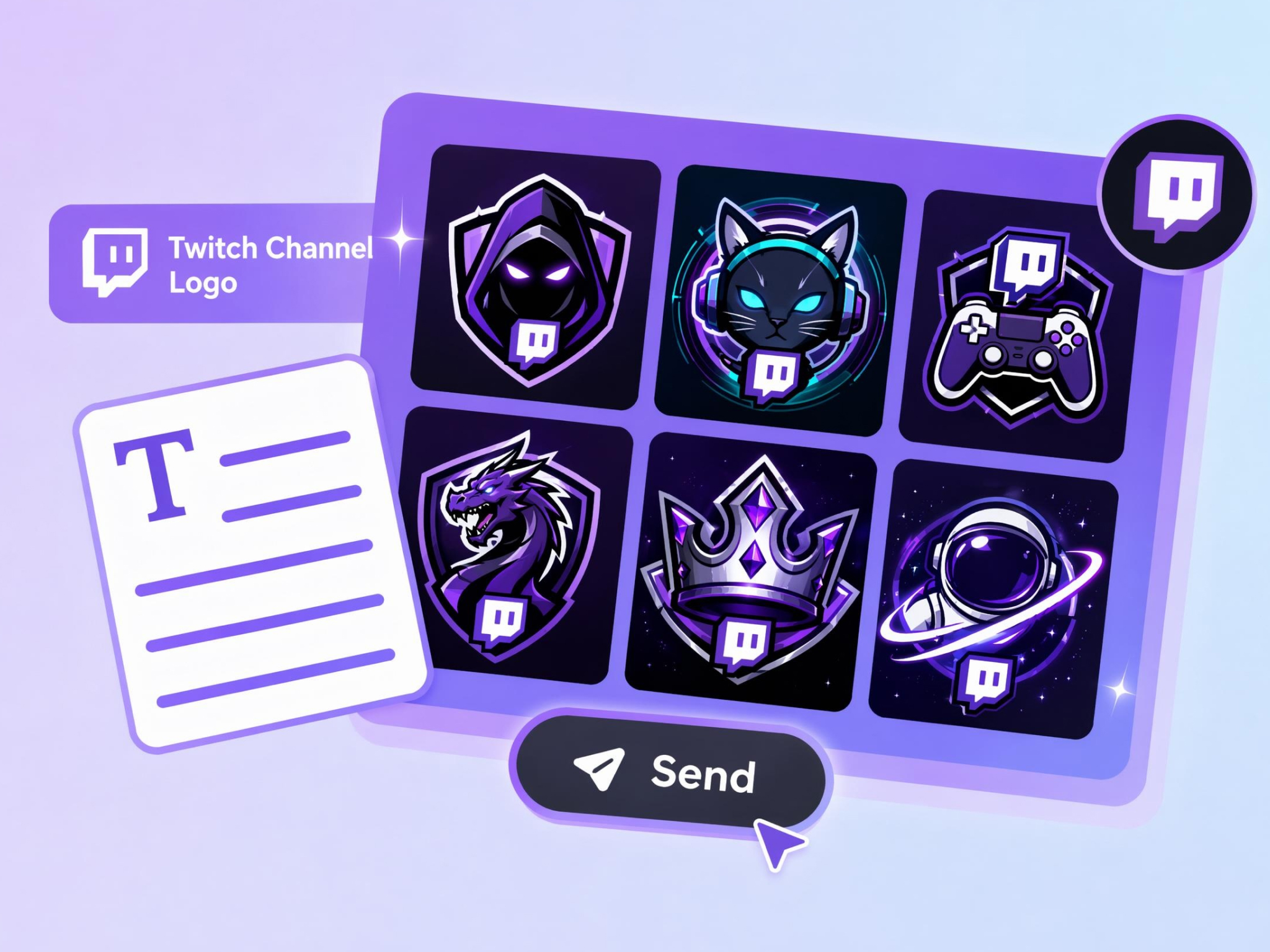
Launch Your First Twitch Channel
Starting a new channel without memorable branding can make it difficult for viewers to recognize and remember you. Designkit's free Twitch logo maker helps create custom logos that give your channel a distinctive identity from your very first stream.
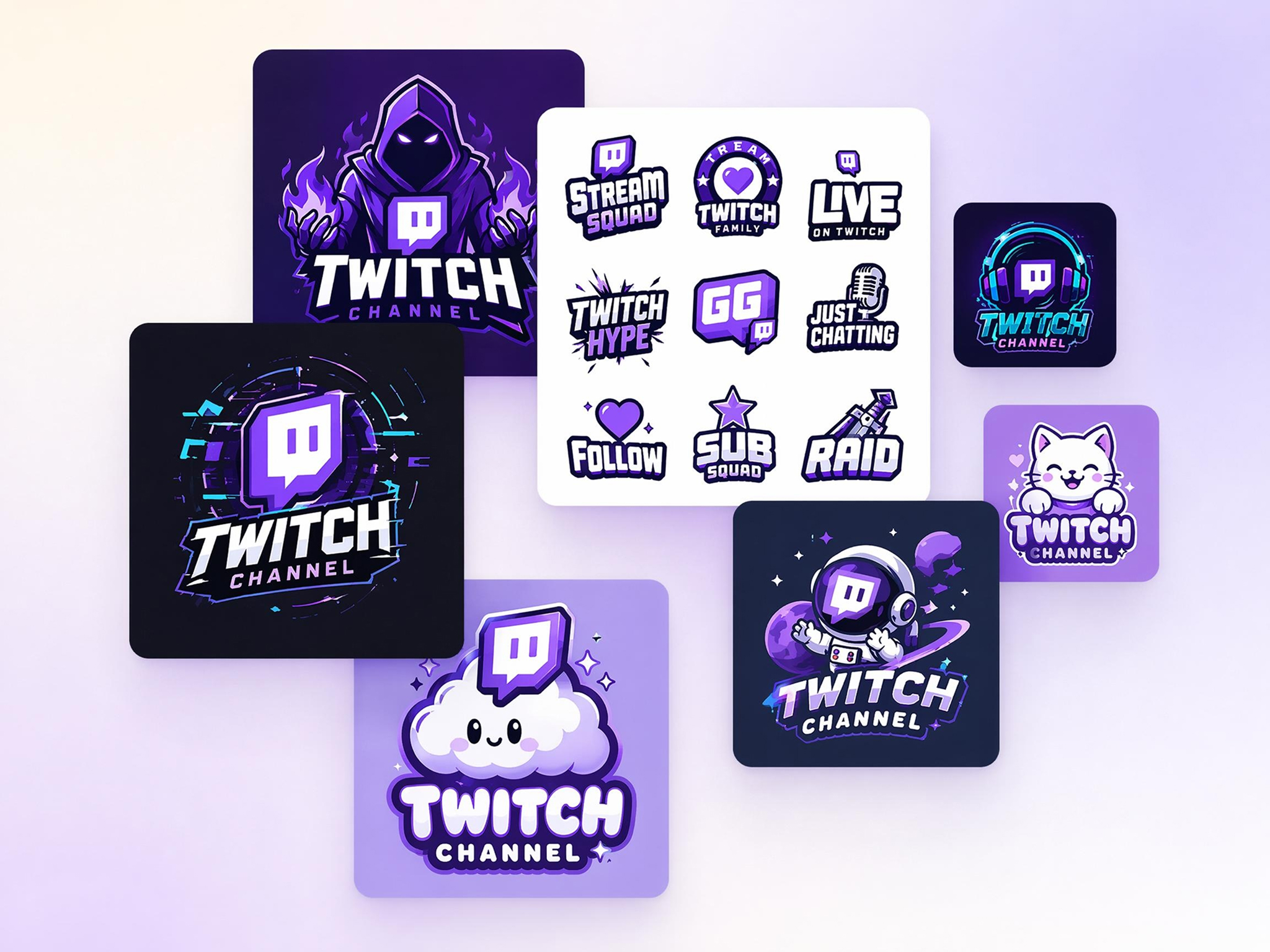
Why Streamers Choose Designkit's Twitch Logo Generator

Built Specifically for Streamers
Create branding that reflects streaming identities instead of repurposing logos made for unrelated businesses.
More Creative Than Templates
Move beyond fixed layouts with original concepts that better represent your channel and creator identity.
Supports Popular Streaming Styles
Create Twitch logo design concepts that match esports, anime, retro, fantasy, cyber, or minimalist branding.
Designed for Multi-Platform Branding
Use one logo across Twitch, YouTube, Discord, social media, merchandise, and creator communities.
Explore Multiple Creative Directions
Compare different logo concepts before deciding on a final direction, reducing repeated redesign work.
Fast Enough for New Channel Launches
Prepare channel branding before your first stream so you can launch with a complete visual identity.
Unlock More Creative Possibilities
AI Logo Generator
YouTube Logo Maker
Gaming Logo Maker
3D Logo Maker
Frequently Asked Questions
Can I create a custom Twitch logo from my channel name?
Is Designkit suitable for gaming and non-gaming Twitch channels?
Whether you stream games, podcasts, music, art, coding, fitness, education, or live events, Designkit creates logo concepts tailored to your content. You can customize every design to reflect your niche, helping your channel build a recognizable identity across Twitch and other creator platforms.
How does the Twitch logo generator differ from template-based tools?
Template-based tools limit you to predefined layouts that many other creators may also use. Designkit generates original logo concepts from your prompts, giving you greater creative flexibility and allowing you to modify colors, typography, symbols, and overall style instead of editing a fixed template.
Can I create mascot-style Twitch logos?
You can generate mascot logos featuring animals, fantasy heroes, cyber characters, warriors, robots, mythical creatures, or other gaming-inspired concepts. Designkit lets you customize the mascot's appearance and style, so it better represents your personality, content, and streaming brand.
Can I use my Twitch logo on other platforms?
Your logo can be used across Twitch, YouTube, Discord, social media profiles, stream overlays, merchandise, websites, and creator communities. Designkit exports high-quality image files that are suitable for both digital branding and printed promotional materials.
What information should I include in my Twitch logo prompt?
Include your channel name, streaming niche, preferred colors, mascot ideas, typography style, visual theme, and any design references you like. The more specific your prompt is, the better Designkit can generate logo concepts that align with your content and branding goals.
What if the generated Twitch logo doesn't fit my brand?
You can continue refining the design by changing prompts, adjusting colors, replacing icons, modifying typography, or exploring different creative styles. Designkit supports iterative editing, allowing you to improve the logo until it better reflects your channel's identity without starting over.
How can a strong Twitch logo help channel growth?
A memorable logo makes your channel easier to recognize across streams, social media, videos, and community platforms. While a logo alone cannot guarantee growth, Designkit helps you create a distinctive visual identity that strengthens brand recognition, supports audience recall, and complements your overall creator branding strategy.
Build a Twitch Brand Viewers Remember
Create custom Twitch logos that help your channel stand out and grow across streaming platforms.



Real Streamers Share Their Twitch Branding Experience
Streamers and creators use Designkit to build memorable channel identities that stand out.
My Channel Finally Looked Legit
I had decent content but my profile looked unfinished. Designkit generated several logo concepts based on my channel name and gaming style. The new logo immediately made my page look more professional and helped me feel more confident promoting my stream.
Better Than Generic Templates
Most Twitch logo tools gave me the same esports designs everyone else was using. Designkit created concepts that actually reflected my personality and content style. The branding finally felt like my own instead of something copied from a template.
Helped Me Rebrand Successfully
My content evolved over time, but my old logo no longer fit the channel. Designkit helped me explore several new directions and find a brand identity that matched where my content is today. My community loved the update.
Perfect for Building Community
We wanted a logo for our Twitch and Discord community that members could rally around. Designkit generated multiple concepts that captured our group's personality. People started using the branding almost immediately.
Saved Me a Lot of Time
I thought creating a logo would take weeks of learning design tools. Instead, I described my channel and got several strong concepts within minutes. It made launching my stream much less stressful.
Worked Across Every Platform
I needed branding that worked on Twitch, YouTube, Discord, and social media. Designkit helped me create a logo that felt consistent everywhere. Having one recognizable identity made my overall brand much stronger.