
Create a Brand Kit for Your Logo, Colors, Fonts & Marketing
Start with your logo or business details. Generate logo direction, colors, fonts, and a brand book, then create marketing visuals in Designkit.
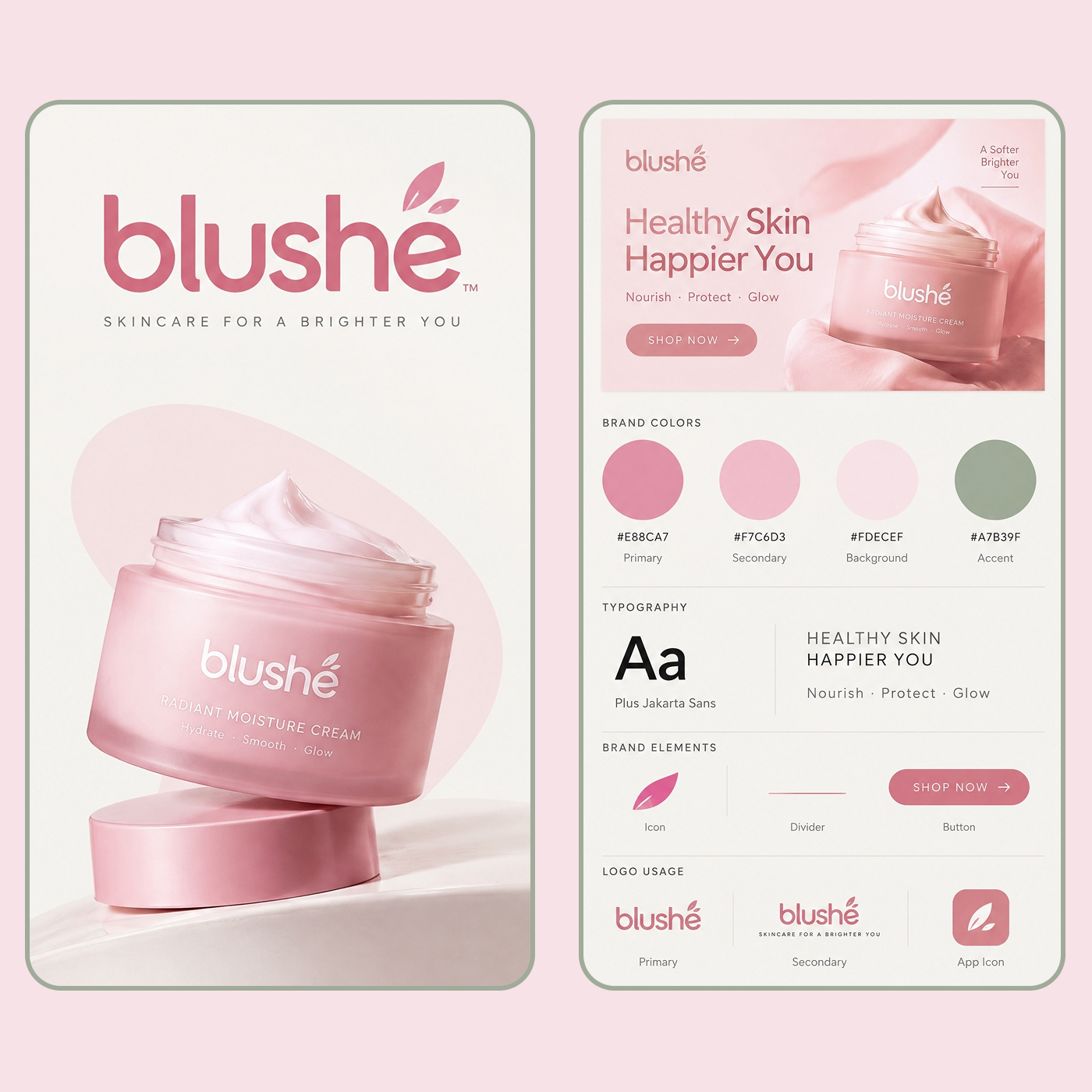
How to Create an Exportable Brand Kit in 3 Steps
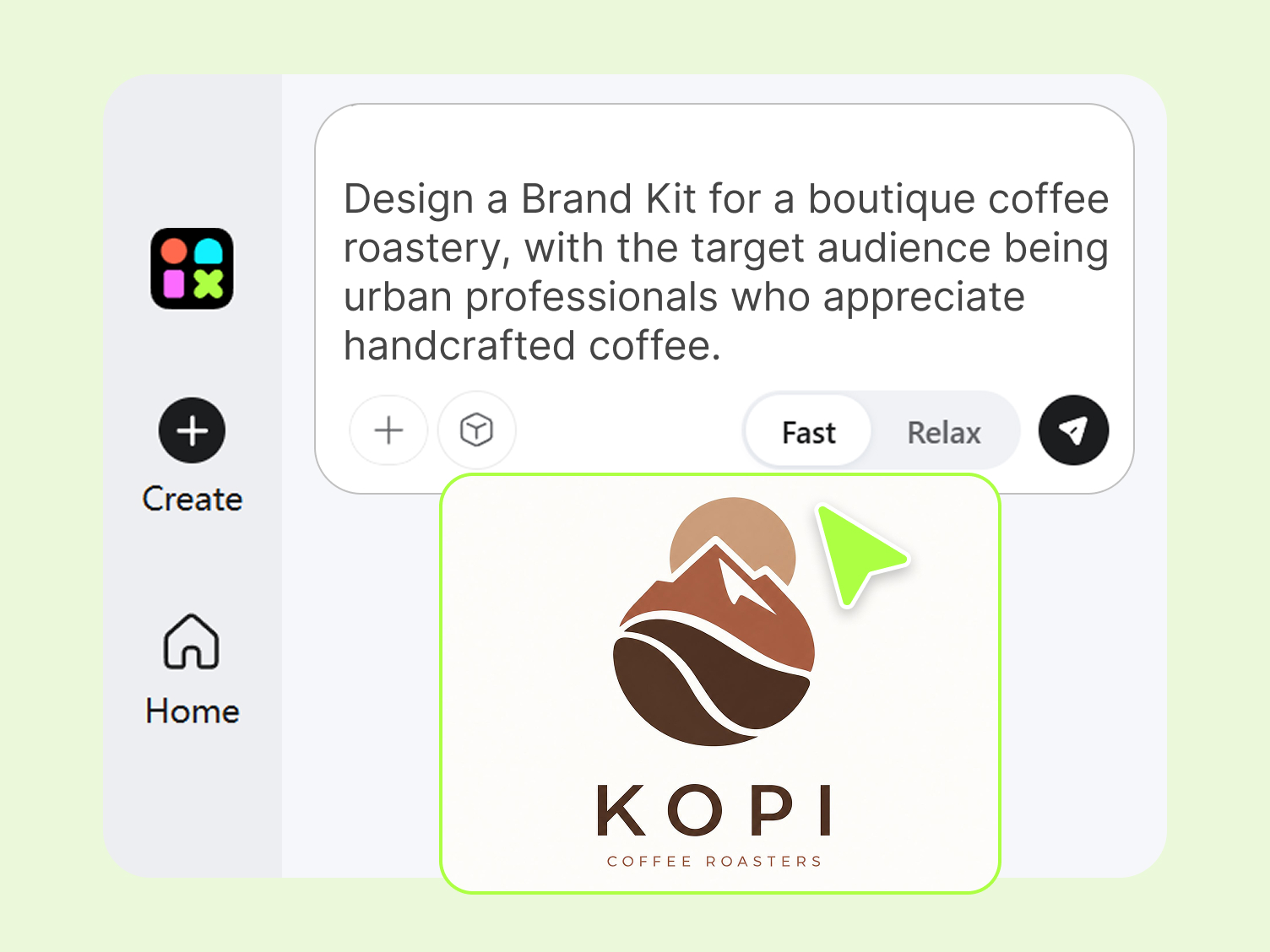
Step 1. Enter Your Brand Details
Add your logo, business type, audience, and preferred style. Designkit uses these details to create a starting direction for your logo, colors, fonts, and other core brand elements.
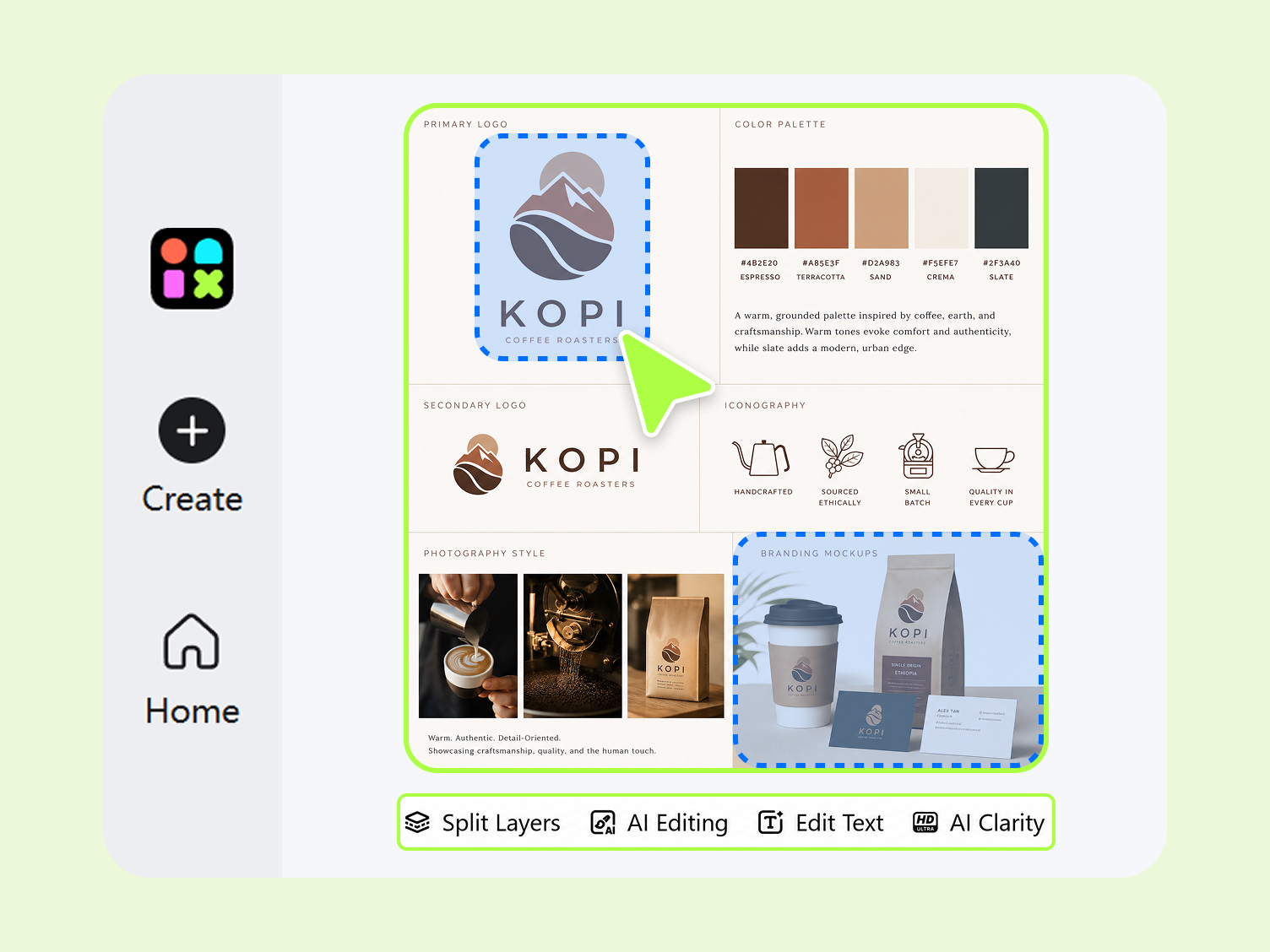
Step 2. Customize Your Brand Kit
Review the proposed colors, font pairing, and logo direction. If something does not fit, update your brief and generate another version until the colors, fonts, and logo direction work for your business
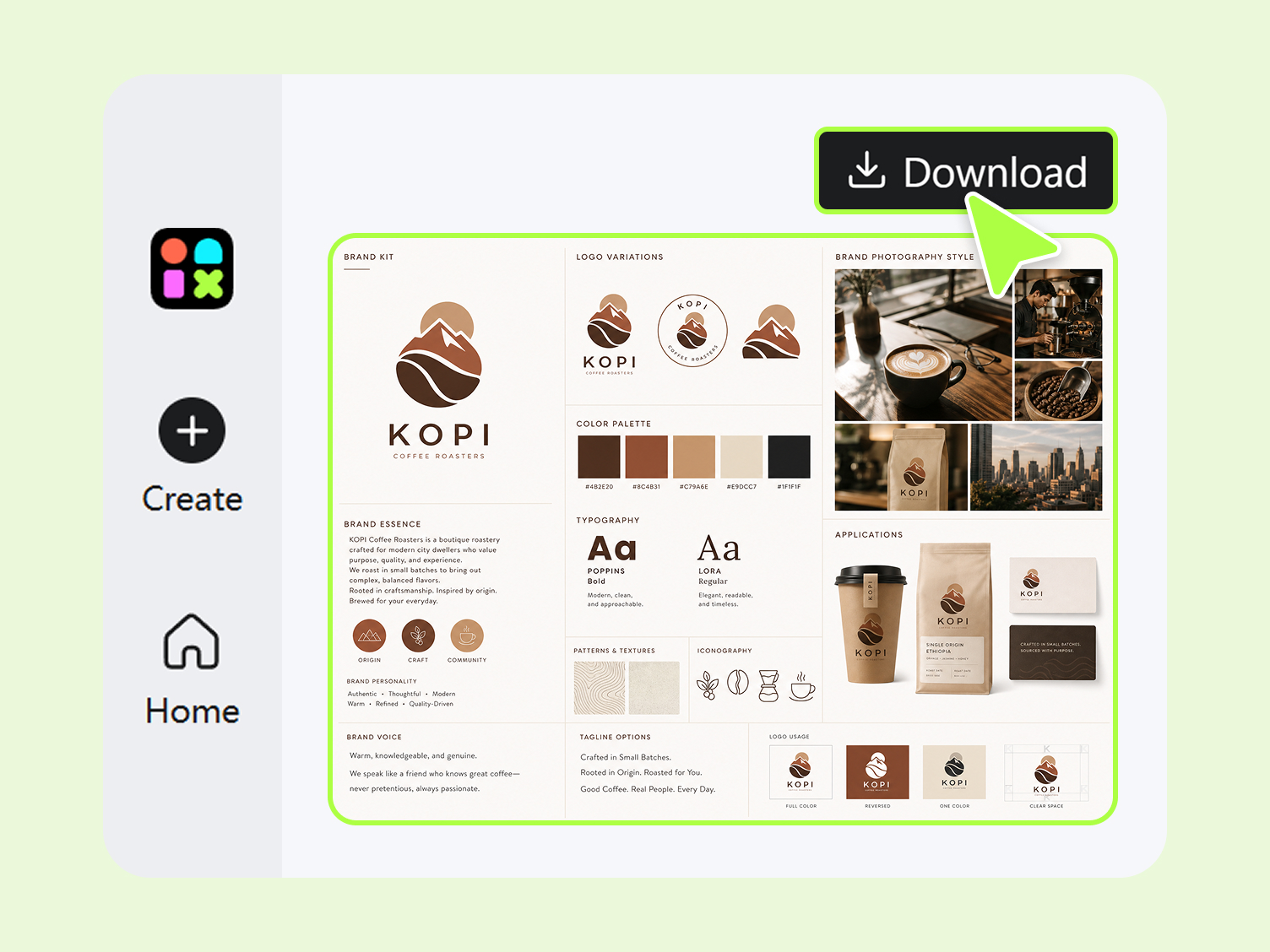
Step 3. Preview and Export
Preview your finished brand book and assets, then export what you need. Use the completed brand book when creating new marketing visuals.
What Makes Designkit Ideal for AI Brand Kit Generation
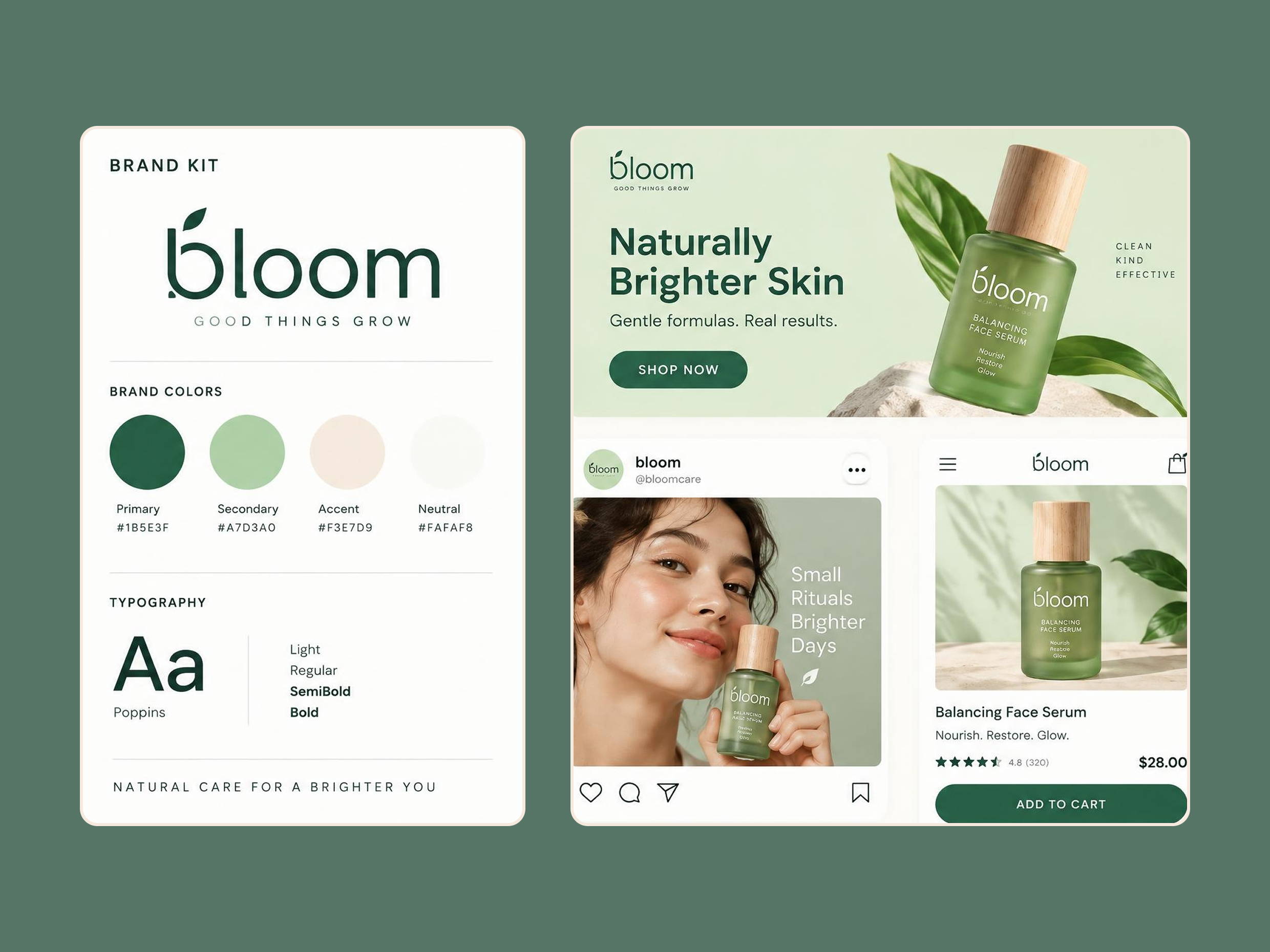
Generate Marketing Content With Your Brand Kit
Set your logo, colors, and fonts once, then use them when creating ads, banners, social posts, and poster designs. Your brand kit gives you a starting point instead of making you choose colors and fonts again for every asset.
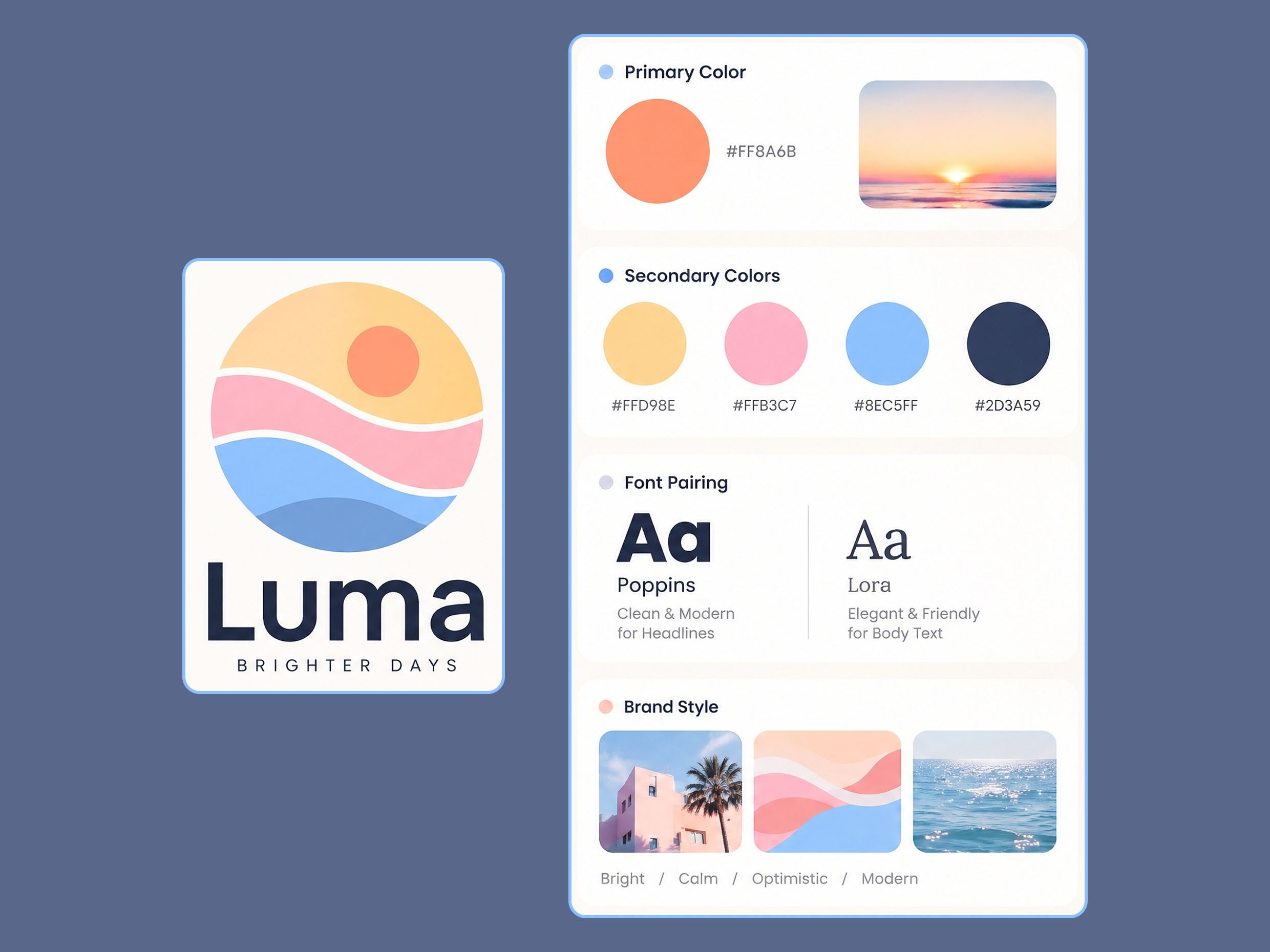
Complete Your Kit Around an Existing Logo
Already have a logo but need the rest of the visual direction? Build around your existing mark with matching colors, fonts, and supporting brand elements. If you need a new logo first, explore the AI logo generator before building your full brand kit.
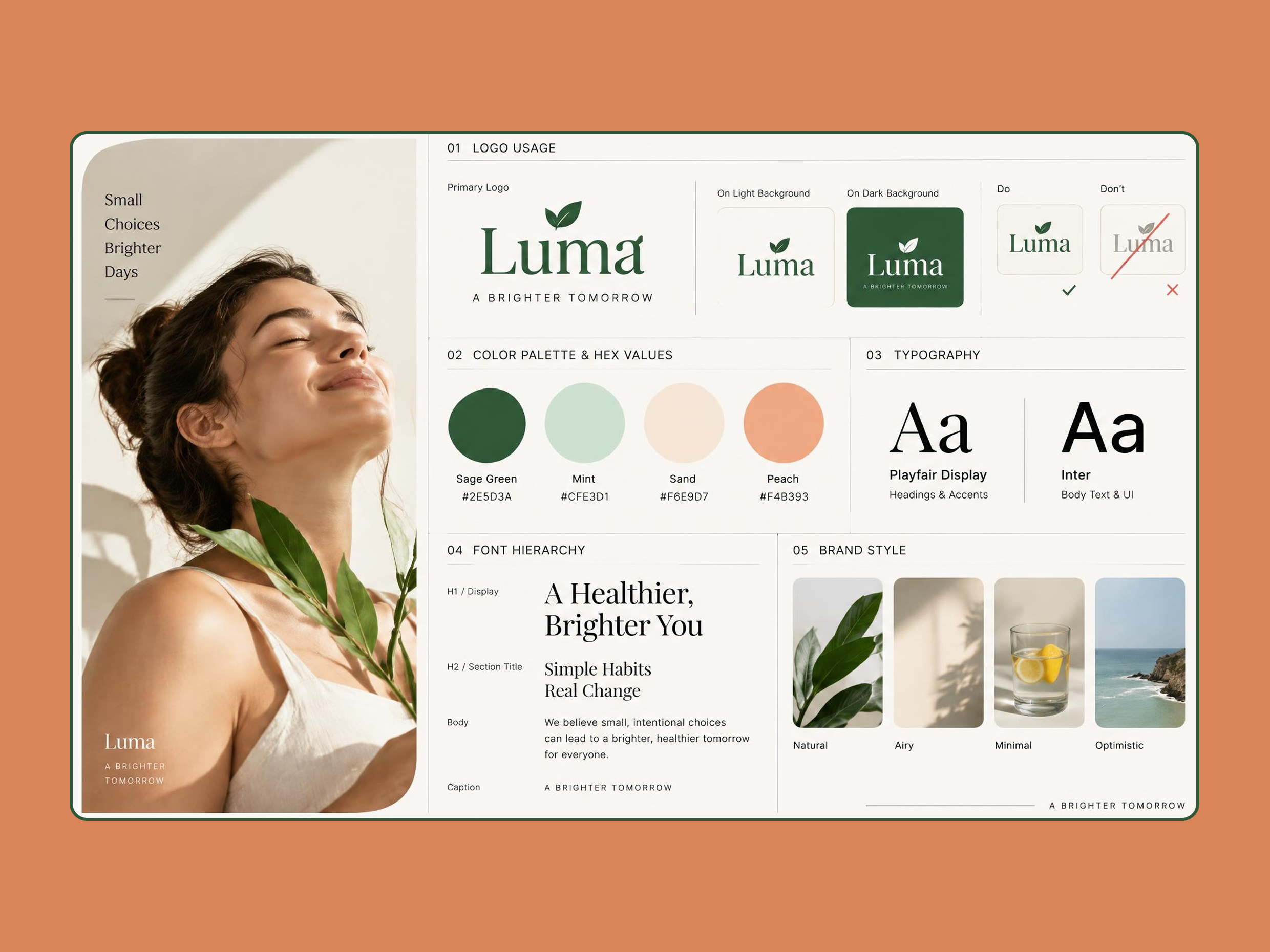
Get a Brand Book You Can Actually Follow
Bring your logo, colors, and font pairing into one brand book instead of keeping those choices across separate files. The brand book generator gives you a reference for creating social posts, ads, booklets, and other marketing visuals.
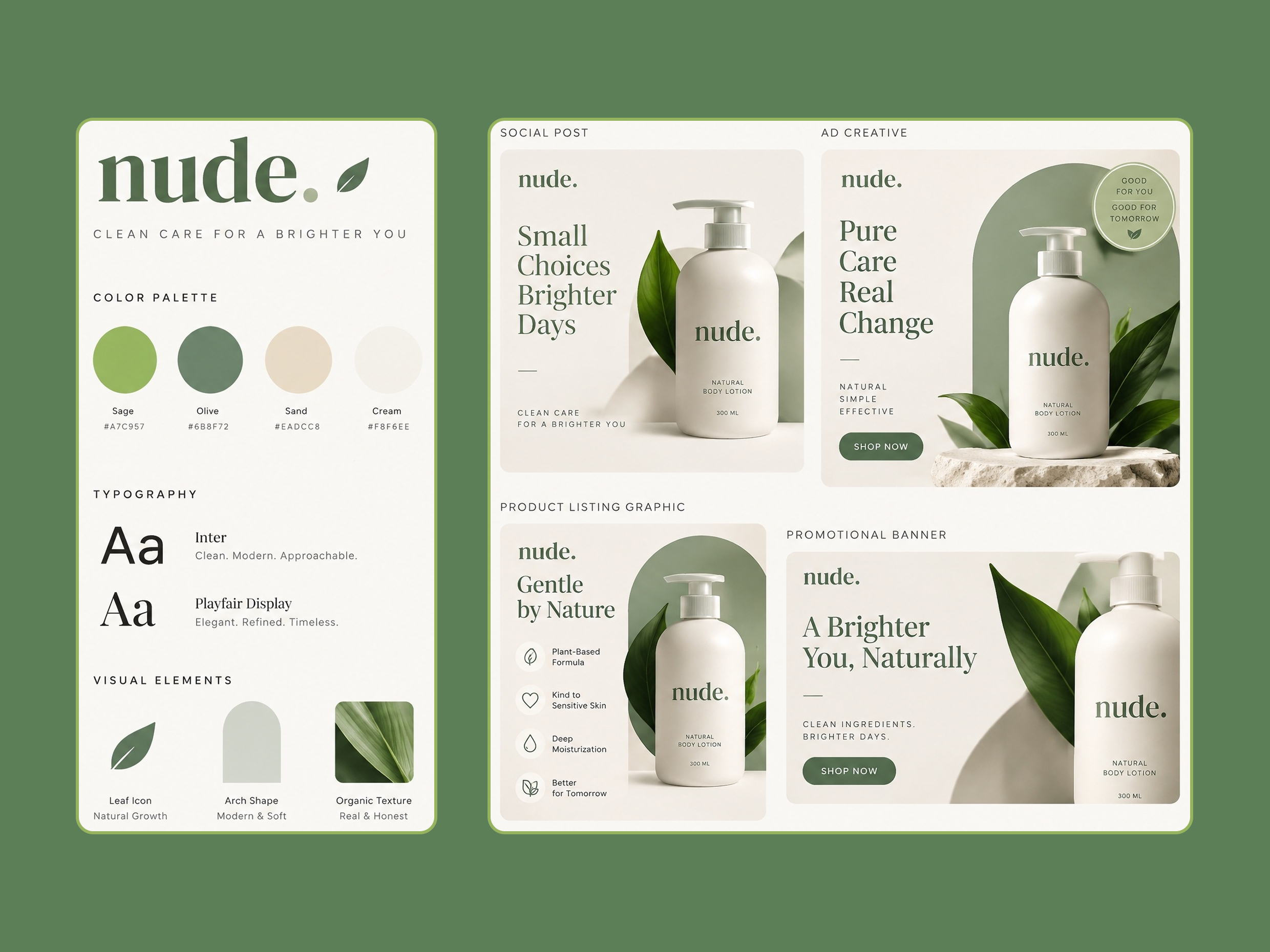
Generate Marketing Content From Your Brand Direction
Use your logo, colors, and fonts as the starting point to create brand assets online, including social graphics, ads, promotional content, and other marketing visuals, so you can create new assets without deciding on the basic visual style each time.
AI Brand Kits for Every Business and Creative Team
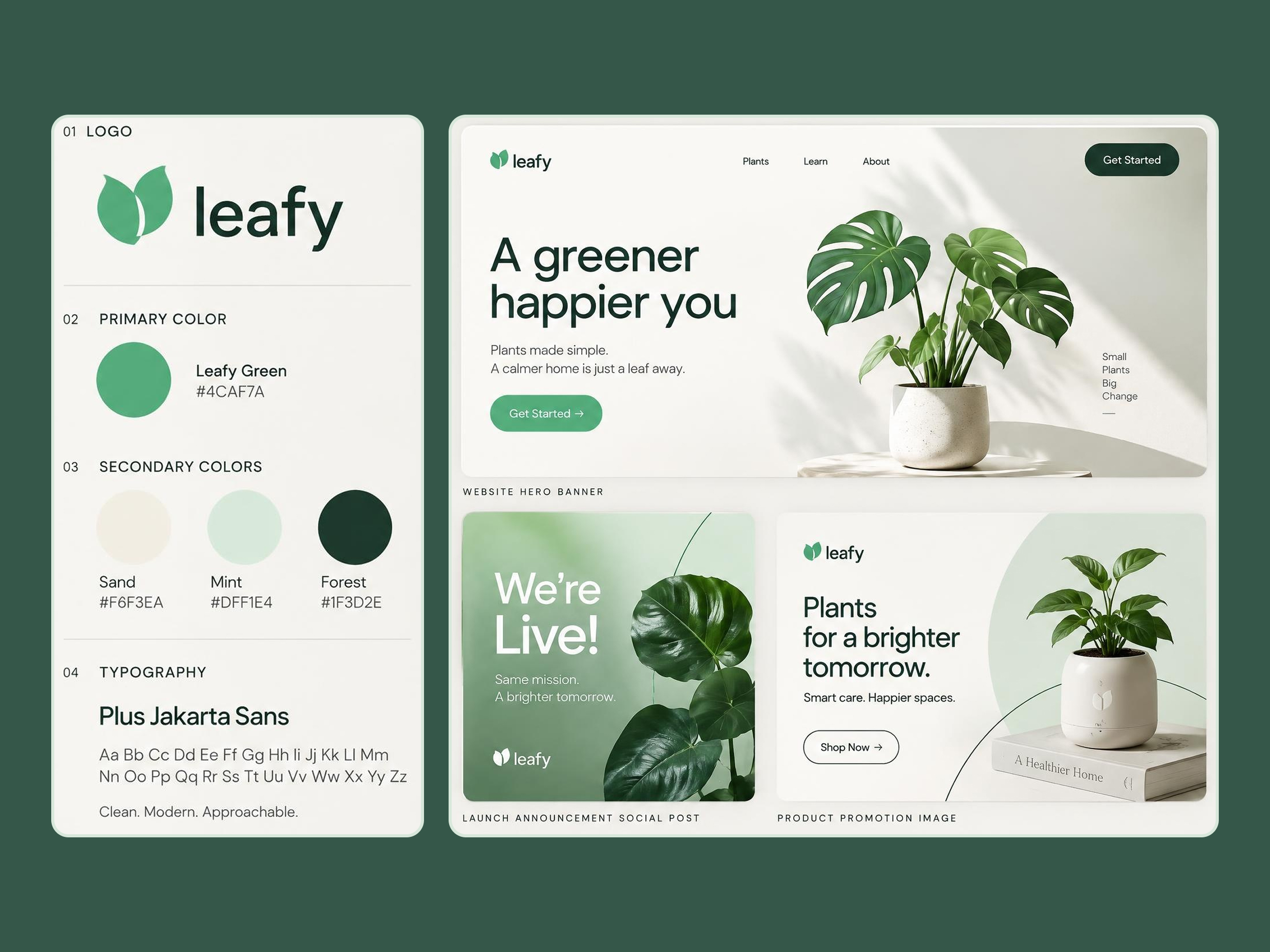
Get Logo, Colors, and Fonts Ready for Launch
Start with your business details, audience, and preferred style before creating launch materials. An AI brand generator can give a new business a starting point for its logo, colors, fonts, and brand book.
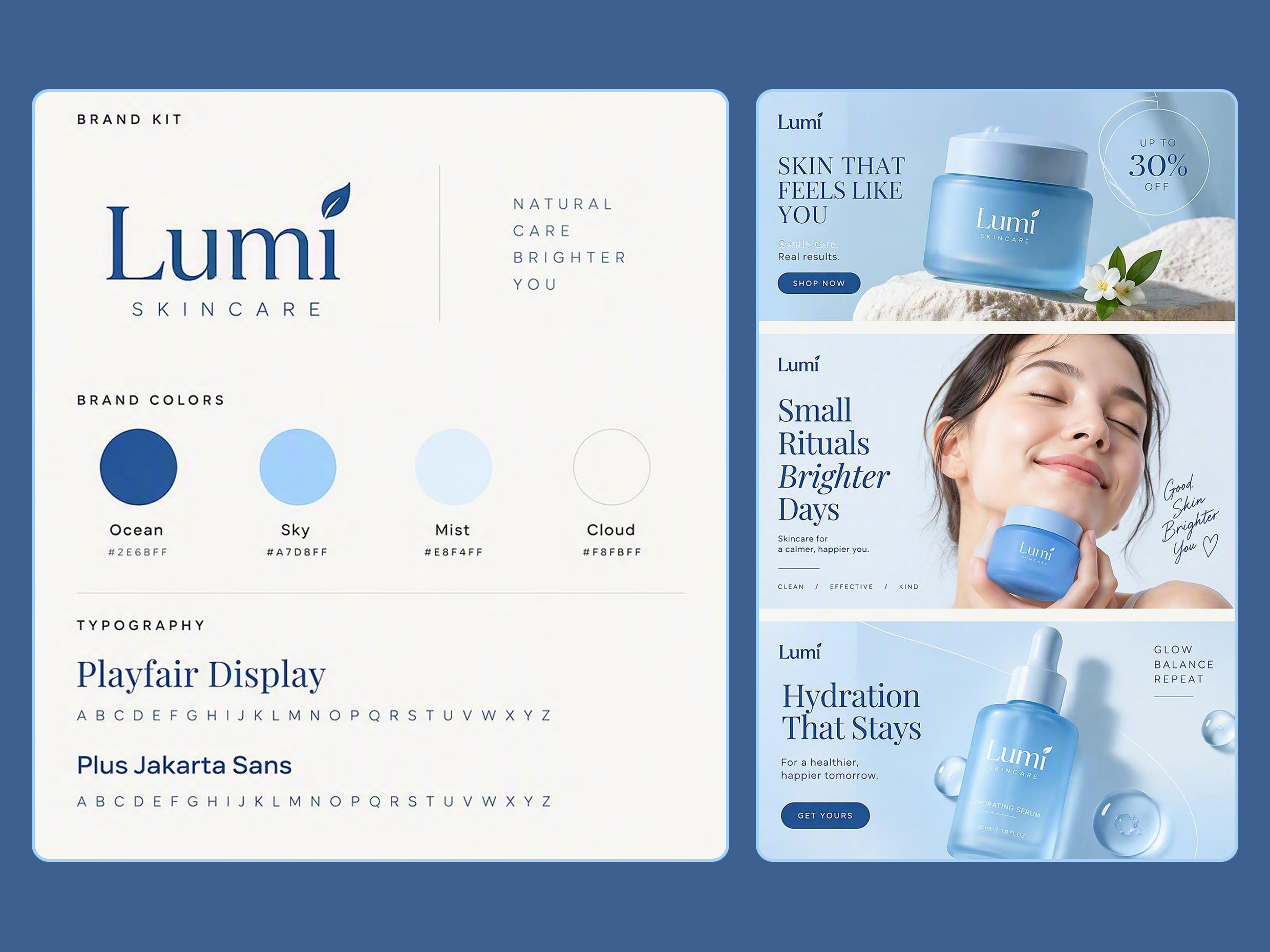
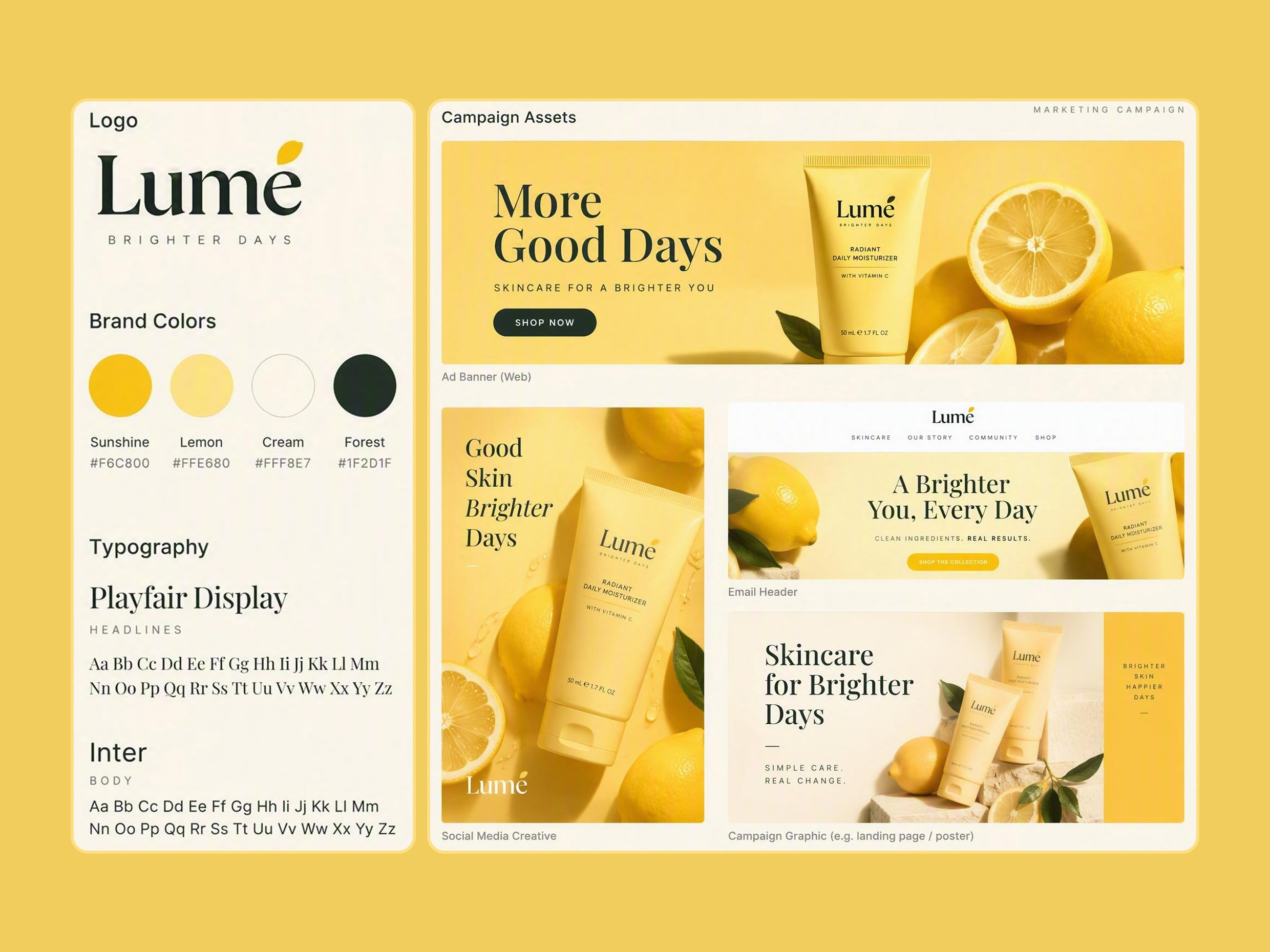
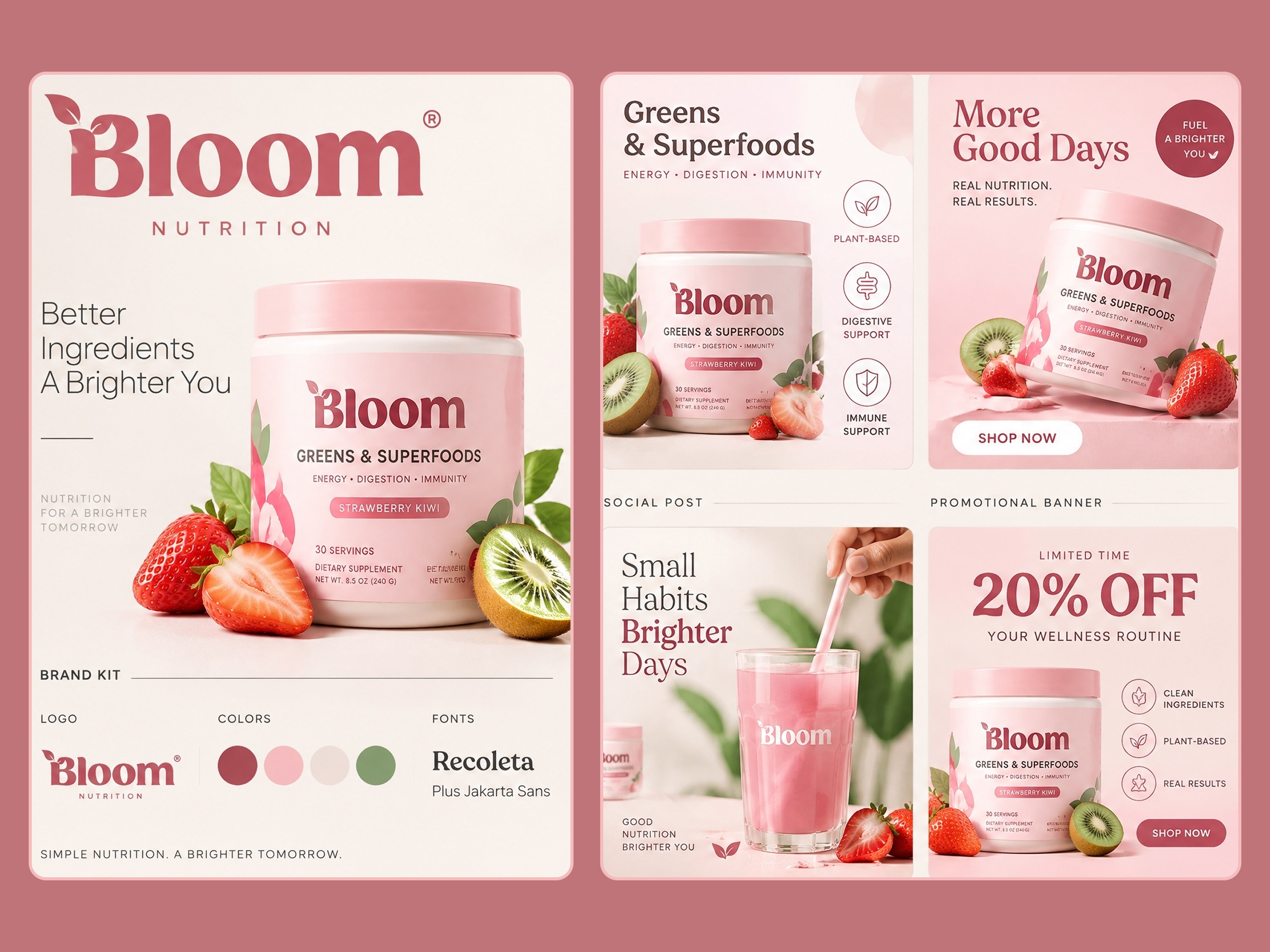
Why Use Designkit as Your AI Brand Kit Generator
Brand Kit and Marketing Content in One Place
Create your logo, colors, and fonts, then use them for marketing graphics in one workflow without switching tools.
Set Your Logo, Colors, and Fonts Before You Start Designing
Set your core visual choices first, then use them as a reference for social posts, ads, listings, and other content.
Build a Logo, Color, and Font Kit With Free Credits
Use free credits to explore logo, color, and font options, review the results, and start building your brand kit.
Explore more Al tools
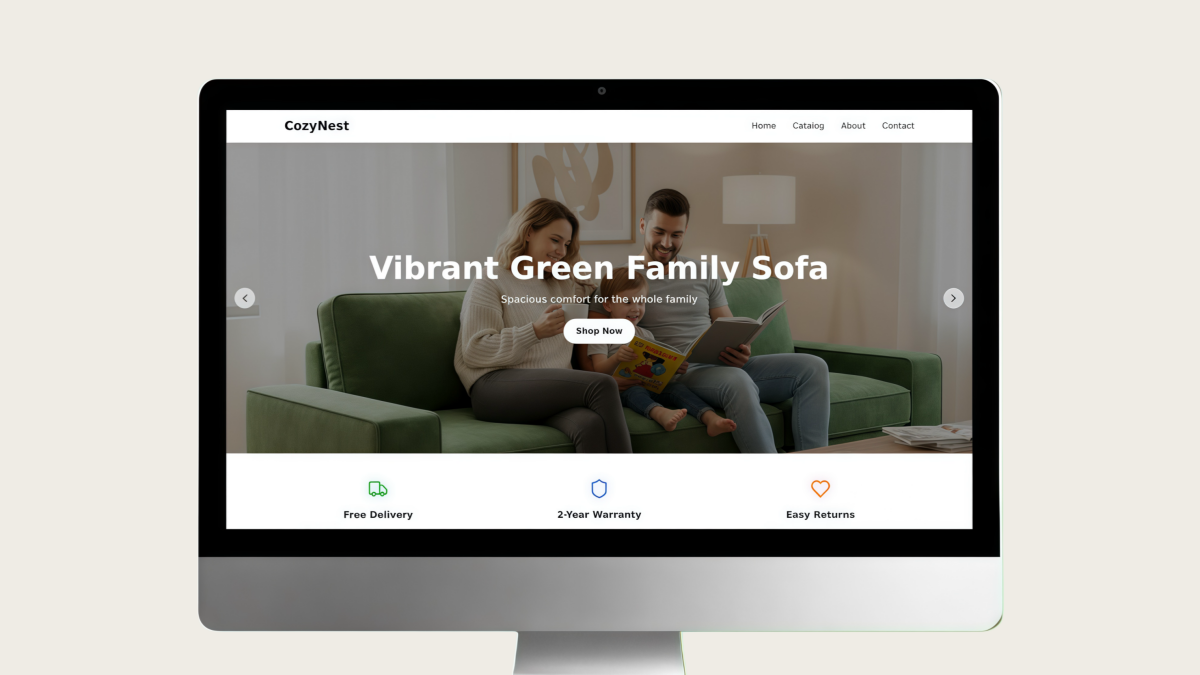
AI Website Design
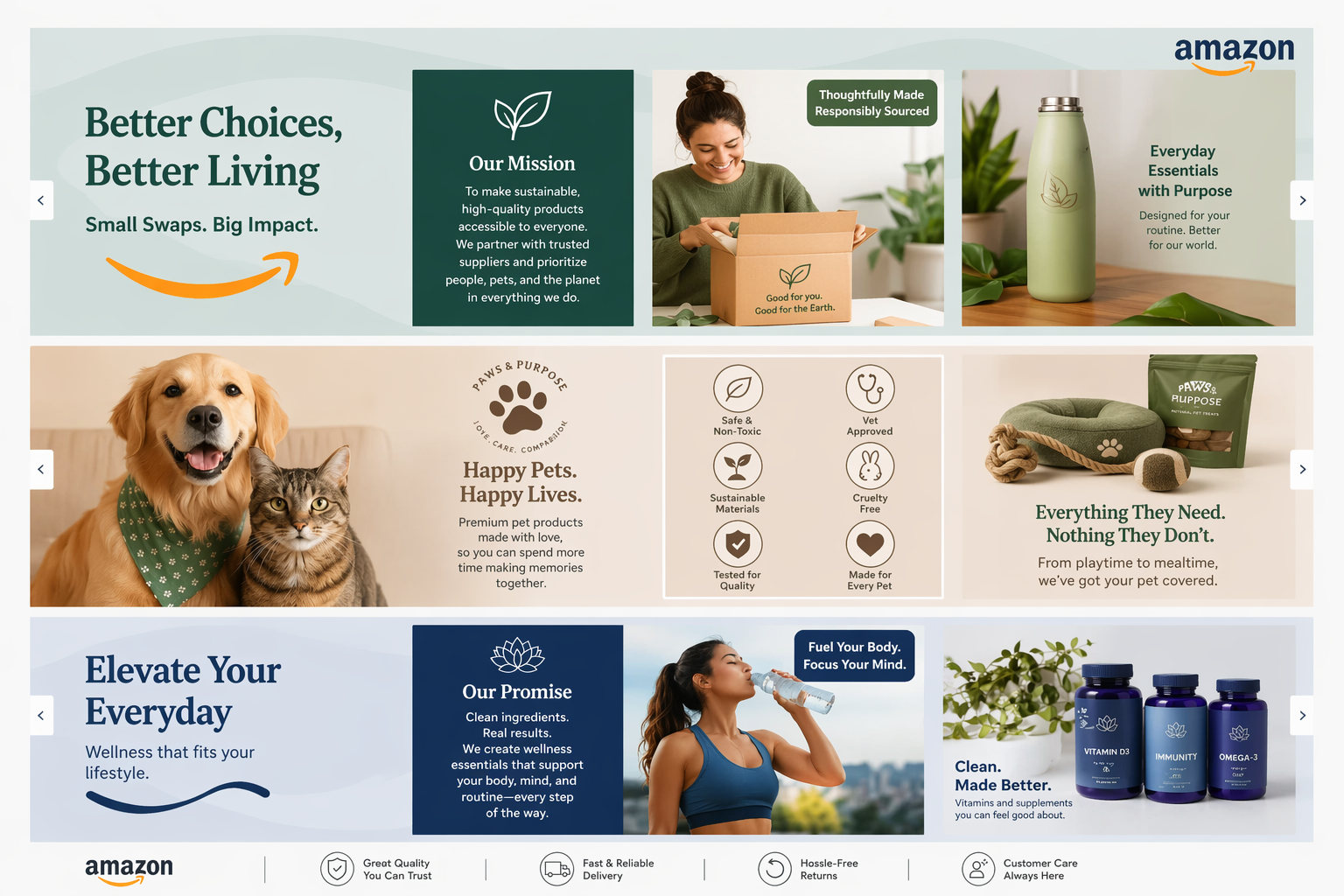
Amazon Brand Story Generator
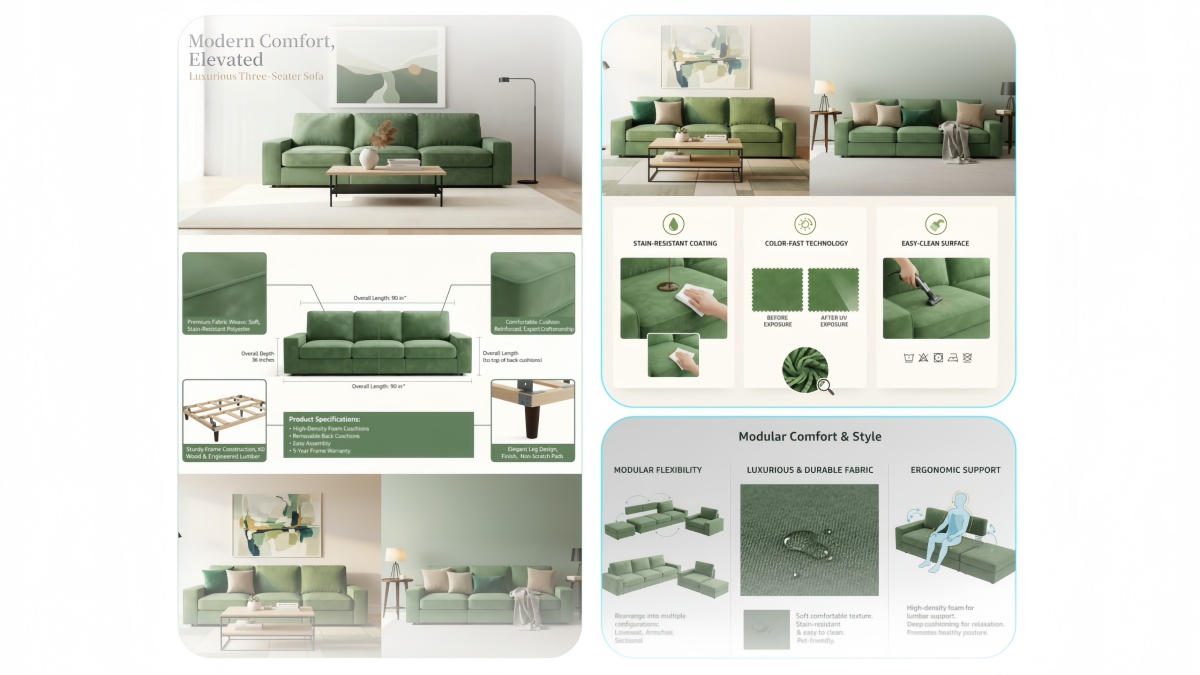
AI Product Details Page Design
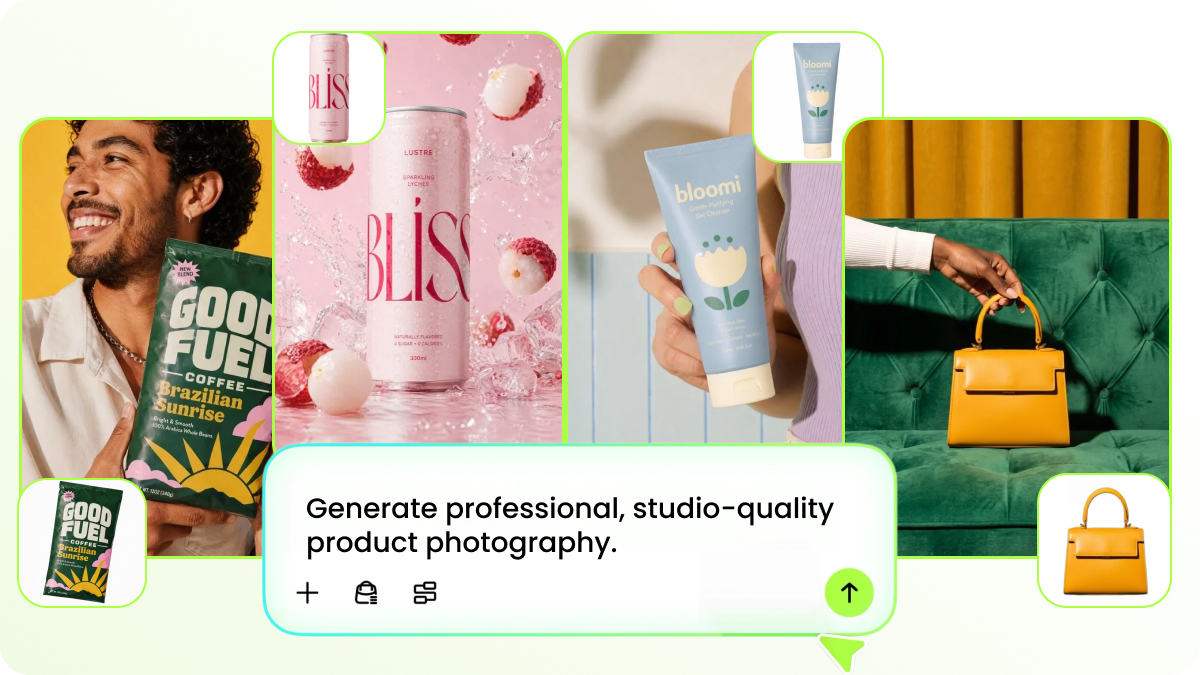
AI Product Photography
Frequently Asked Questions
I already have a logo. Do I still need a brand kit?
Can I create a brand kit if my business is brand new?
Can I use an existing brand instead of starting from zero?
What's the difference between a brand kit and a brand book?
Can an AI brand kit generator create a logo too?
Can I change the generated colors, fonts, or logo direction?
Will an AI-generated brand kit look professional enough to use?
Can I use my brand kit to create social media content?
Generate Your Brand Kit and Start Creating
Build your kit, review the result, and reuse it on new marketing assets with free Designkit credits.



What Users Say About Designkit's AI Brand Kit Generator
See how business owners, marketers, and designers use Designkit to create more consistent logos, colors, fonts, and marketing materials.
I Had More Than Just a Logo to Work With
I already had a logo, but honestly, that was about it. I wasn't sure what colors or fonts I should keep using. I used Designkit to work out the rest of the visual direction, and now I have something I can actually follow when I make new stuff.
I Didn't Want a Brand Guide That Just Sat There
I've made brand documents before and then completely forgot about them. What I like about Designkit is that I can actually use the brand direction when I'm making marketing content. It feels more useful than just having a PDF with a bunch of rules.
It Helped Me Get My Social Posts to Look Like They Belonged Together
My posts used to look a little random because I'd pick a different font or color depending on the day. I put together a brand direction in Designkit and started using it for my content. Everything looks a lot more like it's from the same brand now.
I Could Go From Branding to Marketing Content
We were working on a new campaign, so I didn't want to spend half the time figuring out what colors and styles to use again. Having the brand direction in Designkit gave us a starting point for the campaign assets, which was pretty helpful.