
Turn Any Script Into an AI-Generated Video
Paste your script or generate one with AI, then transform it into a professional video complete with visuals, voiceovers, subtitles, and publishing assets from one workspace.
How to Turn a Script Into a Video in 3 Steps
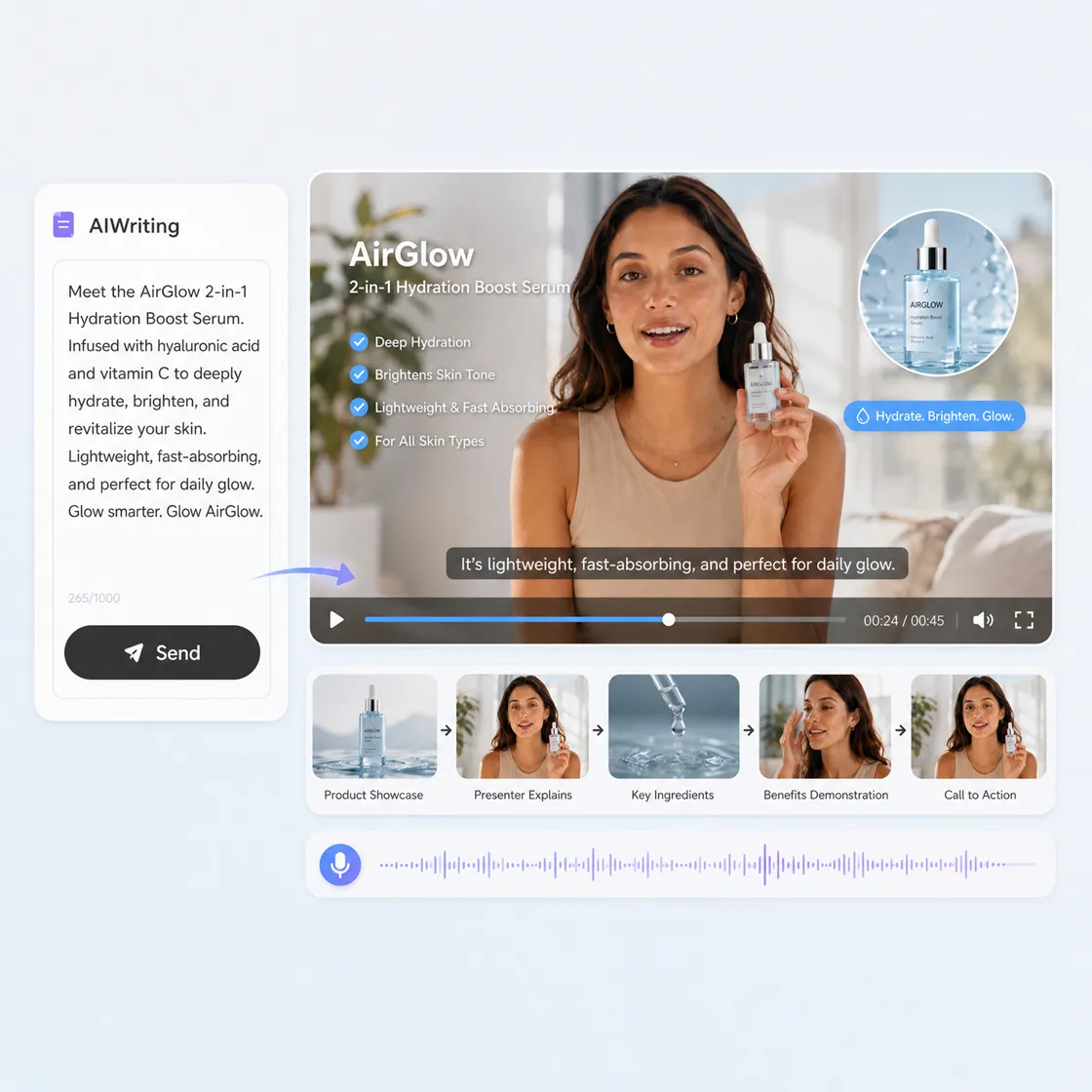
Paste or Upload Your Script
Enter your script, AI-generated content, or marketing copy. Add preferences for style, audience, language, voice, and video format.
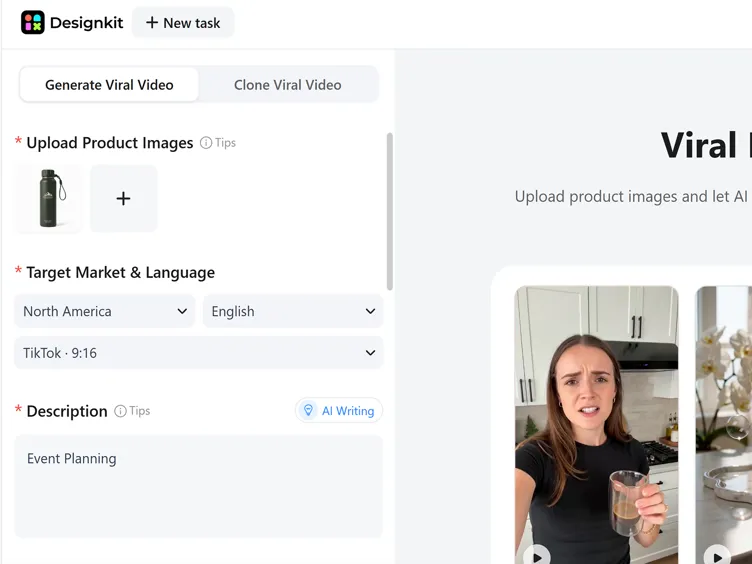
Generate Your AI Video
Designkit automatically matches scenes, visuals, transitions, subtitles, and voiceovers to your script, creating a ready-to-edit video.
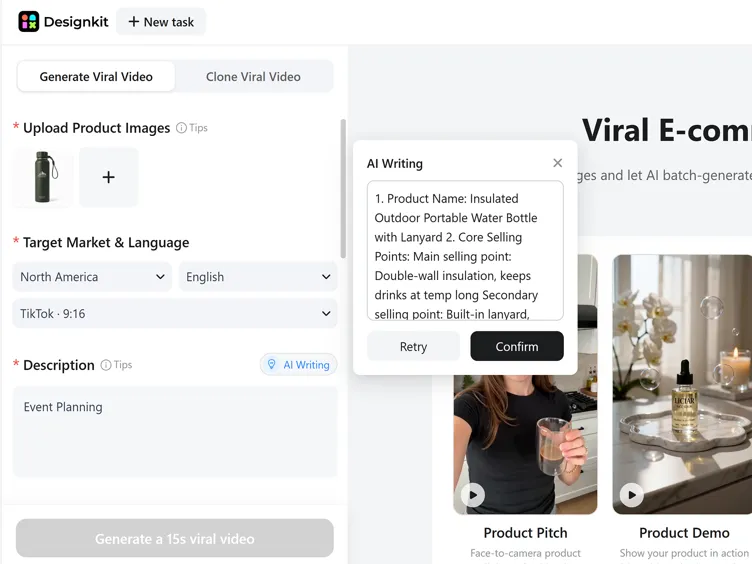
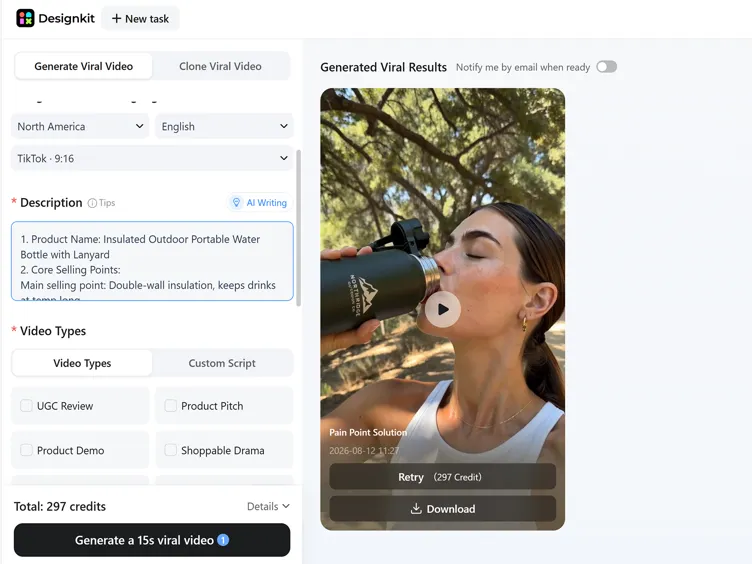
Export and Publish
Download your finished video or continue generating matching thumbnails, captions, and social media assets for publishing.
What You Can Create With Designkit Script to Video AI
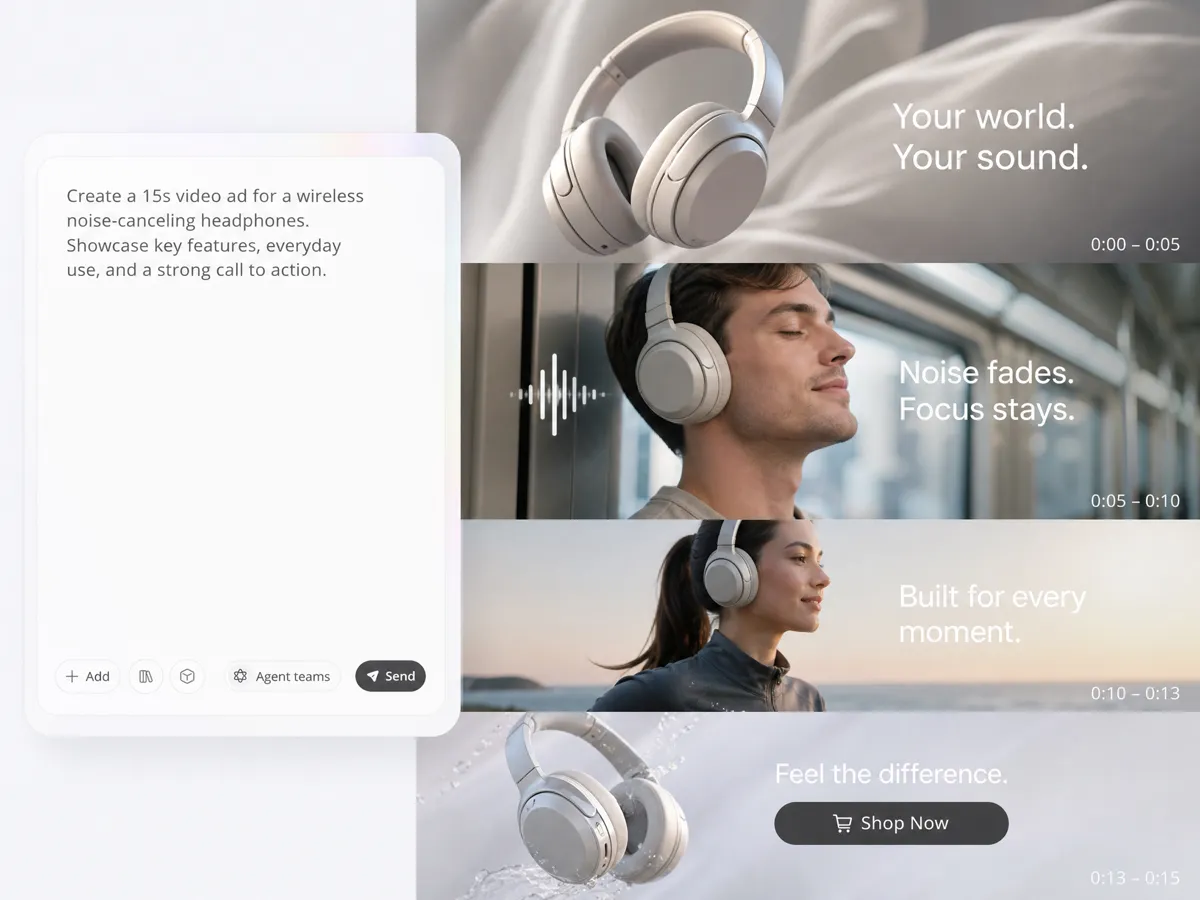
Turn Scripts Into Campaign-Ready Marketing Videos
Transform written scripts into complete videos with AI-generated scenes, visuals, voiceovers, subtitles, and transitions. Designkit's text to video AI connects script creation and video production in one workflow for product launches, promotions, and social campaigns.
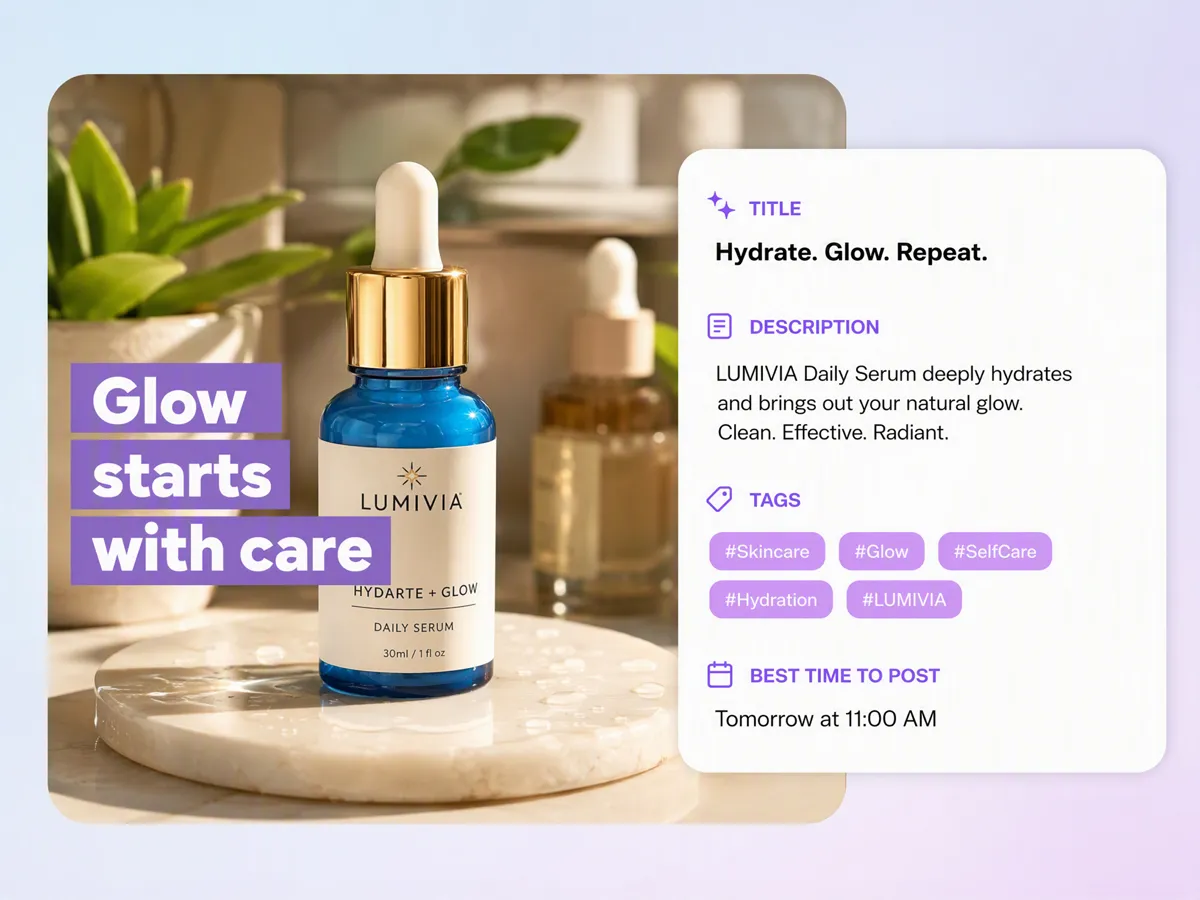
Generate Social Media Copy Alongside Every Video
A finished video still needs captions, descriptions, and posting ideas before it reaches your audience. Designkit analyzes your generated video and creates matching social media copy, helping you prepare both video content and publishing materials in one place.
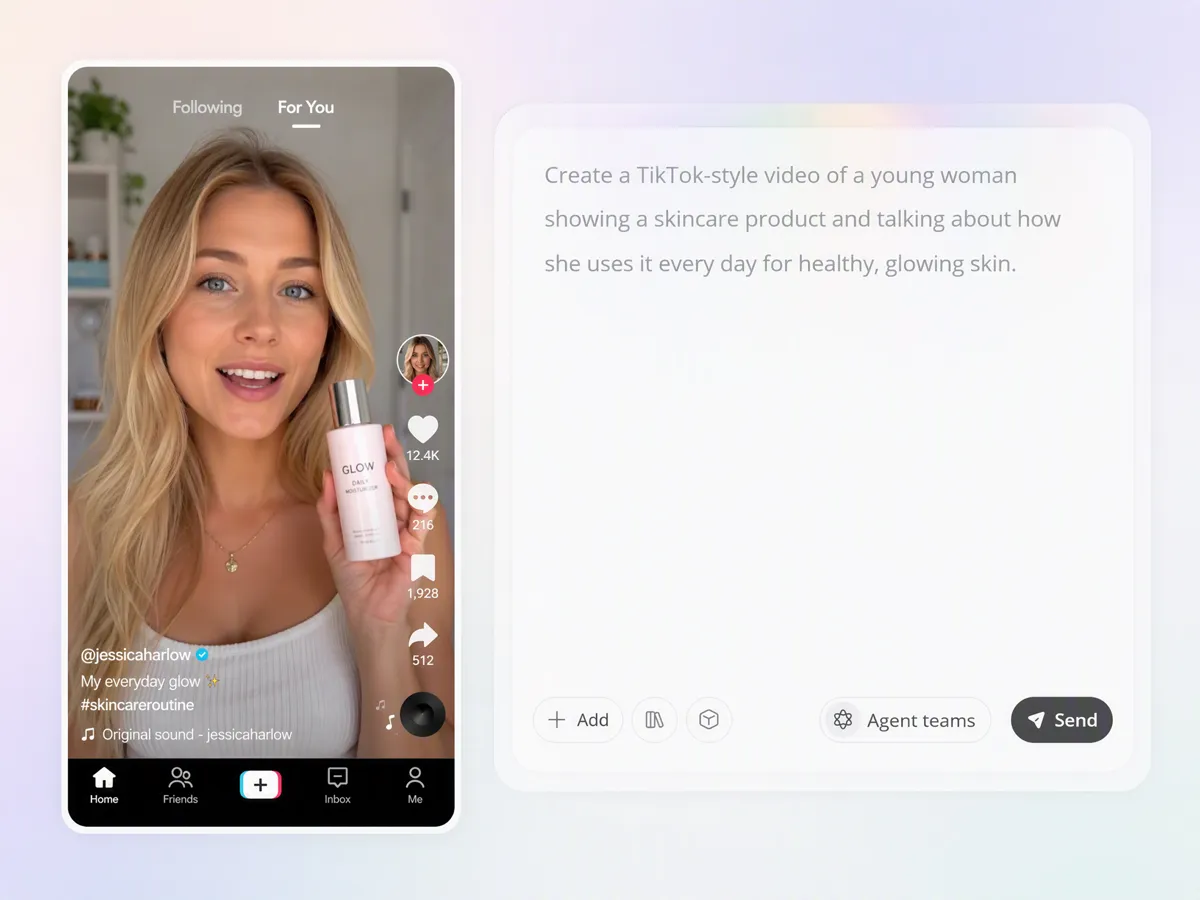
Create Authentic UGC-Style Videos From Scripts
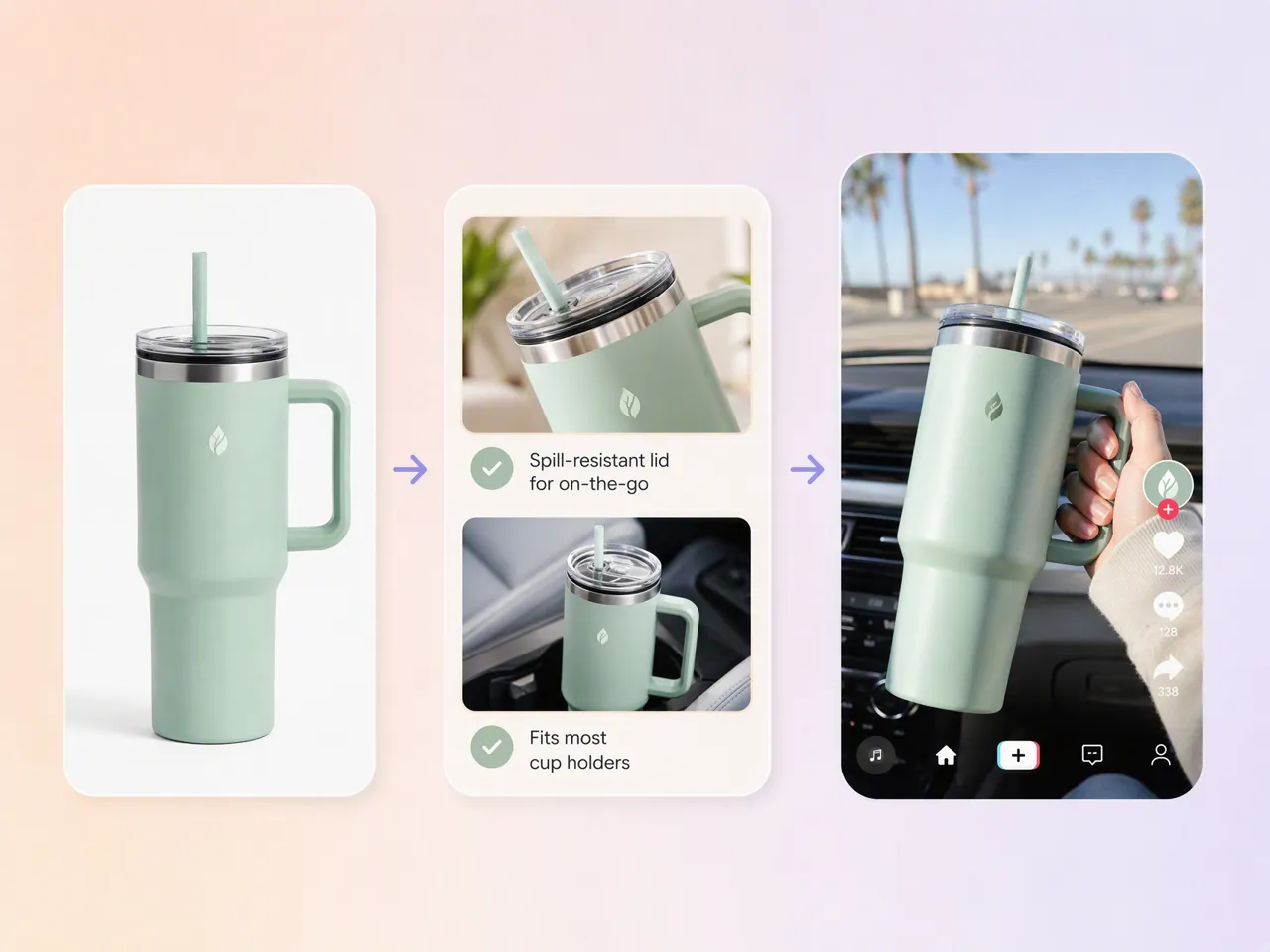
Convert product scripts into realistic UGC-style videos that feel native to TikTok, Instagram Reels, and short-form platforms. Generate creator-style scenes, product demonstrations, reviews, and storytelling formats without arranging influencer shoots.
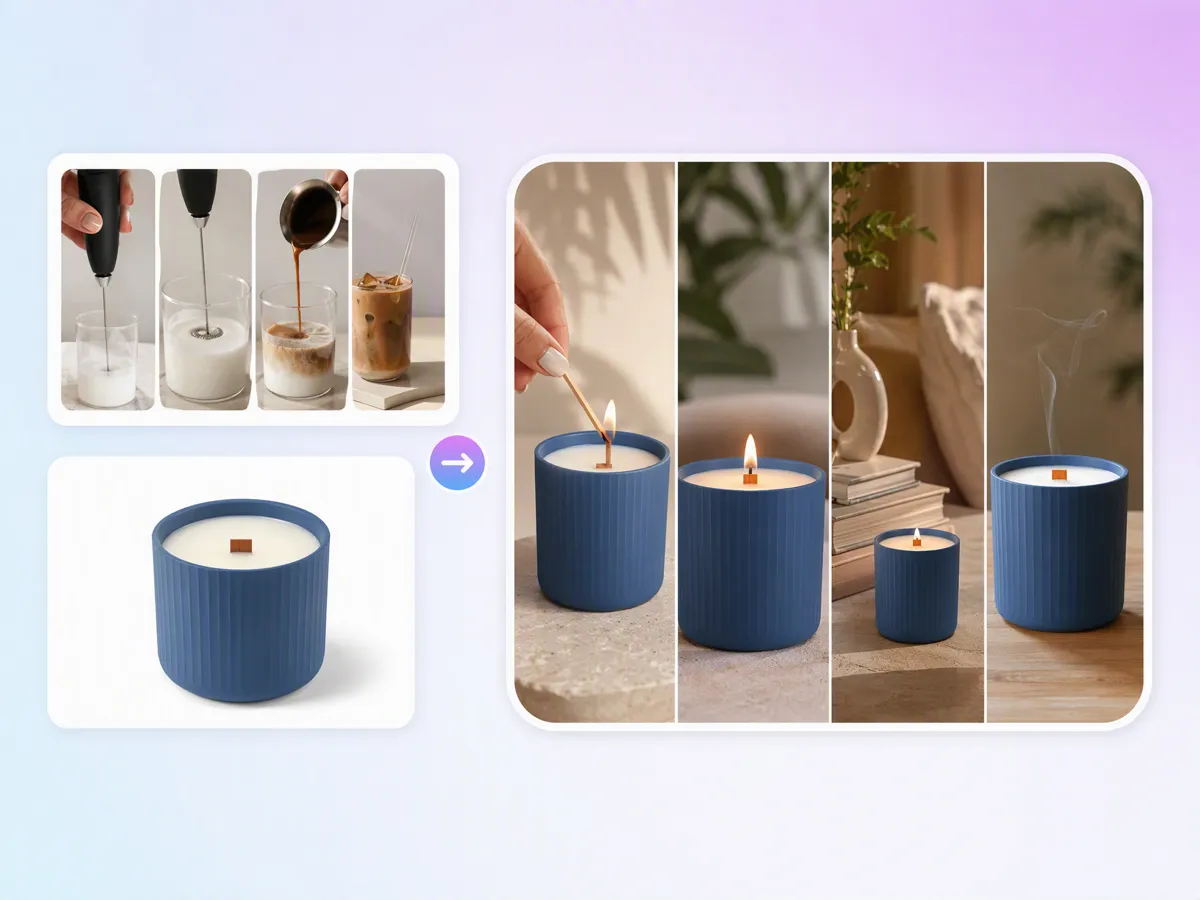
Recreate Viral Video Structures With AI
Use reference videos to explore popular content styles, pacing, and storytelling patterns. Designkit's AI video ad creation helps transform proven video structures into new content ideas for your products, campaigns, and social channels.
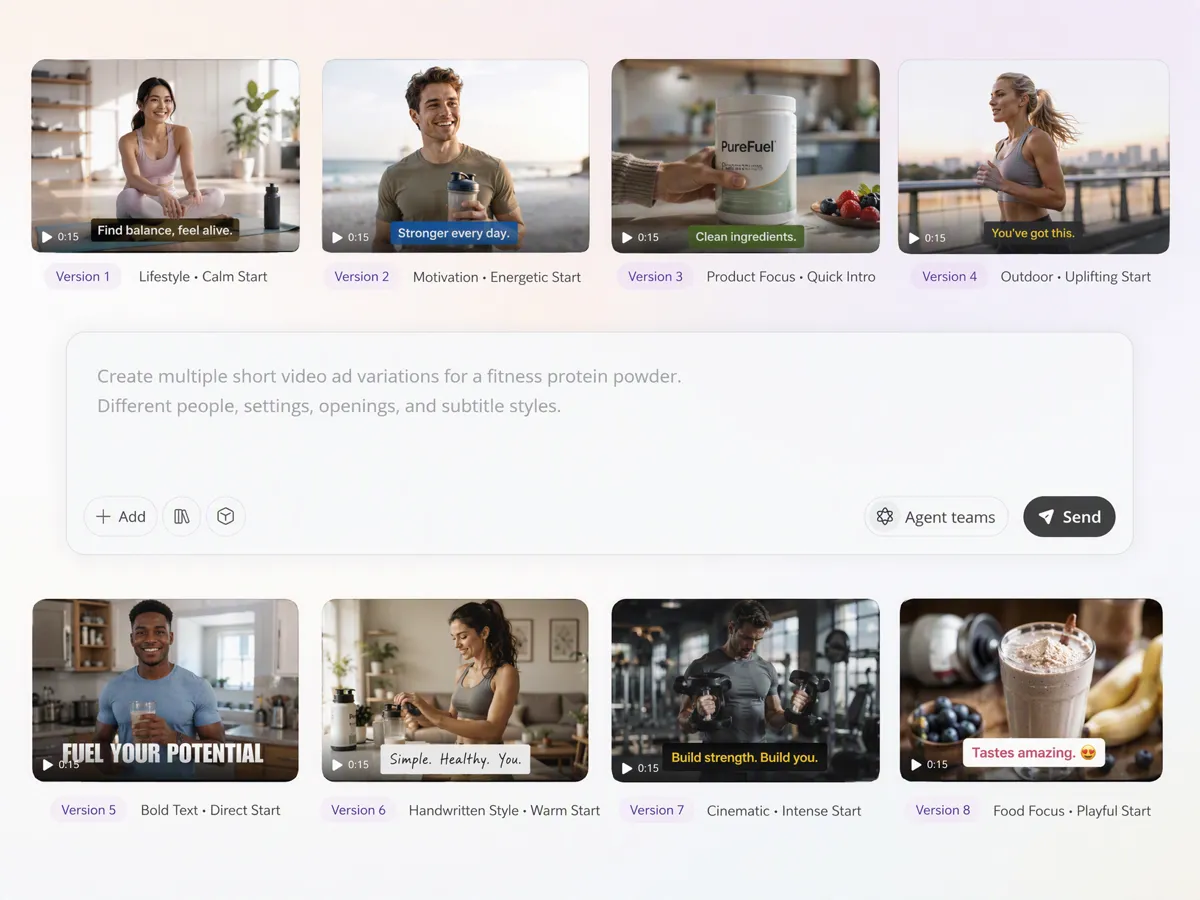
Generate Multiple Video Versions for Creative Testing
One script can support different creative directions. Create variations with different visuals, scenes, voice styles, and messaging approaches to compare what works best for your audience.
Who Uses Designkit Script to Video AI
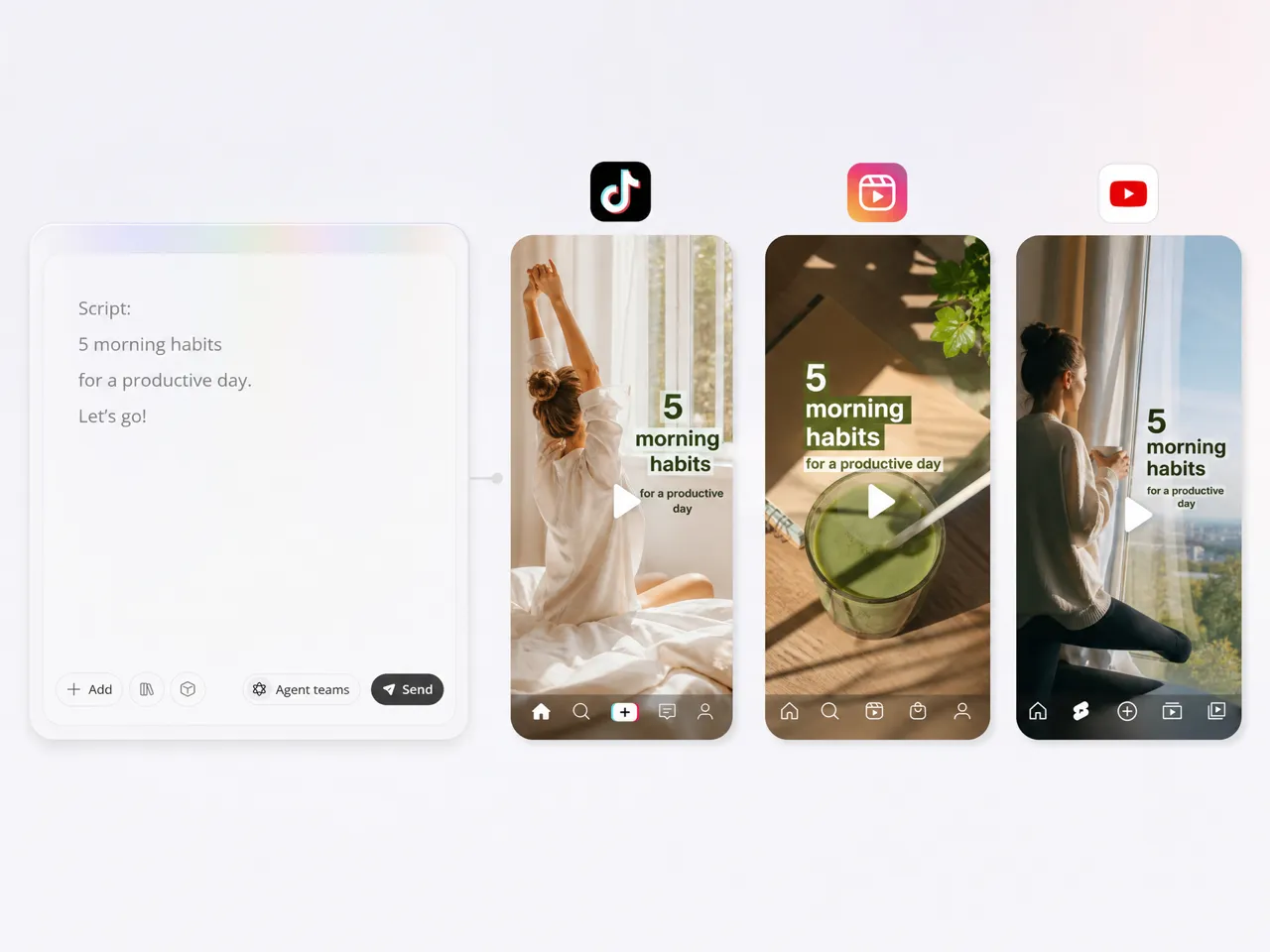
Turn Content Ideas Into Short-Form Videos
Creators can transform scripts, outlines, and content ideas into TikTok videos, Instagram Reels, and YouTube Shorts with AI-generated scenes, captions, and voiceovers. Create consistent short-form content without filming every idea from scratch.
Why Choose Designkit for Script to Video AI

Replace Complex Video Production With One AI Workflow
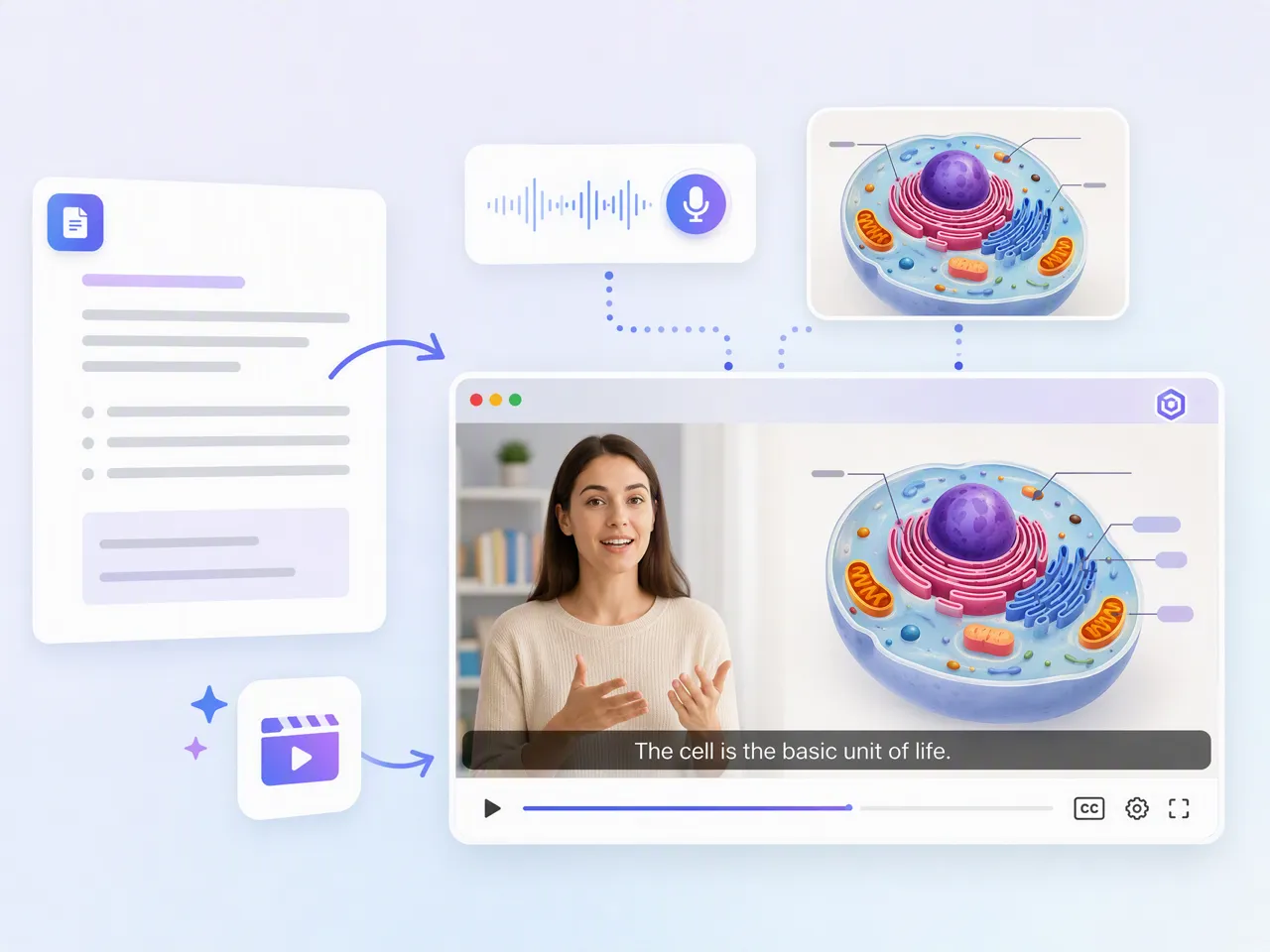
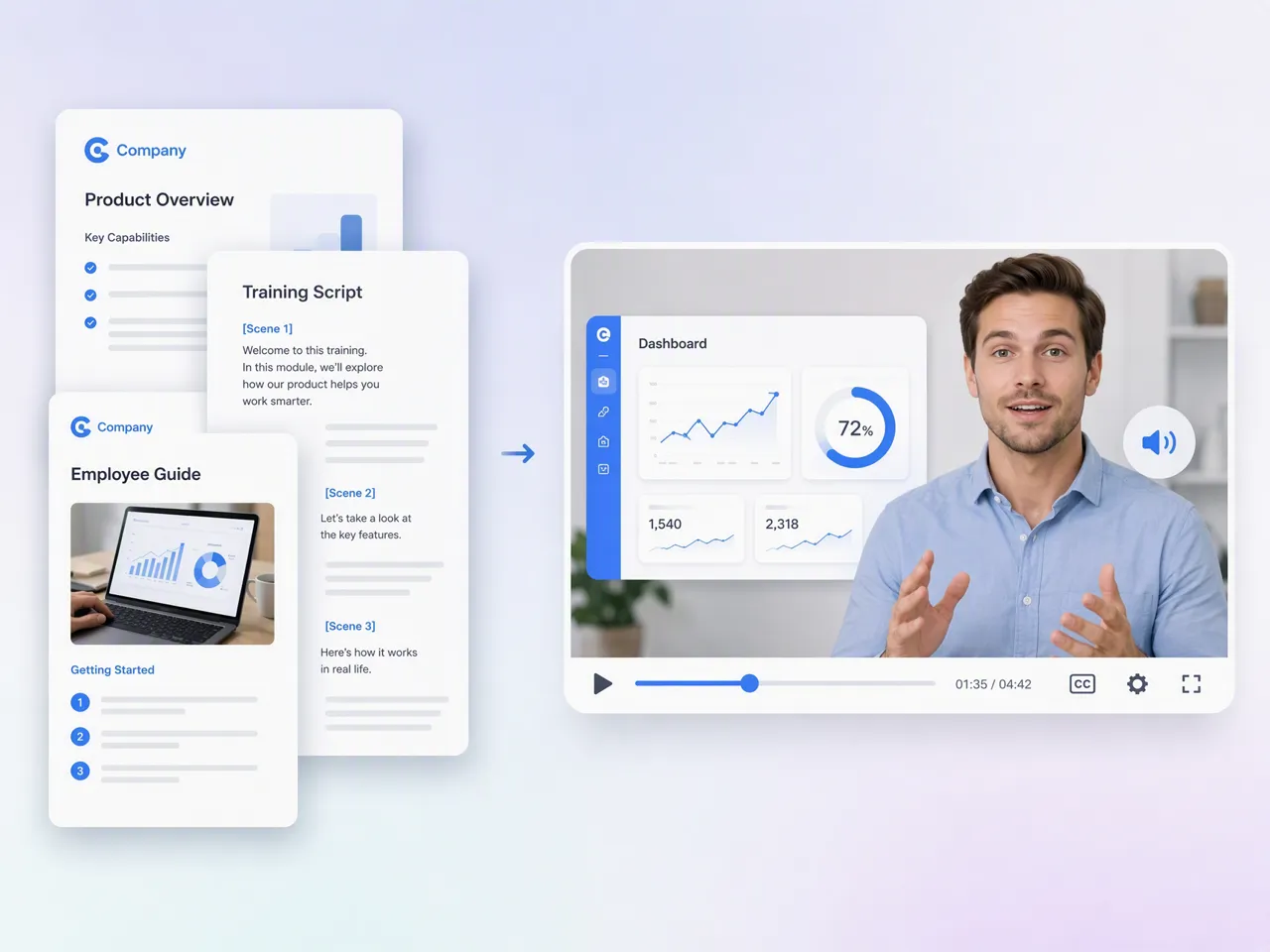
Traditional video creation often requires scriptwriting, filming, voice recording, editing, and post-production. Designkit connects these steps in one workflow, helping teams move from written ideas to finished videos without coordinating multiple production stages.

Create Marketing Videos Without Outsourcing Every Project
Producing regular videos often requires external editors, creators, or production teams. Designkit gives marketers and businesses the ability to create and revise video content internally while keeping control over creative direction.

Start Creating With Free Signup Credits
Try Designkit's script to video AI workflow with free signup credits. Explore AI-generated videos, creative variations, and publishing assets before choosing a plan.
Unlock More Creative Possibilities
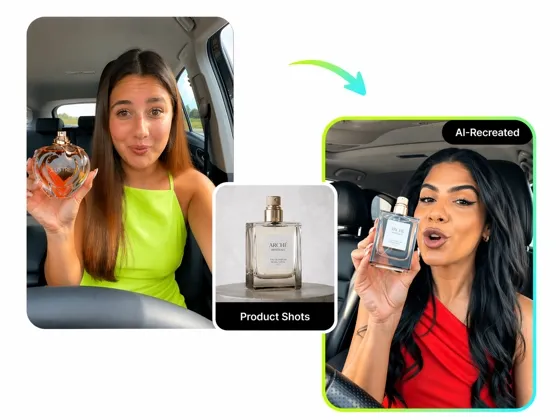
AI Video Ad Recreation: Create Viral E-commerce Ads in Seconds
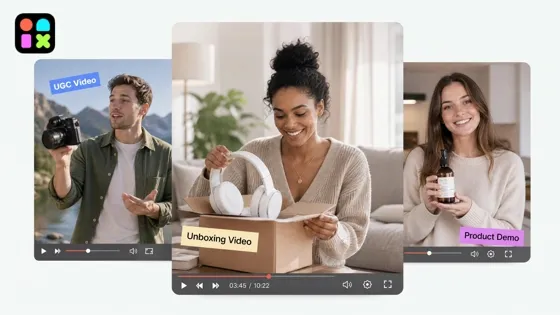
AI Video Generator: Turn Any Idea, Image or Text into Video Free
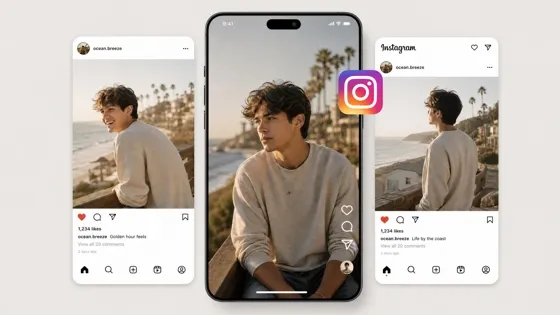
Free AI Instagram Video Maker for Reels, Stories, and Feed Videos
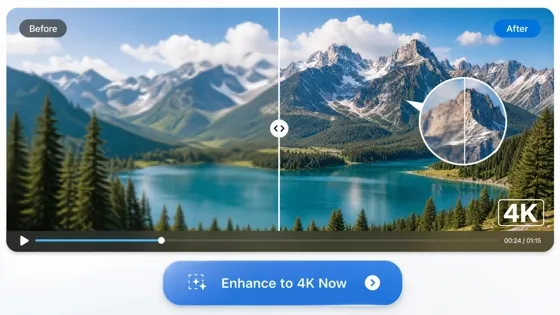
AI Video Enhancer: Upscale Video to 4K Online Free
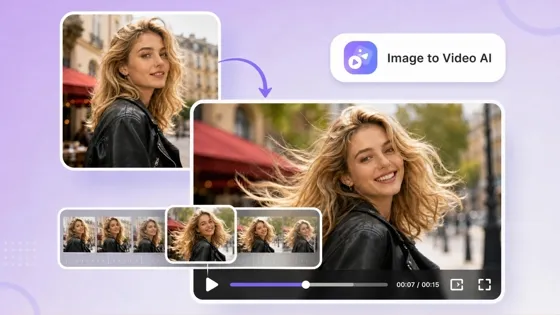
AI Image to Video Generator: Turn Images Into Video Online
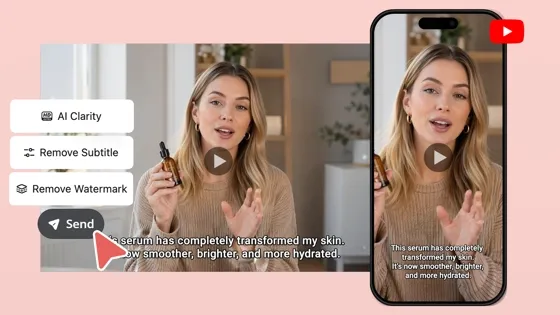
AI YouTube Video Maker for Shorts, Intros, and Channel Content
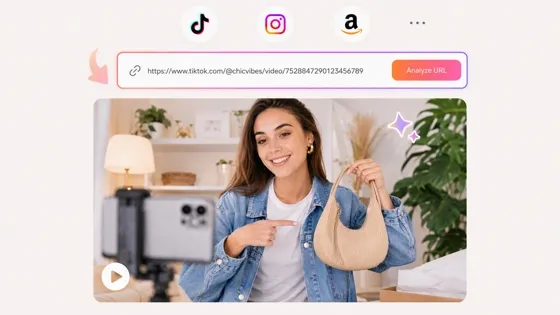
URL to Video: Convert Links Into AI Marketing Videos
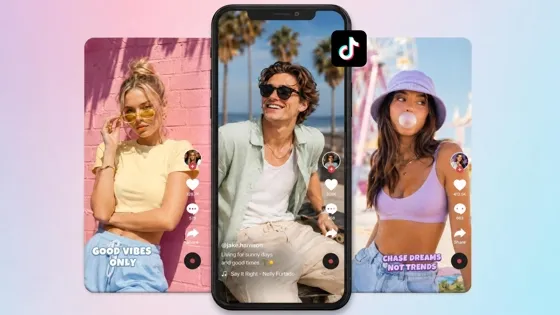
TikTok Video Maker: Create TikTok Videos From Ideas Online
Frequently Asked Questions
What is script to video AI?
How do I turn a script into a video with AI?
Upload or paste your script into Designkit, choose your preferred video style and audience, then let AI generate scenes, visuals, narration, and captions. You can customize the result before exporting the final video.
Can AI create videos from text scripts automatically?
Yes. Designkit analyzes your script and generates matching visual scenes, voiceovers, subtitles, and video structures. It helps convert written content into complete video drafts without manually arranging every scene.
Can I create UGC-style videos with script to video AI?
Yes. Designkit can transform product scripts into UGC-style videos with creator-like storytelling, product demonstrations, reviews, and social media formats. This helps brands create authentic-looking content for platforms such as TikTok, Instagram, and YouTube Shorts.
Can Designkit generate social media captions for AI videos?
Yes. Designkit can generate matching social media copy based on your video content. Create videos, captions, descriptions, and publishing materials together instead of preparing each asset separately.
Can I create different video versions from one script?
Yes. You can generate multiple versions from the same script by changing visuals, pacing, voice styles, and creative directions. This helps marketers test different approaches for campaigns and social platforms.
What types of videos can I create with script to video AI?
You can create product videos, promotional videos, UGC videos, explainer videos, tutorials, educational videos, training videos, social media videos, and brand storytelling content with Designkit.
Turn Your Scripts Into Videos Ready to Share
Transform scripts, product ideas, and marketing messages into AI videos with visuals, voiceovers, captions, and social media content. Create complete video campaigns from one workflow with Designkit.



What Creators Say About Designkit Script to Video AI
Creators, marketers, and businesses use Designkit to transform scripts into videos for social media, campaigns, training, and product promotion.
Turn Product Photos Into Videos Without Hiring an Editor
We already had product photos and descriptions, but creating videos for every new launch was always the difficult part. I usually had to wait for someone who could edit videos. Designkit helped me turn our product information into videos with scenes, voiceovers, and captions, so I could prepare launch content on my own.
Finally Used My Unfinished Content Ideas
I have a lot of scripts and content ideas saved in my notes, but many of them never became videos because filming and editing took too much time. I like that I can start with my script and get a video draft that I can adjust instead of building everything from zero.
Created Training Videos From Documents We Already Had
Our team had onboarding documents that new employees needed to read, but long documents were not always easy to go through. We used Designkit to turn some of that information into videos with narration and visuals, which gave employees another way to learn the material.
Made Social Posts Without Creating Extra Copy Separately
Before publishing a video, we still needed to write captions, descriptions, and post text for different platforms. Having Designkit generate social copy based on the video content saved us an extra step when preparing posts for different channels.
Tested Different Video Ideas Before Launching Campaigns
When we run campaigns, we usually want to test different hooks and styles before spending more budget. Creating several versions from the same script helped us compare different creative directions before deciding which one to use.