
AI Text to Video Generator for Scripts, Prompts, and Ideas
Designkit converts text prompts, scripts, blog content, and product ideas into 1080p or 4K videos for social media, ads, tutorials, and storytelling. Turn written ideas into finished videos without filming or editing.
How to Turn Text Into Video in 3 Steps
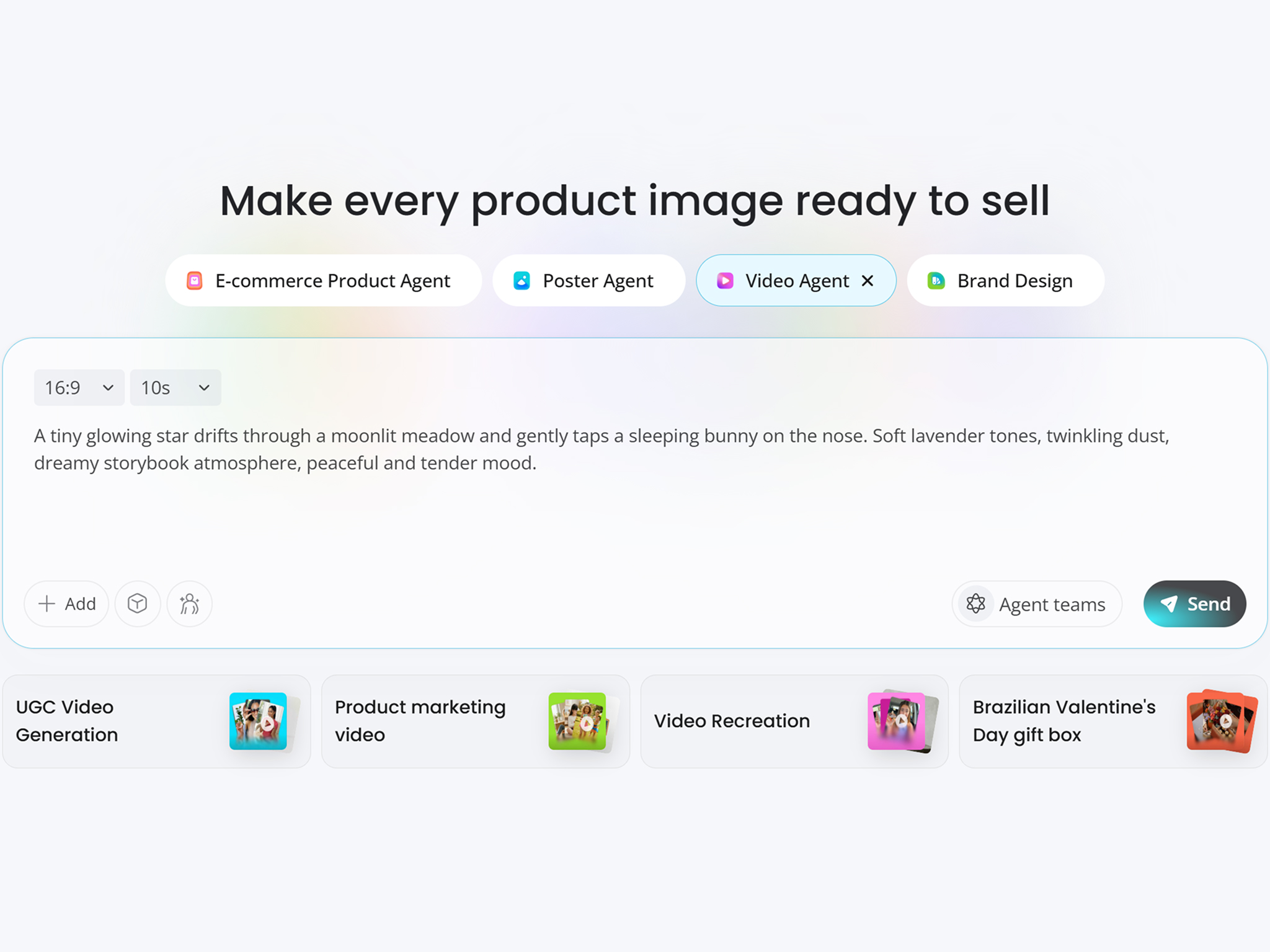
Enter Your Text Prompt
Write a prompt, paste a script, or add a short idea. You can also upload a reference image, logo, or product photo to guide the visual style.
Generate Your Video
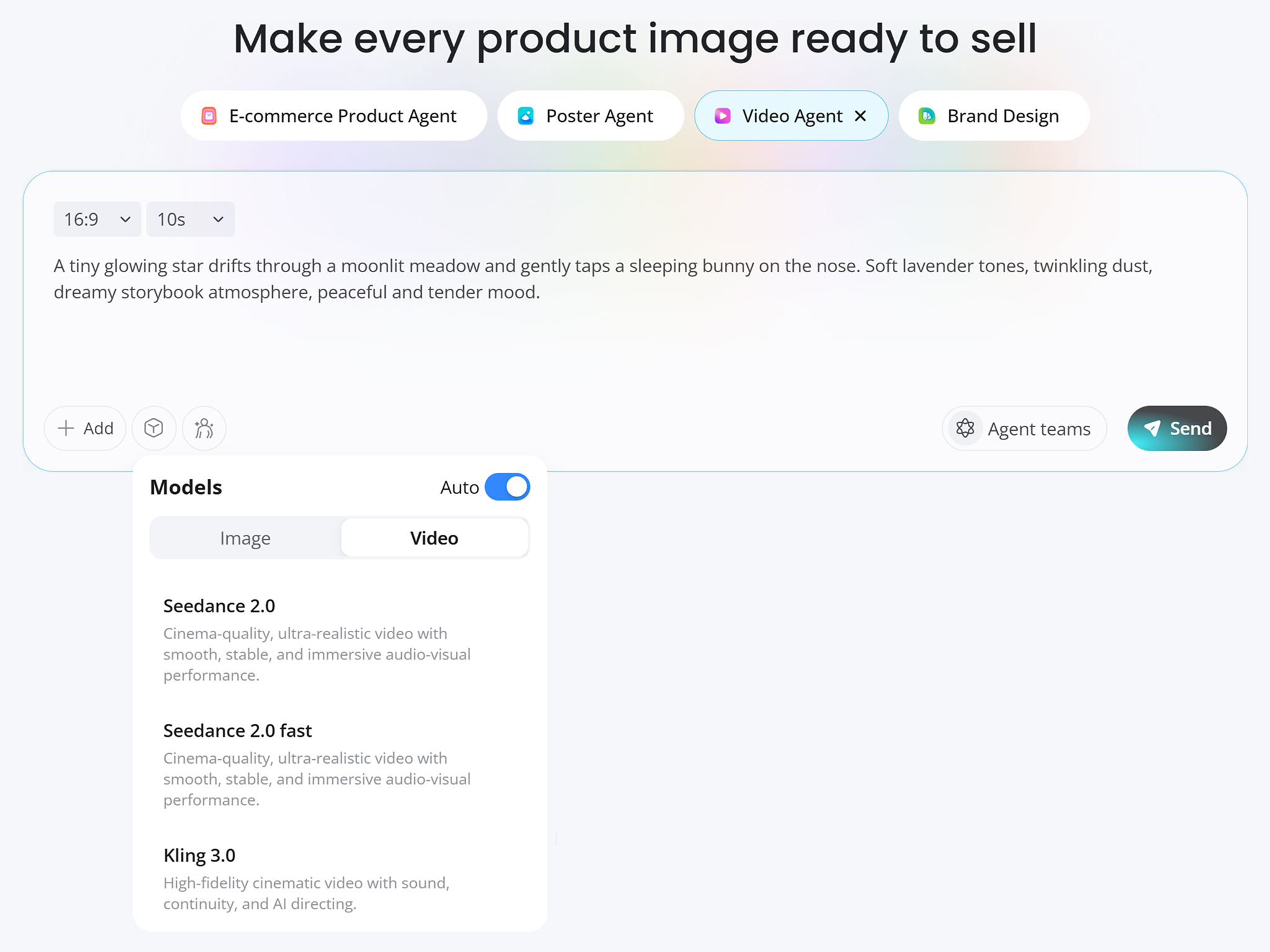
Choose an aspect ratio such as 16:9, 9:16, or 1:1, then select an AI video model like Seedance 2.0 or Kling 3.0. Designkit turns your text into video scenes with motion, pacing, and visual structure.
Preview and Export
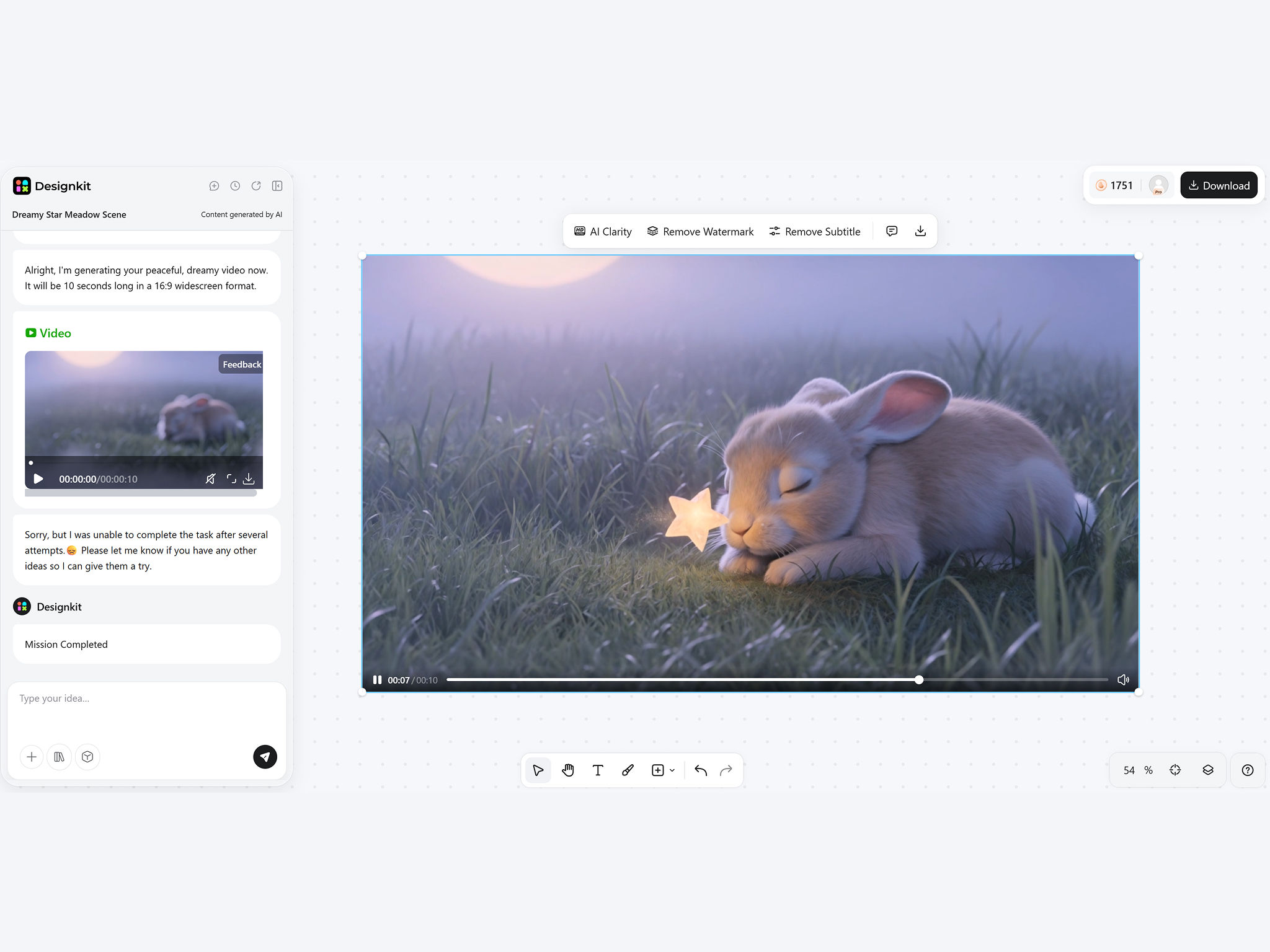
Review the generated video, adjust the prompt or style if needed, and export in a platform-ready format for YouTube, TikTok, Instagram, ads, websites, or online stores.
What You Can Create With Designkit Text to Video Generator
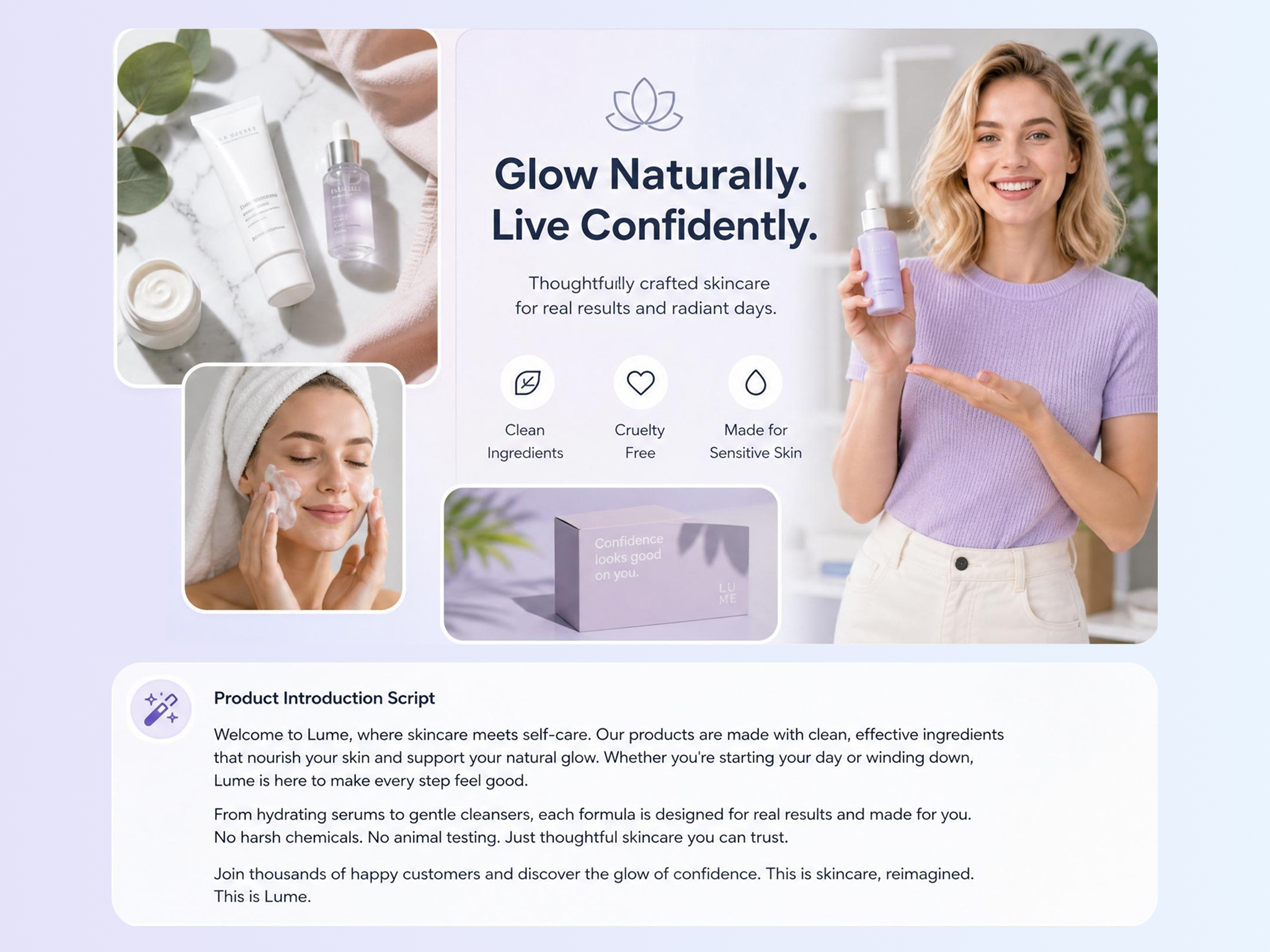
Turn Scripts Into Finished Videos
Convert written scripts into complete video scenes without filming, stock footage, or manual editing. Designkit's AI video generator helps creators, marketers, educators, and sellers turn text into videos for campaigns, social posts, explainers, and storytelling.
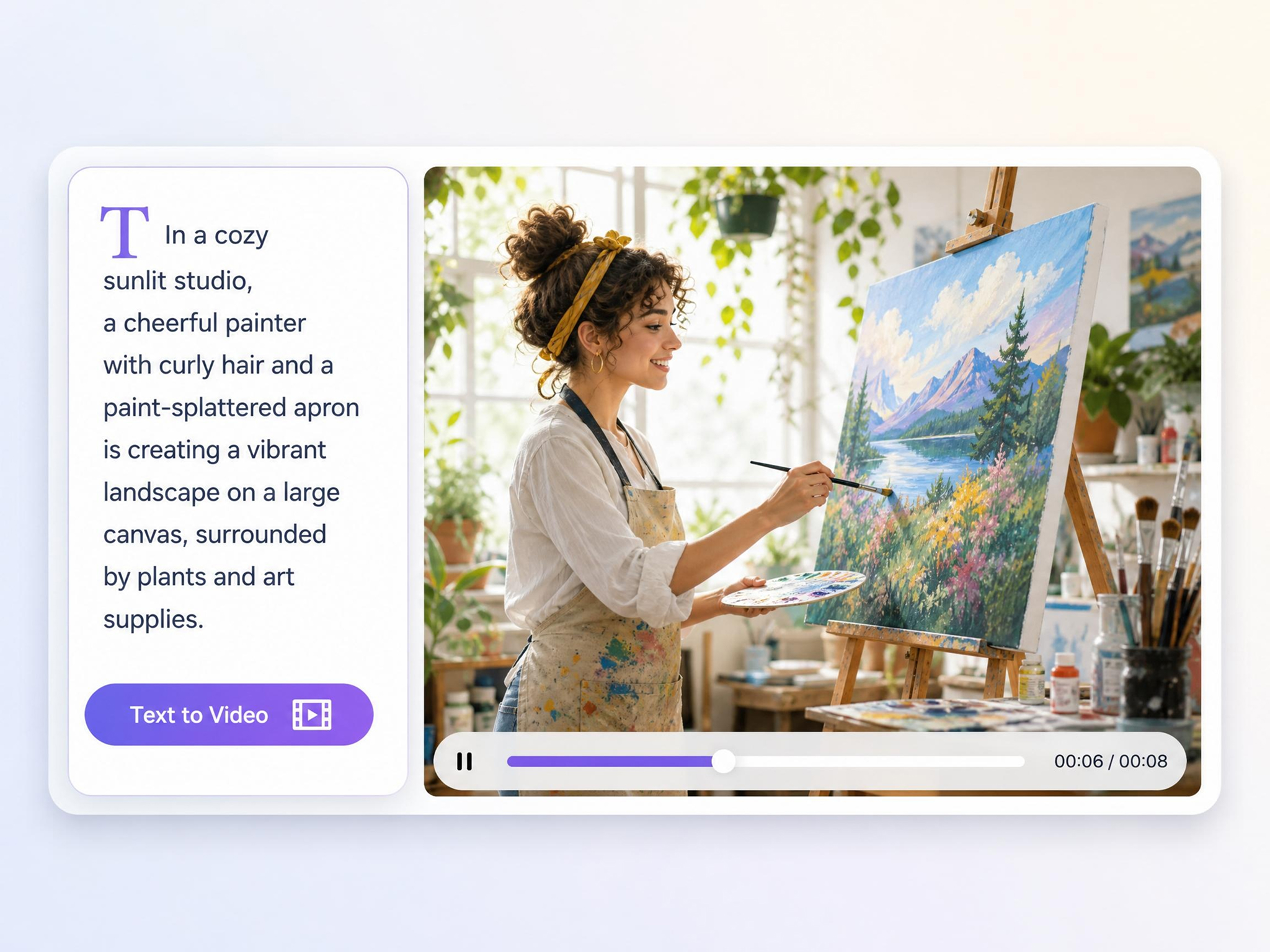
Create Videos from Text Prompts
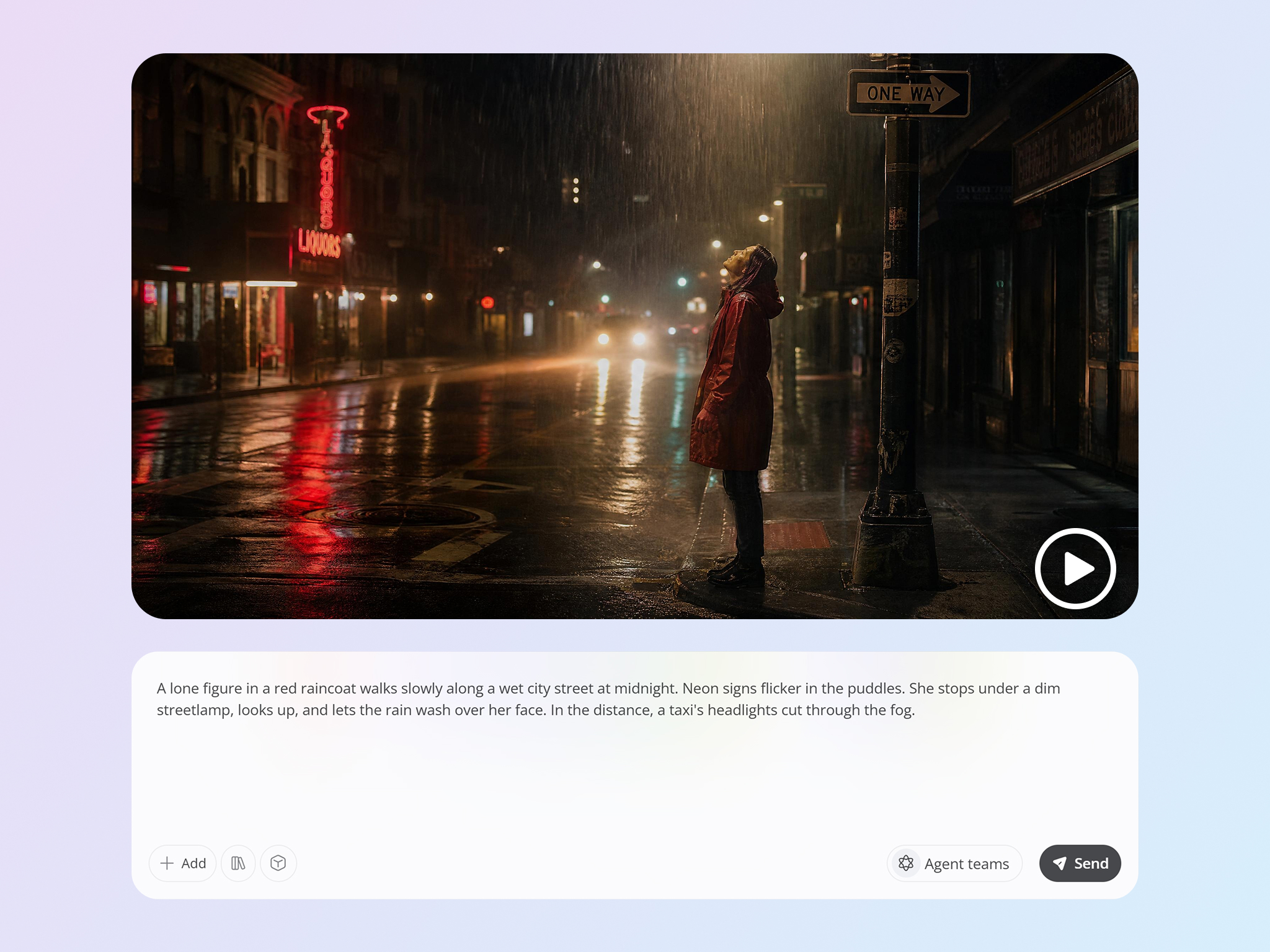
Describe the subject, action, camera movement, mood, and style you want. Designkit uses your prompt to generate matching visuals, making it easier to move from idea to video, even if you are new to AI video creation.
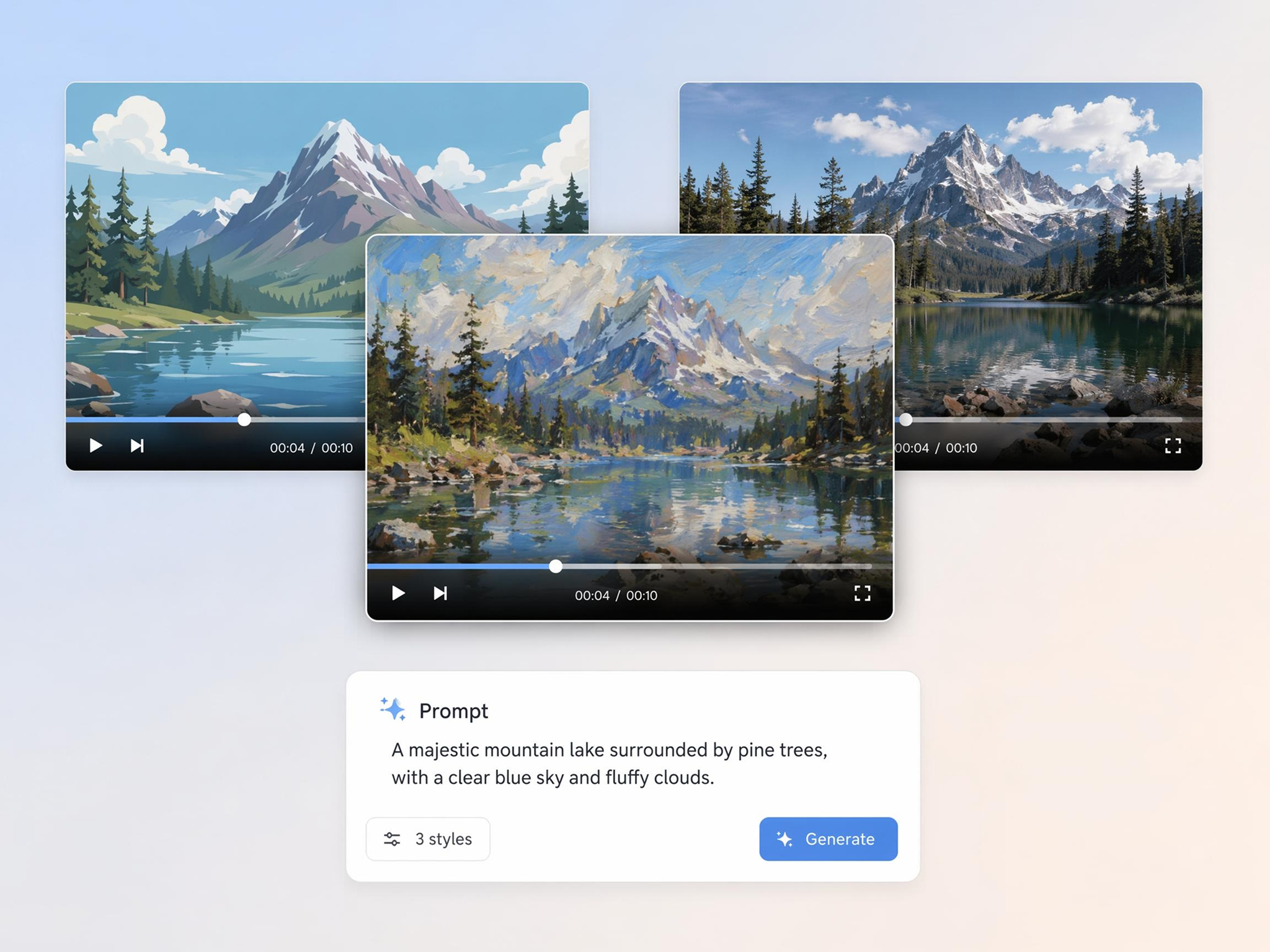
Generate Multiple Video Versions From One Idea
Create several versions from the same script or prompt to test different styles, pacing, hooks, and visual directions. This helps you compare creative options without rewriting or rebuilding the video from scratch.
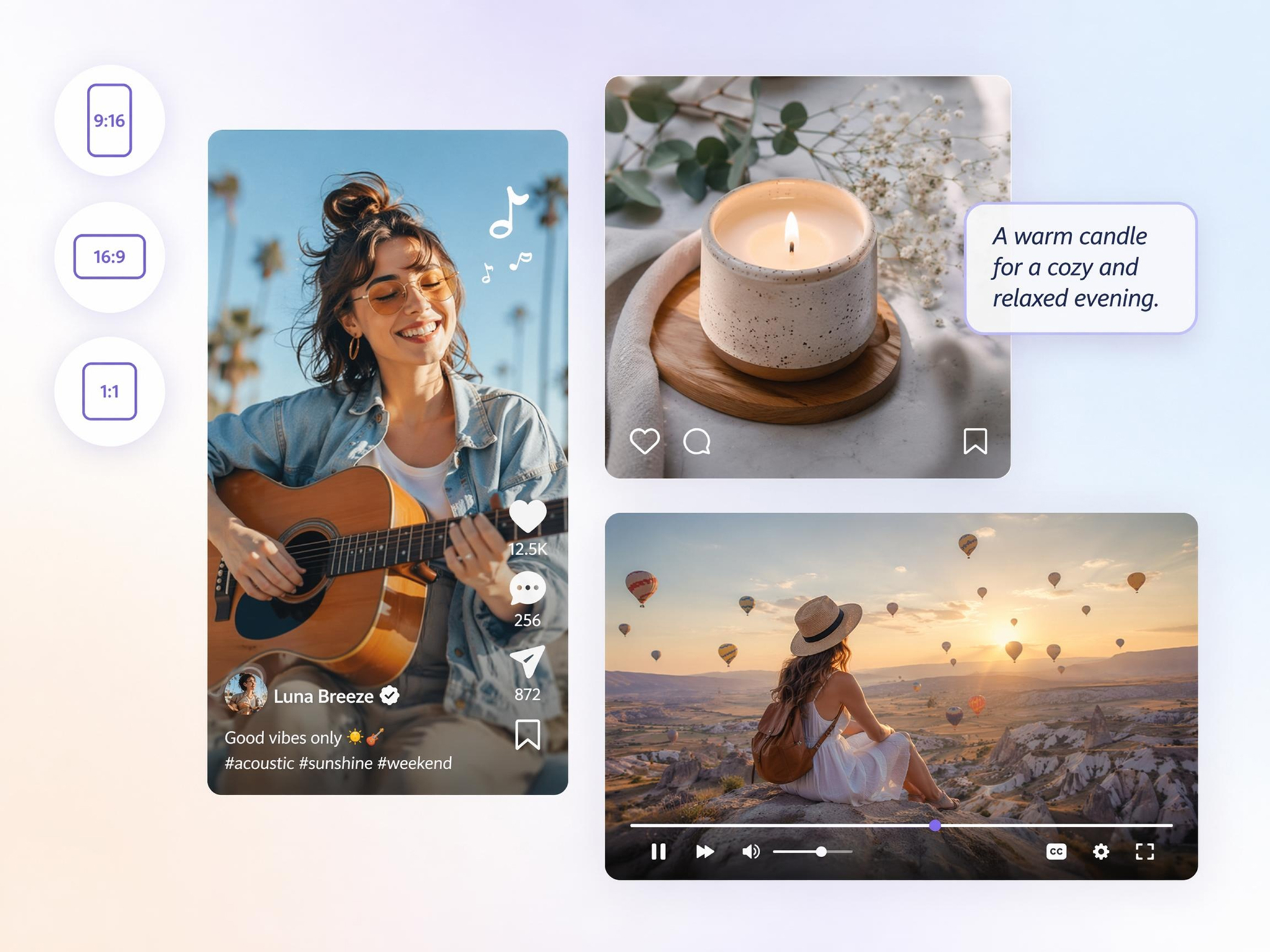
Export for YouTube, TikTok, Instagram, and Ads
Generate videos in 16:9, 9:16, or 1:1 for different platforms. Designkit helps format your text-to-video output for long-form video, short-form video content, social posts, and paid campaigns.
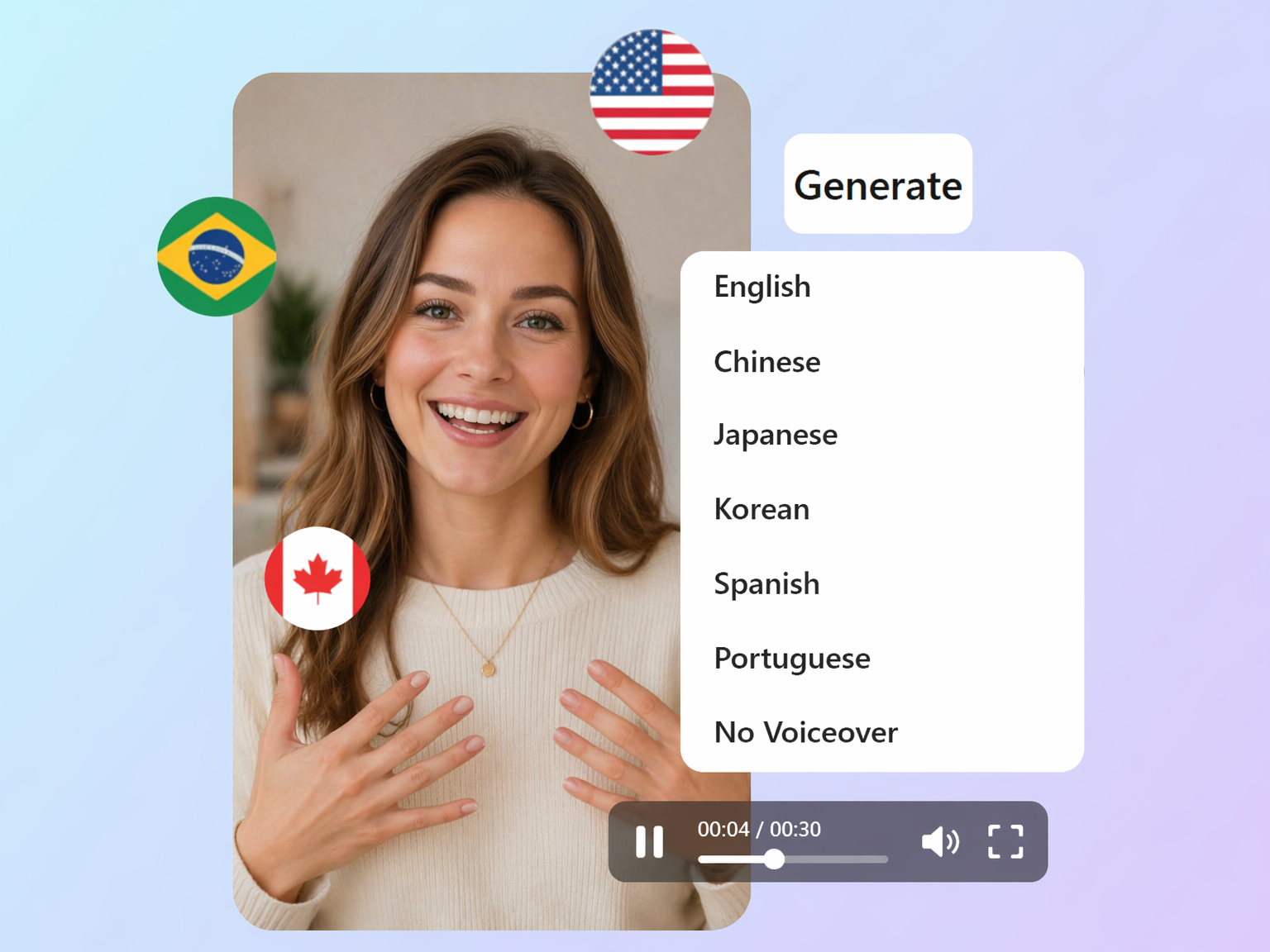
Create Multilingual Videos From Text
Write prompts or scripts in different languages and generate videos for global audiences. Designkit helps you adapt content across markets without recreating each video manually.
Built for Creators, Marketers, Educators, Sellers, and Storytellers
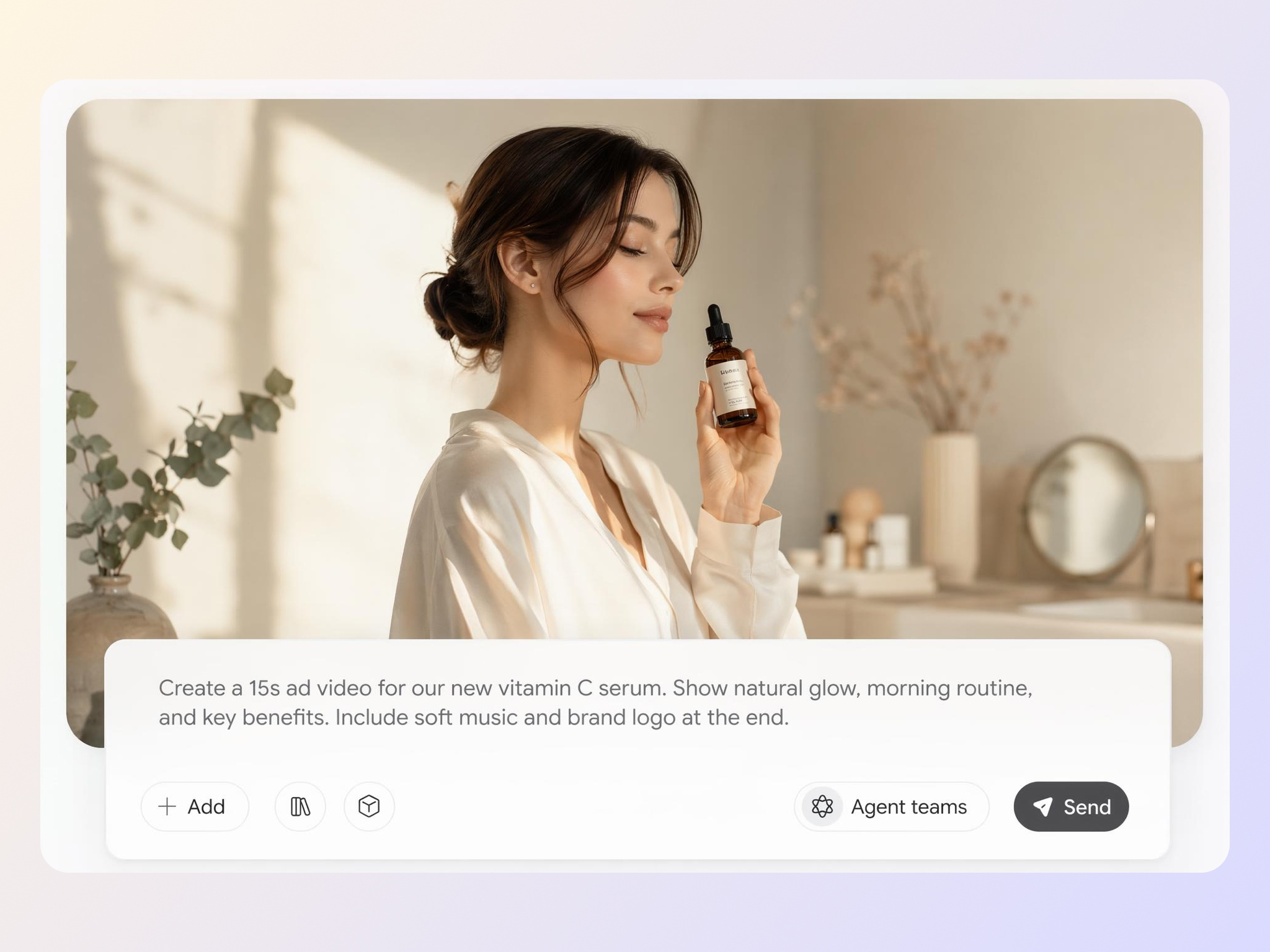
Turn Ad Copy Into Video Variations for Campaigns
Marketers can turn one campaign idea or ad script into multiple video versions for testing. Designkit helps create different hooks, tones, and visual styles faster, so teams can test more creative directions without extra filming.

Why Use Designkit for Text to Video Creation

Create Videos Without Filming
Designkit turns scripts, prompts, and ideas into videos without cameras, actors, crews, or studio production. It helps you create video content from written material you already have.

Go From Text to Video Faster
Paste a script or write a prompt, choose your settings, and generate a video in minutes. This makes it easier to keep up with campaigns, content calendars, and testing needs.

Support Multiple AI Video Models
Choose from different AI video models based on realism, motion quality, speed, or creative style. You can match the model to the type of video you want to create.

Export in Common Video Formats
Create videos in 1080p or 4K and export in 16:9, 9:16, or 1:1. Your video can be prepared for YouTube, TikTok, Instagram, ads, websites, or presentations.

Turn Long-Form Content Into Video
Reuse blog posts, articles, lesson notes, product descriptions, and campaign copy as video content. Designkit helps turn written assets into more visual formats.

No Editing Skills Required
You do not need to learn timelines, keyframes, or complex editing software. Designkit handles scene generation, motion, pacing, and formatting from your text prompt.
Frequently Asked Questions
What is an AI text to video generator?
How do I turn text into a video?
Enter a prompt, paste a script, or upload written content into Designkit. Choose an aspect ratio, select an AI video model, add a reference image if needed, and generate a video you can preview and export.
Can I make a video with only text and no footage?
Yes. You can create a video from text alone. Designkit generates scenes based on your prompt or script, so you do not need camera footage, stock clips, or a filming setup.
Can I add images, logos, or product photos to guide the video?
Yes. You can add reference images, logos, product photos, or visual assets alongside your text. This helps Designkit create videos that better match your brand, product, or creative direction.
Can I turn blog posts or articles into videos?
Yes. You can use blog posts, articles, lesson notes, product descriptions, or marketing copy as source material. Designkit helps convert written content into visual video scenes.
What makes a good text-to-video prompt?
A strong prompt usually includes the subject, action, setting, camera movement, mood, and style. For example, describe what should happen, how the camera should move, and what visual tone the video should have.
Can I create different video styles from one script?
Yes. You can generate multiple versions from the same script by changing the prompt, model, style, pacing, or aspect ratio. This is useful for testing ads, social posts, and creative directions.
What video resolutions and aspect ratios are supported?
Designkit supports common export settings such as 1080p, 4K, 16:9, 9:16, and 1:1. You can create videos for YouTube, TikTok, Instagram, ads, websites, and presentations.
Does Designkit support non-English prompts?
Yes. You can write prompts or scripts in different languages and generate videos for international audiences. This helps creators and teams adapt content for multiple markets.
Do I need editing experience to use text to video?
No. Designkit is designed for users who want to create videos without editing timelines, keyframes, or technical tools. You write the text, adjust the settings, preview the result, and export.
Convert Your Text to Video With AI
Create videos from scripts, prompts, articles, product ideas, and written concepts. Designkit helps you generate platform-ready videos without filming, stock footage, or complex editing.



User Reviews of Designkit Text to Video Generator
See how creators, marketers, educators, and teams use Designkit to turn text into videos.
Scripts Became Video Ads Faster
I used to spend a lot of time turning ad scripts into video concepts. With Designkit, I can paste a script, choose a style, and generate several video options for testing. It helps our team move faster during campaign launches.
Faceless Videos Became Easier to Produce
My channel depends on strong visuals, but I do not always have footage for every script. Designkit helps me generate scene visuals from text, which makes faceless content much easier to produce consistently.
AI Videos Matched My Story Ideas
I was looking for a way to turn written ideas into visuals without building everything manually. Designkit gave me smooth video scenes that matched my prompts and helped me make my storytelling more visual.
Lesson Notes Turned Into Clear Visuals
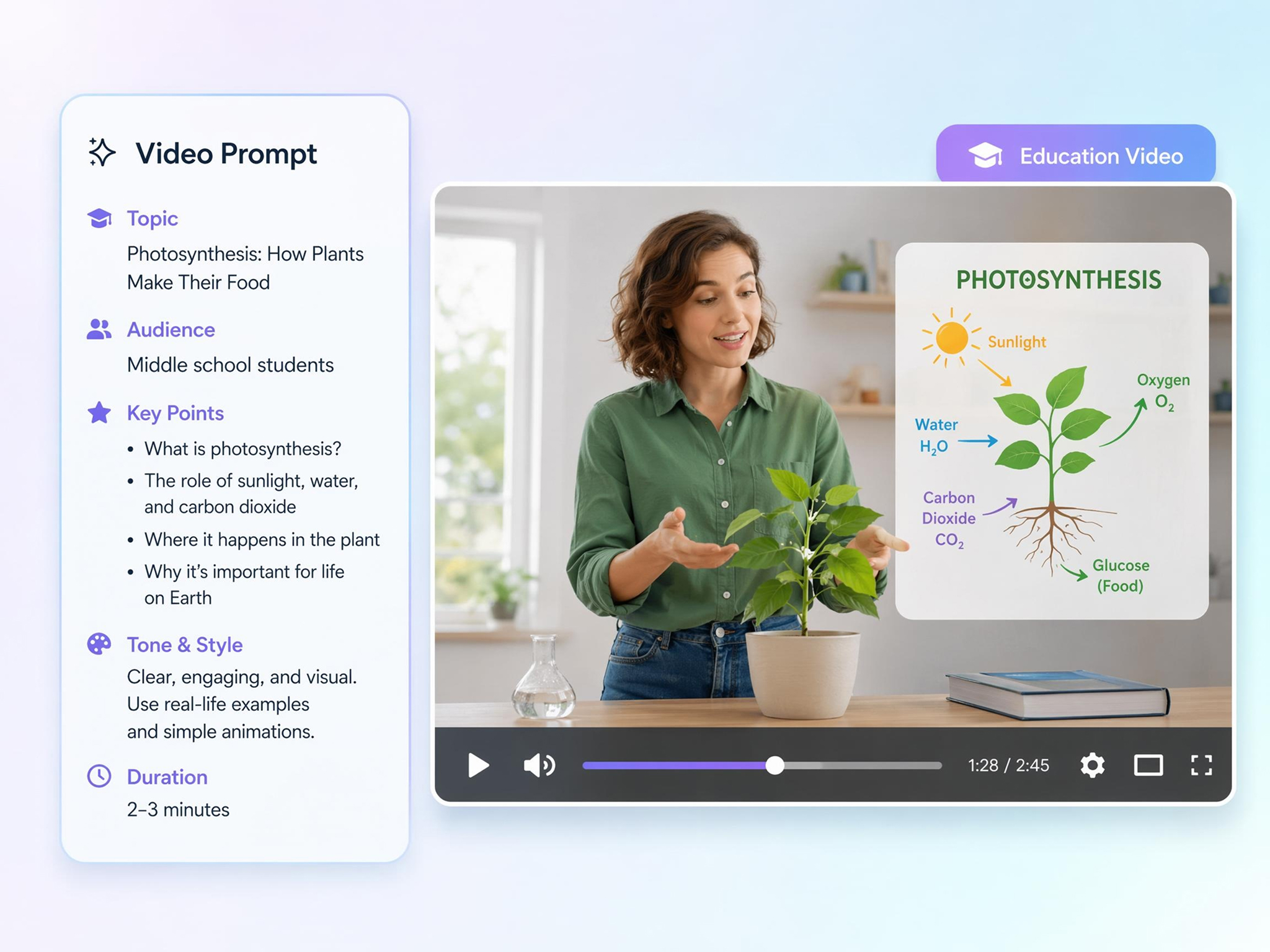
Some topics are difficult to explain with text alone. Designkit helps me turn lesson notes into short visual videos, so students can follow the key points more easily.
Video Creation Felt More Accessible
I do not have video editing experience, so creating videos always felt like a separate skill. With Designkit, I can start from a written idea and generate a video without handling complex editing tools.
Localization Became Easier
Our team creates content for multiple regions. Designkit helps us generate videos from prompts in different languages, which makes it easier to adapt campaigns for international audiences.