
Smart Tool for Adding White Background to Images
If you are looking for an AI tool to add white backgrounds to your product photos, our solution will help you save 90% of your processing time. Follow the simple steps below to get your professional white-background product photos in seconds. We guarantee pixel-perfect cutouts and crystal-clear HD quality for every image.

No image? Try one of these:



How to Add White Background to Product Photos
Upload an Image
Choose a picture from your device. Your image file can be in PNG or JPG format, or other popular image formats.
Choose the Background
Go to the Background section on the left side of the screen. There you can set the background of your image. Choose the background you want your image to have.
Export the Image
Make sure your changes are correct. Click 'Download' to save the image file to your device. It will be downloaded in JPG or PNG format, depending on what you chose.
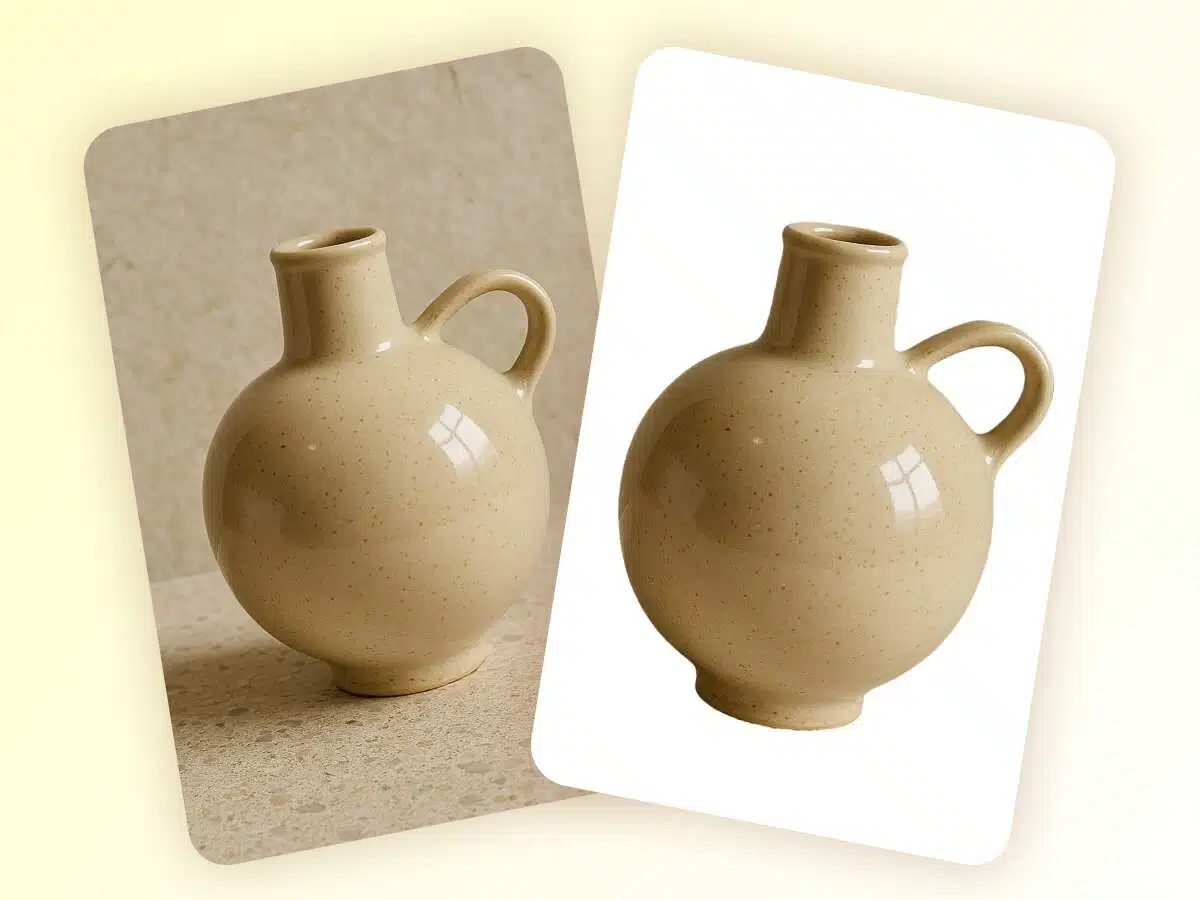
Meet Platform Requirements Instantly
- Most e-commerce marketplaces like Amazon and eBay have strict white background requirements. Cluttered or non-compliant photos lead to rejected listings and delayed launches, costing you potential sales.
- Our AI specializes in adding white backgrounds to images automatically. It identifies product edges with precision and replaces messy backgrounds with a clean, standardized white backdrop, ensuring your images are 100% platform-compliant and ready for upload.

Solve Visual Conversion Bottlenecks
- Shadows, household items, or busy patterns in original photos distract the consumer’s eye. When a background isn't pure white, it creates visual "friction," leading to cognitive overload. If customers can't see the product details clearly within seconds, they bounce to a competitor.
- We implement high-precision background whitening. By isolating your product on a minimalist white backdrop, we eliminate visual noise and "denoise" the frame. This creates a clean, professional "digital storefront" that forces the product to be the absolute center of attention, significantly increasing click-through and conversion rates.
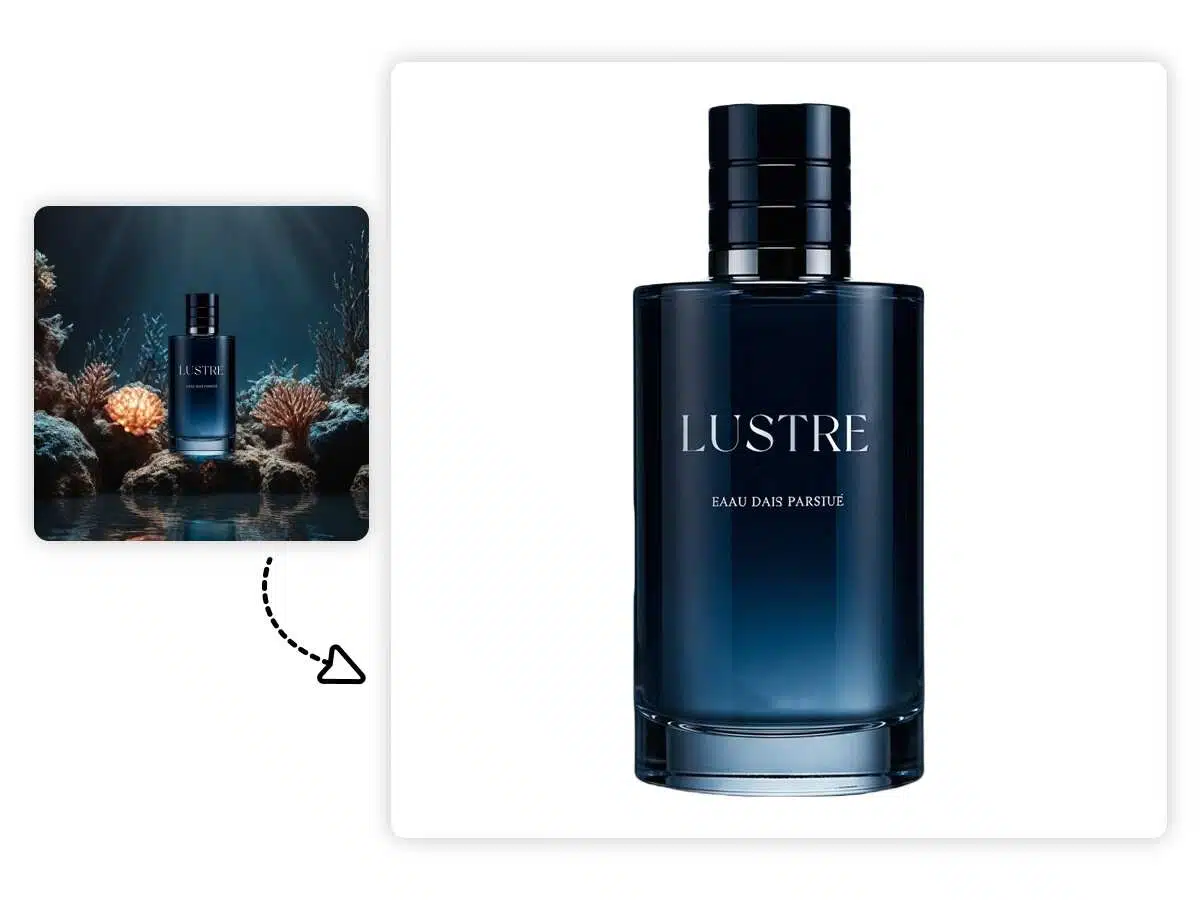
Slash Content Production Costs & Time
- Achieving a consistent, high-key white look traditionally requires professional studio rentals, expensive lighting, and hours of manual Photoshop clipping. For small businesses, the cost of manually adding white backgrounds to a large catalog is a major financial drain.
- Stop paying for expensive reshoots. Our batch-processing engine for adding white backgrounds allows you to transform raw smartphone photos into professional assets instantly. With our one-click AI background swapper, you can maintain a uniform brand aesthetic across your entire website for a fraction of the cost of a traditional photo shoot.
Adding White Background Tool

Easy Background Replacement
Change your image background effortlessly directly in your browser. With its built-in advanced editor, Designkit is your most efficient choice for lightning-fast image editing.

Preserve Original Quality
Every photo maintains the exact clarity and sharpness of the original after the background is changed. Even after multiple edits, no fine details or image quality will be lost.

Ready-to-Use Presets
Access a diverse library of professional background presets. These allow you to instantly switch scenes perfectly tailored for Etsy, Amazon, Shopify, and any other e-commerce platform.
Frequently Asked Questions
Can the AI handle translucent materials (glass), hair, or complex cutouts? Will there be white edges or jagged lines?
Will the AI alter my product’s silhouette or shape when generating a new background?
No. We use a core "Object Preservation" algorithm. During background generation, the product's contour, shape, and texture are fully locked. Zero distortion ensures the image remains 100% true to the actual product.
Can I batch upload images and apply the same background preset?
Yes. You can upload up to 30 images at once and apply a consistent background preset. This ensures a unified look for your product line while dramatically increasing production efficiency.
Do I need to write complex English Prompts? Or can I just use templates?
Flexible Options. We provide a wide range of ready-to-use e-commerce scene templates for instant results. However, you can also choose to generate unique backgrounds via custom prompts for specific creative needs.
Add a White Background to Photos Automatically
Instantly create studio-quality white background images for Amazon, Shopify, and eBay. Designkit's AI-powered editor removes clutter and optimizes your product photos to boost sales in seconds.