
Rotate Images Instantly: Free Online Tool
Quickly adjust the orientation of any photo by rotating 90 degrees or flipping your canvas. Designkit supports all major formats including PNG, JPG, JPEG, HEIC, and WebP, making it simple for e-commerce sellers to fix sideways uploads instantly.
You'll save hours of manual editing time while keeping your image quality perfectly intact without any file conversions.

No image? Try one of these:



How to rotate image online with Designkit
Upload Your Source Photo
Select the image you need to fix from your device or simply drag and drop it directly into the Designkit editor. Our interface recognizes your file immediately so you can begin making adjustments without waiting for a slow processing queue.
Adjust Direction and Orientation
Navigate to the "Resize" menu and just click the rotate icon to turn your image 90 degrees or flip it to the correct position. The editor shows you a real-time preview of every change, ensuring your product or document looks exactly the way you intended.
Download Your Finished File
Once the alignment is perfect, click the download button to save your corrected photo automatically to your computer or phone. You can even batch process multiple files at once if you have an entire gallery that needs a quick fix.
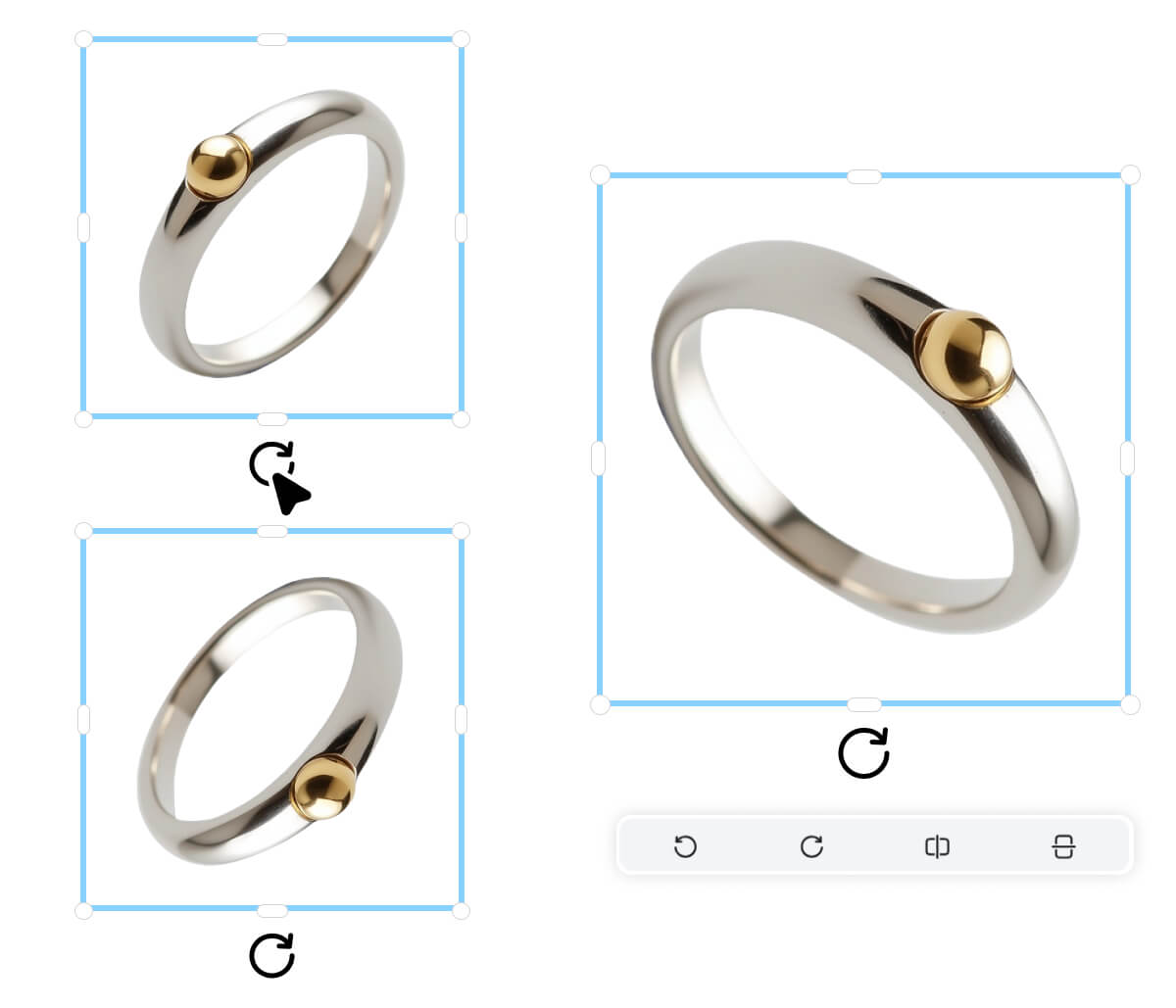
Instant Flip Controls for Any Orientation Fix
Vertical and horizontal flip are both built directly into Designkit's Online Photo Editor — no menus to dig through, no guessing which submenu the option lives under. One click mirrors the image left-to-right or top-to-bottom, and the preview refreshes in real time. Don't waste ten minutes hunting through a desktop suite's transform settings when you can handle it here in under ten seconds.
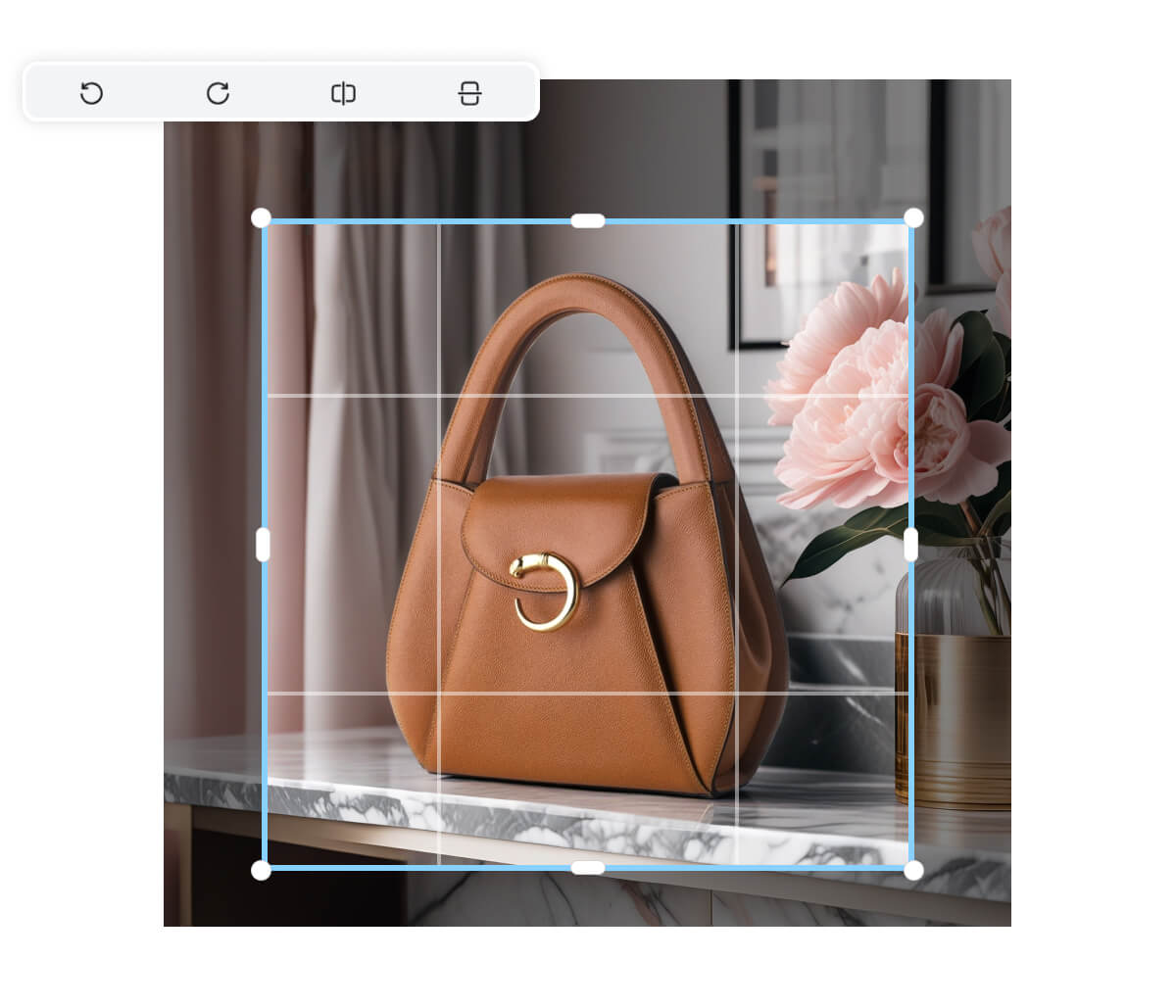
Batch Rotation for High-Volume Editing Workflows
Manual copy‑paste watermarking often looks uneven and is easier to crop. Watermark Adder Online gives you consistent positioning, opacity, and sizing controls so each product photo matches your branding and helps deter unauthorized reuse. Create a repeatable, professional look in under 30 seconds.
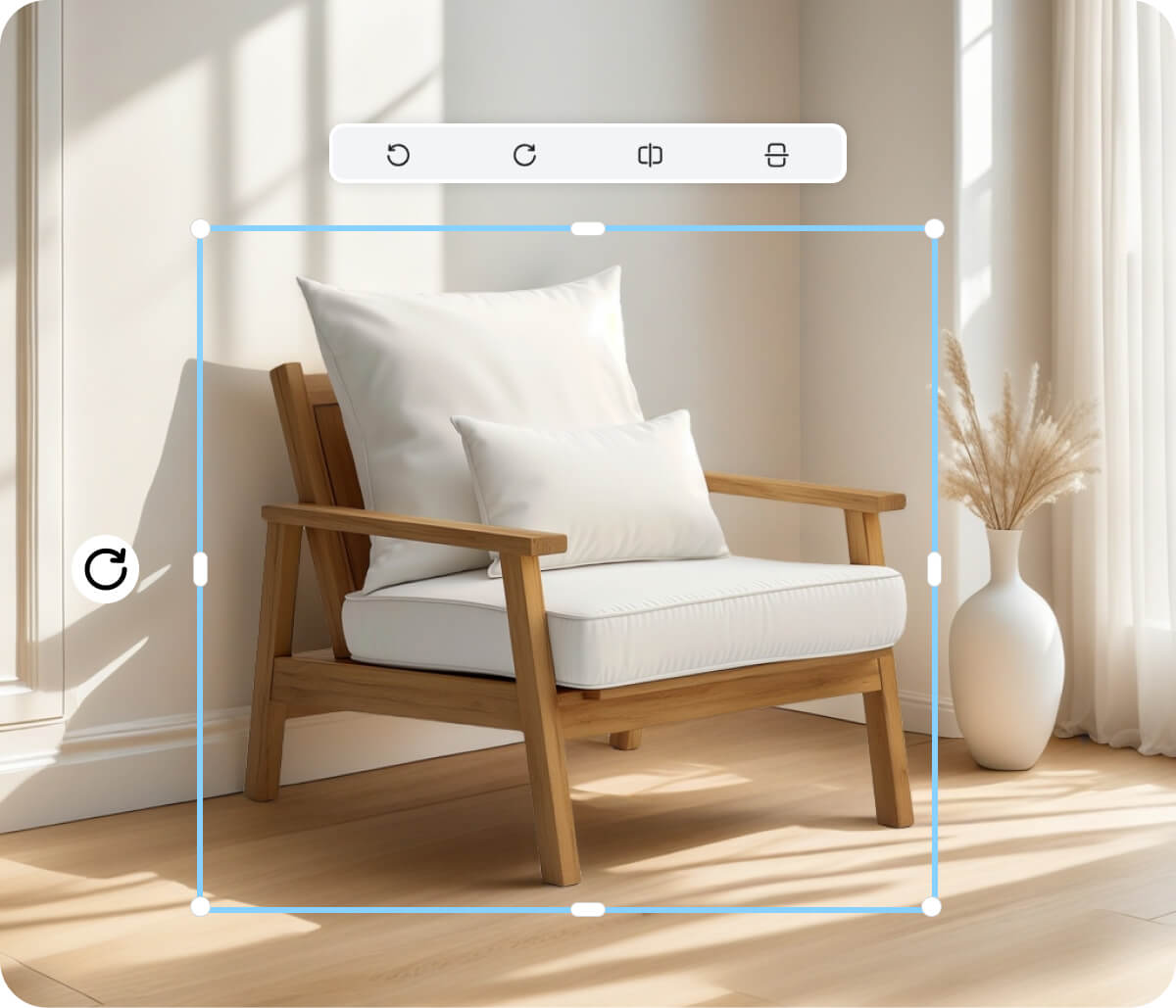
AI Photo Editing Integrated Beyond Basic Rotation
Rotation is one part of a larger AI photo editing environment inside Designkit. If you also need to remove an image background, generate a transparent background for product shots, or resize assets for platform specs, those tools are available inside the same workspace — you're not switching tabs or hunting for a separate background removal tool after every export.
Use Designkit to Rotate Image Online for Every Workflow
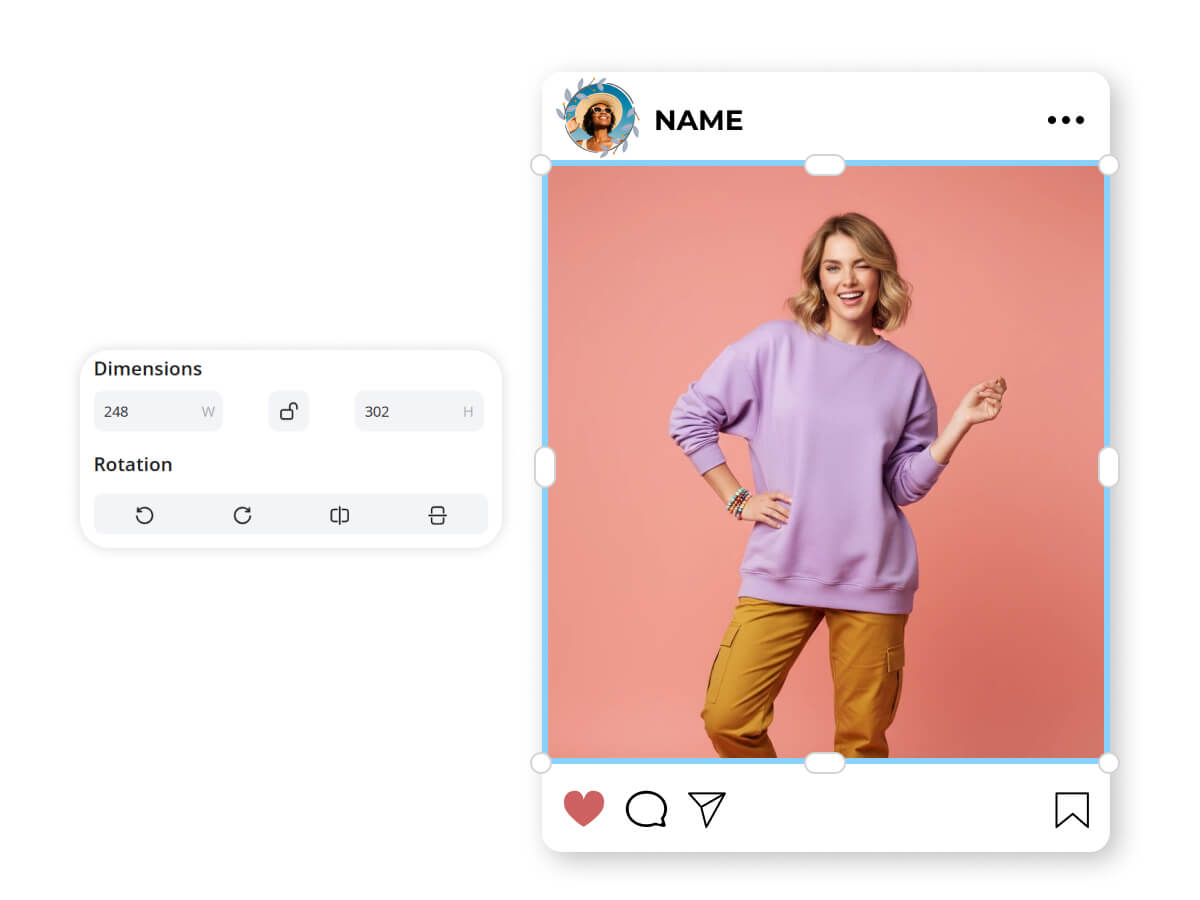
Rotate image online for social media posts
Vertical video and horizontal feeds don't always play nice with the photos you took on your phone. You can use our editor to flip or turn your images to fit the specific aspect ratios of Instagram, Pinterest, or LinkedIn. This ensures your content never looks amateurish or poorly framed when it hits the feed.
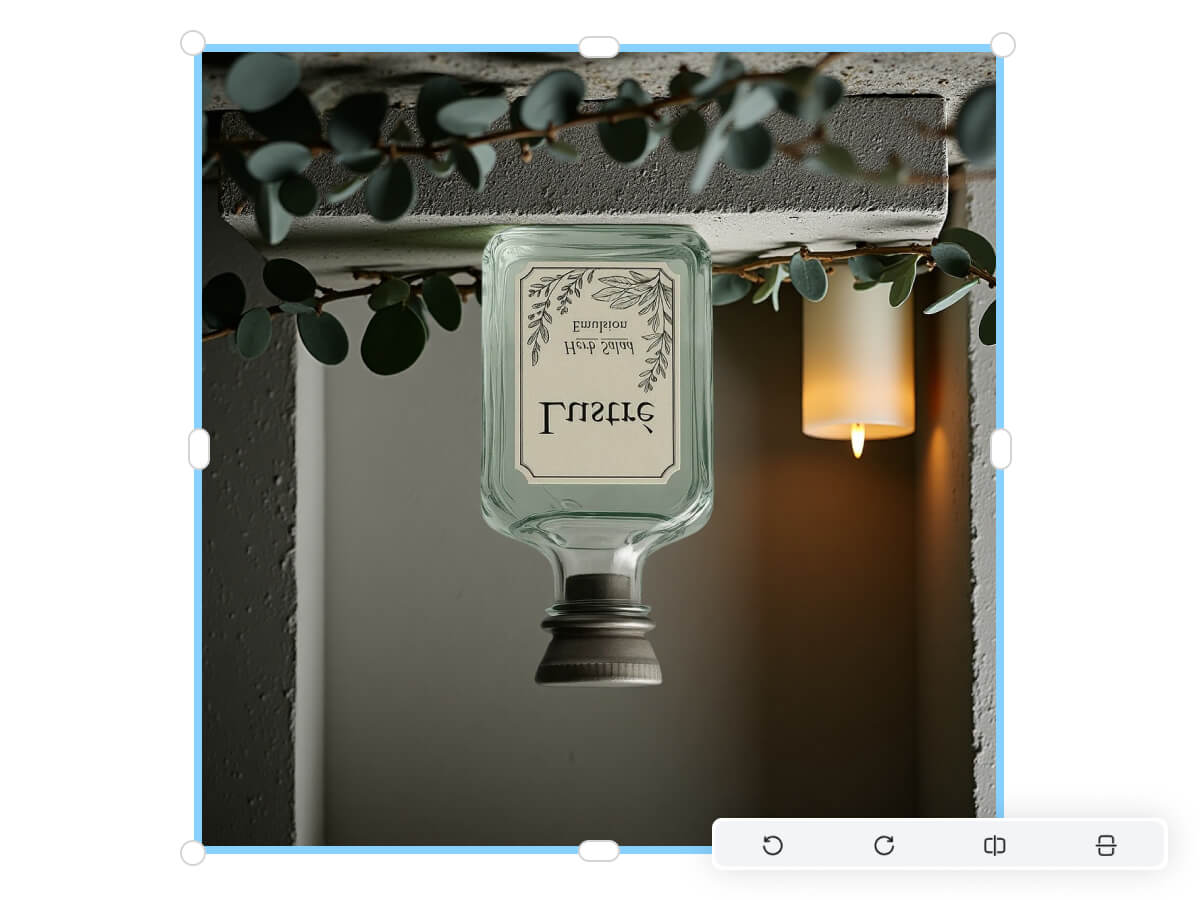
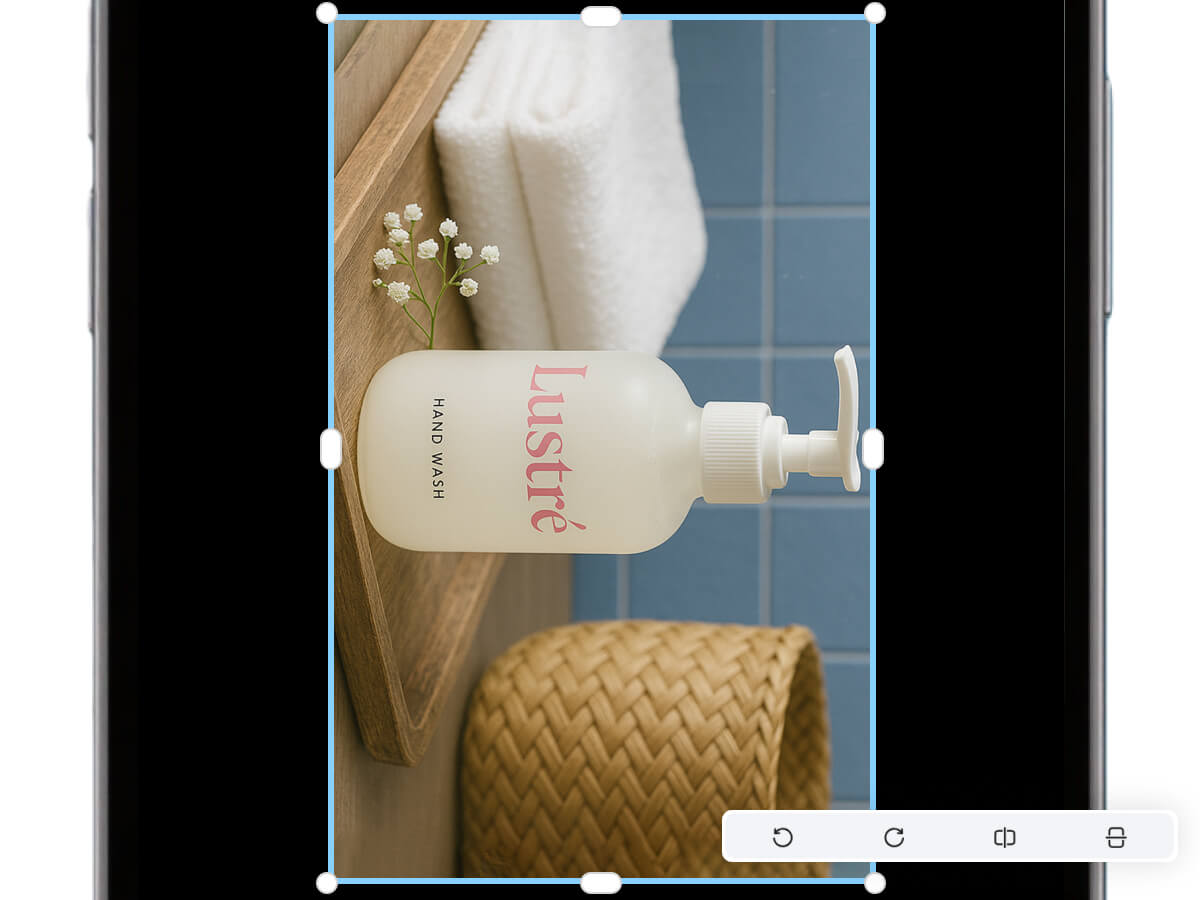
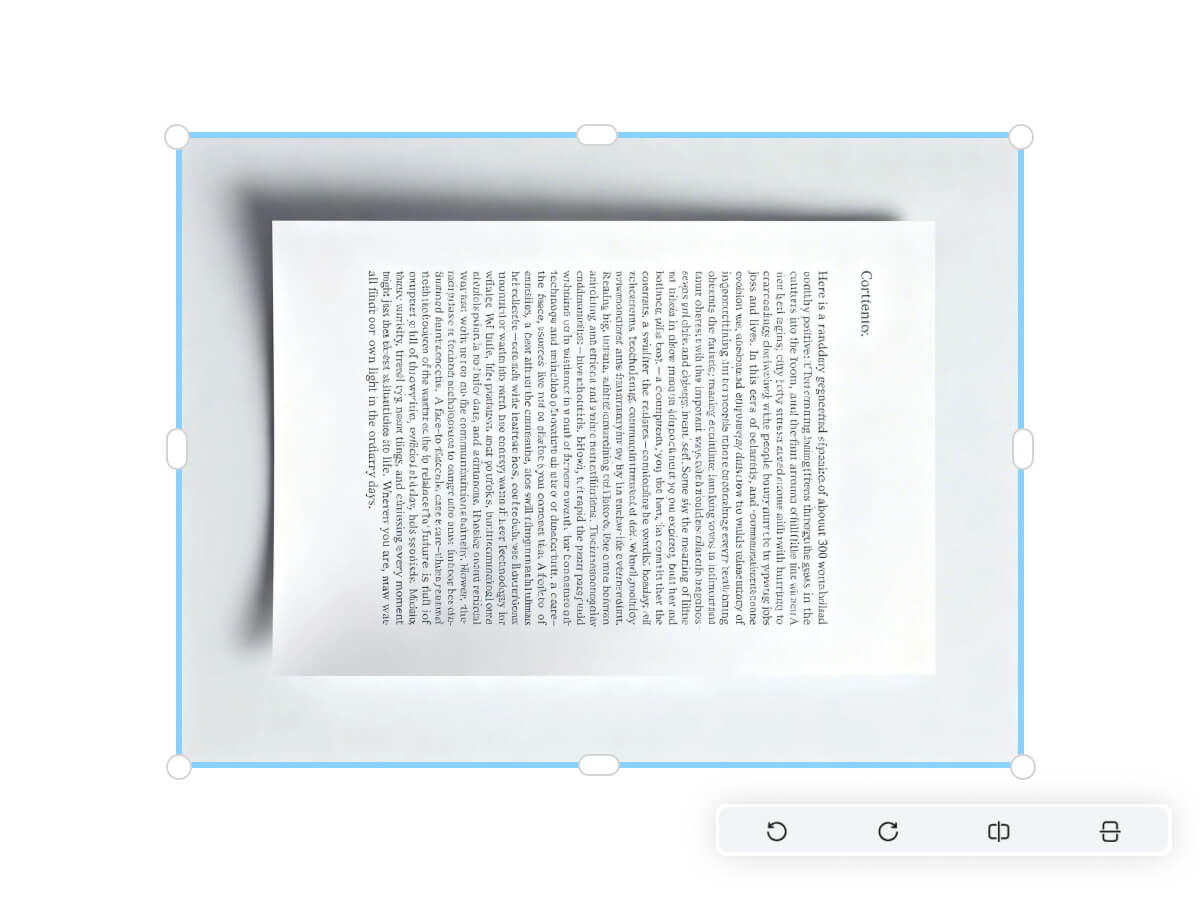
Key Advantages of rotate image online in Designkit

Fast fixes in-browser
Access the full suite of editing features directly in your web browser without downloading any risky executables or heavy apps. You save 2GB of disk space and avoid the constant update cycles required by traditional creative software.

Instant Batch Correction Capabilities
You can upload and fix an entire folder of photos in a single session rather than clicking through them individually. This workflow is 5x faster than using standard desktop preview tools, especially for e-commerce sellers managing large inventories.

Full-Resolution Output With No Hidden Compression
Your rotated image downloads at full resolution in its original file format — no watermarks stamped on the output.
Discover More Powerful Features in Designkit
FAQ About How to Rotate Image Online
How do I rotate an image using the Designkit editor?
Can I flip vertically and horizontally after background removal tool edits?
Yes—you can flip vertically or horizontally in the editor, along with 90° rotation. If you’re also using a background removal tool, it’s usually best to rotate first so you’re checking edges and alignment in the correct direction. That avoids doing the same cleanup twice.
Is Designkit free to rotate images online?
Yes, you can rotate images online for free in the browser and download the result. If you’re testing a workflow for product listings or social posts, start with a few files and confirm the output looks right. When you’re ready, you can repeat the same steps across more images.
How does Designkit handle privacy for uploaded product photos?
Your images are processed to produce the edits you request, like rotation or flips, and you control when you download the result. If you’re working with client assets or unreleased product photos, treat uploads like any online tool: use only what you’re allowed to share and download results promptly.
Designkit: Automate Your Product Visuals with E-Commerce AI
Online creators and e-commerce sellers use Designkit to keep images consistent and ready to publish. It’s online, free, easy to repeat, and you can batch process and download in one click.