
AI Website Visual Design – Generate Stunning Web Graphics
AI-Powered Custom Visuals for Your Brand Website: Create everything from banners to product images in one click, eliminating the need for a design team.
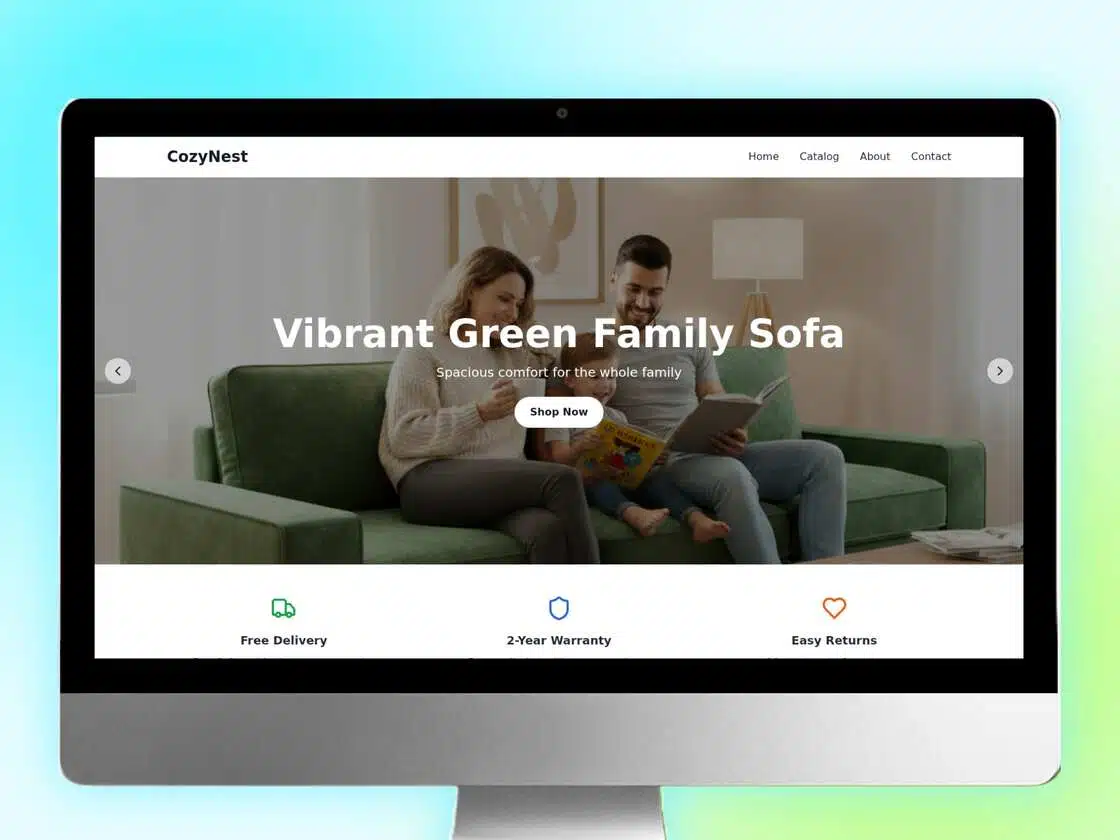
How To Create Website Visual with Designkit?
Enter Brand & Product Information
Fill in brand positioning and product type, then upload white-background product photos or basic materials.
Optionally specify target markets or key marketing goals.
AI Generates Visual Proposals
The system automatically builds a complete website visual framework and generates three distinct visual proposals (including banners, product images, and brand section designs).
Each proposal includes module layout recommendations, with size and placement guidelines optimized for your website platform.
Download & Deploy
Download all visual assets in one click (high-resolution, watermark-free) and upload them directly to your website backend.
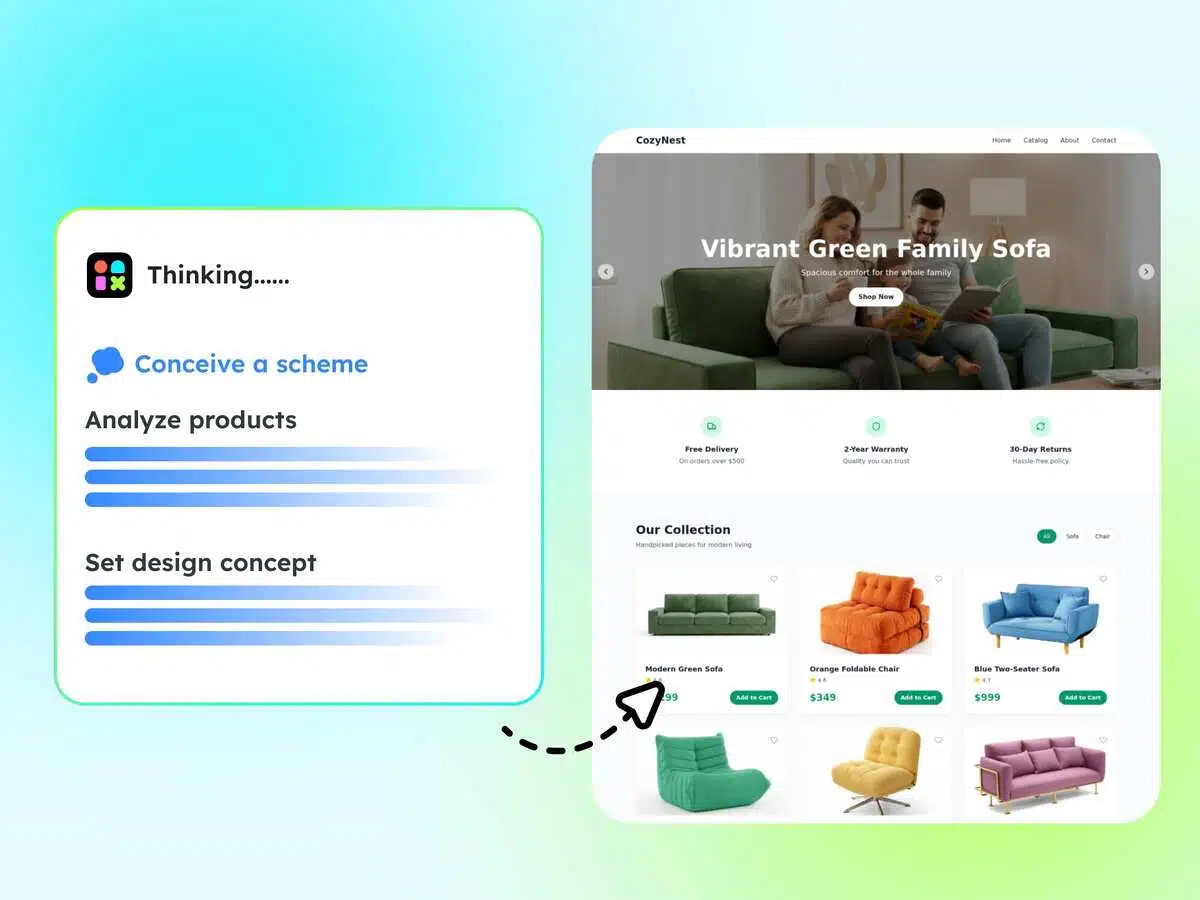
AI-Powered Brand Design Planning for Independent Stores
Based on your brand positioning, colors, and logo, AI automatically generates a consistent visual style for your entire site.
From font selection and color schemes to layout modules, all elements are customized around your brand identity to create a unique visual signature for your independent store.
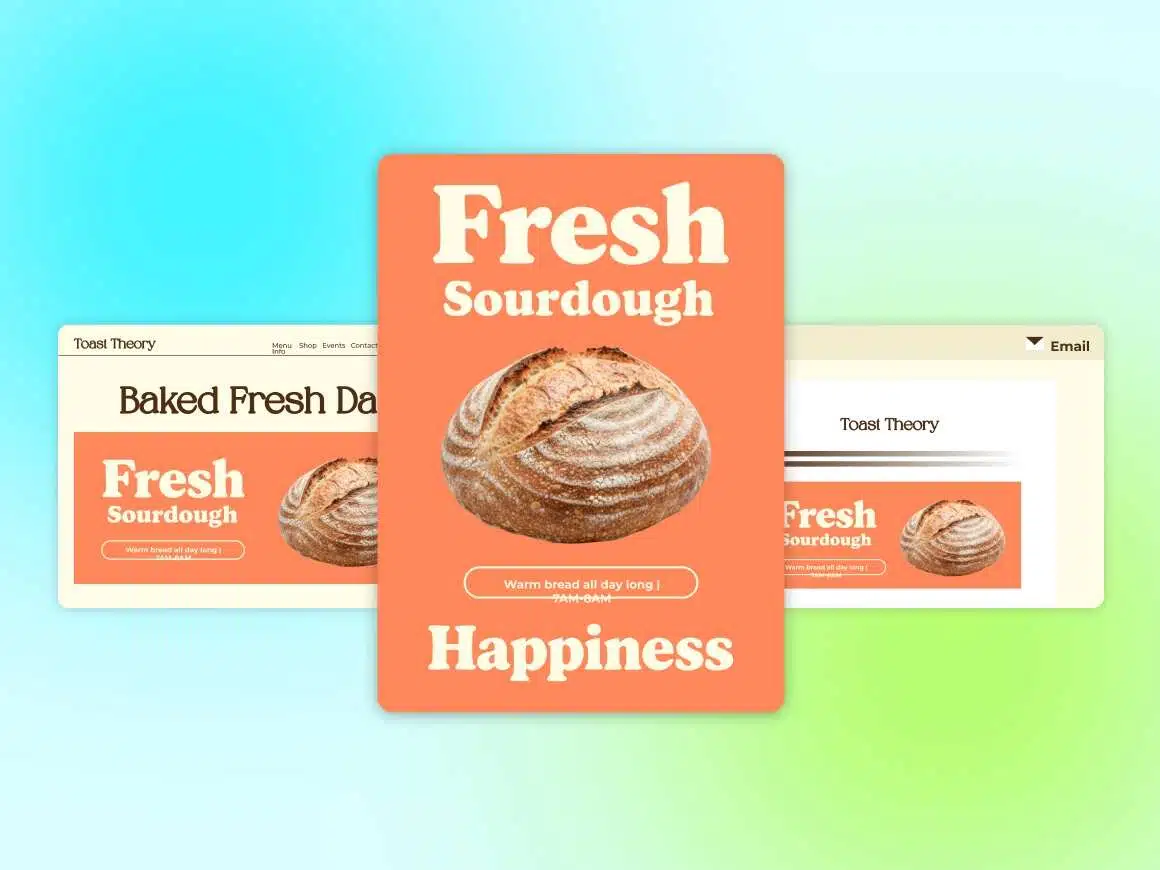
One-Click Generation of Core Visual Modules
Produce all key visual assets in one step: homepage banners, product detail images (with contextual scenes), brand story sections, promotional modules, and more.
Adapt visuals to different pages such as homepage, product listing, product detail, and “About Us” pages—no need to design each page separately.
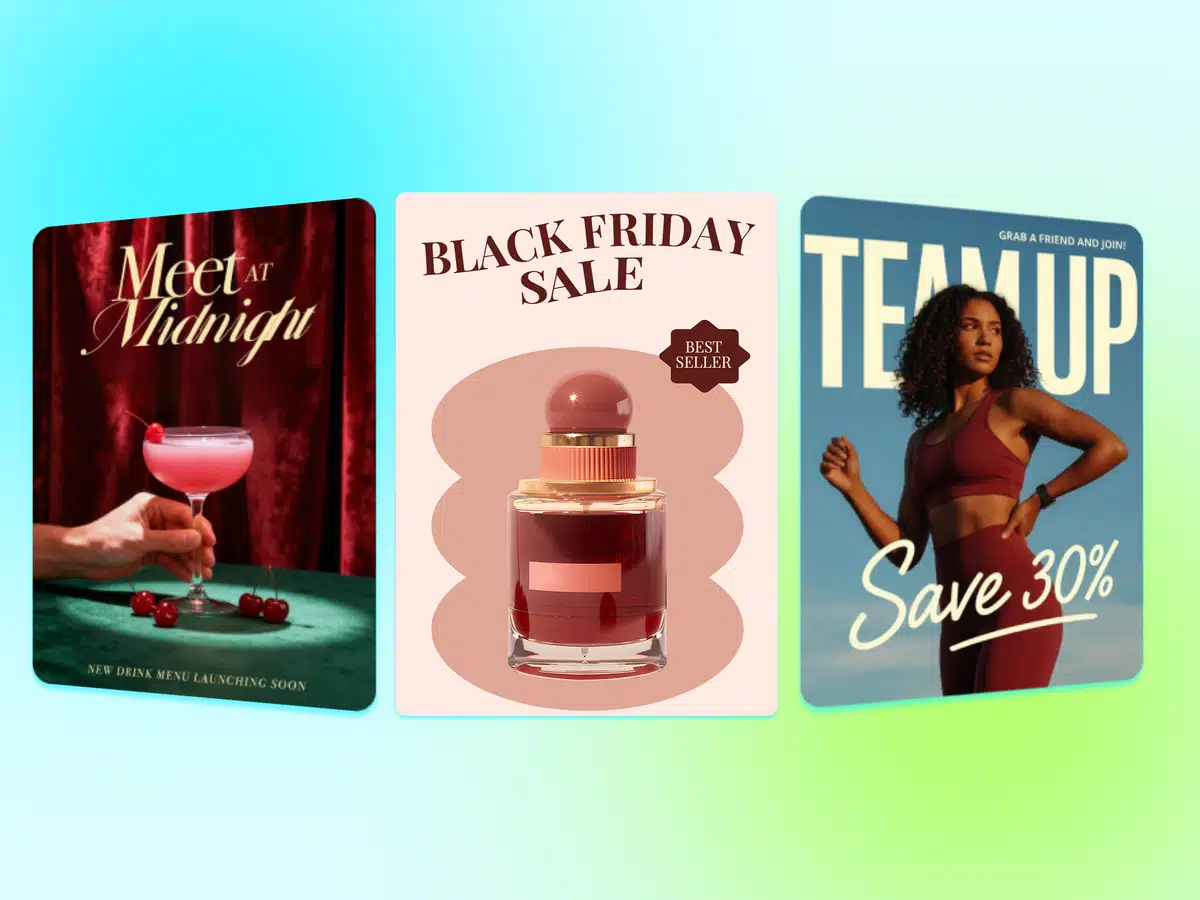
Traffic-Driving Visual Assets for Independent Stores
Create marketing materials designed to drive traffic to your store.
AI intelligently incorporates brand colors, logos, and fonts to generate social media posters and other promotional assets that maintain high-conversion design principles, strengthen brand recall, and ensure cohesive visual identity.
Your Visual Solution Partners

Small and Medium-Sized DTC Brands
Create professional website visuals at low cost. Strengthen brand identity and solve the problem of “having a brand but lacking high-quality visuals.”

E-Commerce Operators & Marketing Teams
No need to wait for design resources. Independently generate campaign visuals (promo banners, new product pages) and respond quickly to marketing timelines.

E-Commerce Service Providers / Agencies
Batch-generate visual assets for multiple client storefronts. Improve service efficiency, reduce labor costs, and increase client satisfaction.
Frequently Asked Questions
What are the cost and speed benefits of using the AI Agent for visual asset generation?
Are there any copyright concerns with the images generated by the AI Agent? Are they cleared for commercial use?
Absolutely.The foundational model used by Designkit is trained legally, and based on our Terms of Service,
you retain full commercial usage rights and intellectual property over all final images generated through our platform.
You can confidently use these assets for your independent e-commerce store, social media advertising, email marketing, product detail pages, and any other commercial application without worrying about copyright issues. We guarantee a secure and legally compliant source for your visual assets.
Design AI Website For Free
Design stunning, professional website visuals in minutes with AI. From banners to full layouts, create engaging designs that captivate visitors and boost conversions.