
Turn Any Product Photo into Studio-Quality Images with AI
Upload a phone or supplier photo. AI creates a studio scene, and enhances lighting—ready-to-use product images for Amazon and Shopify.
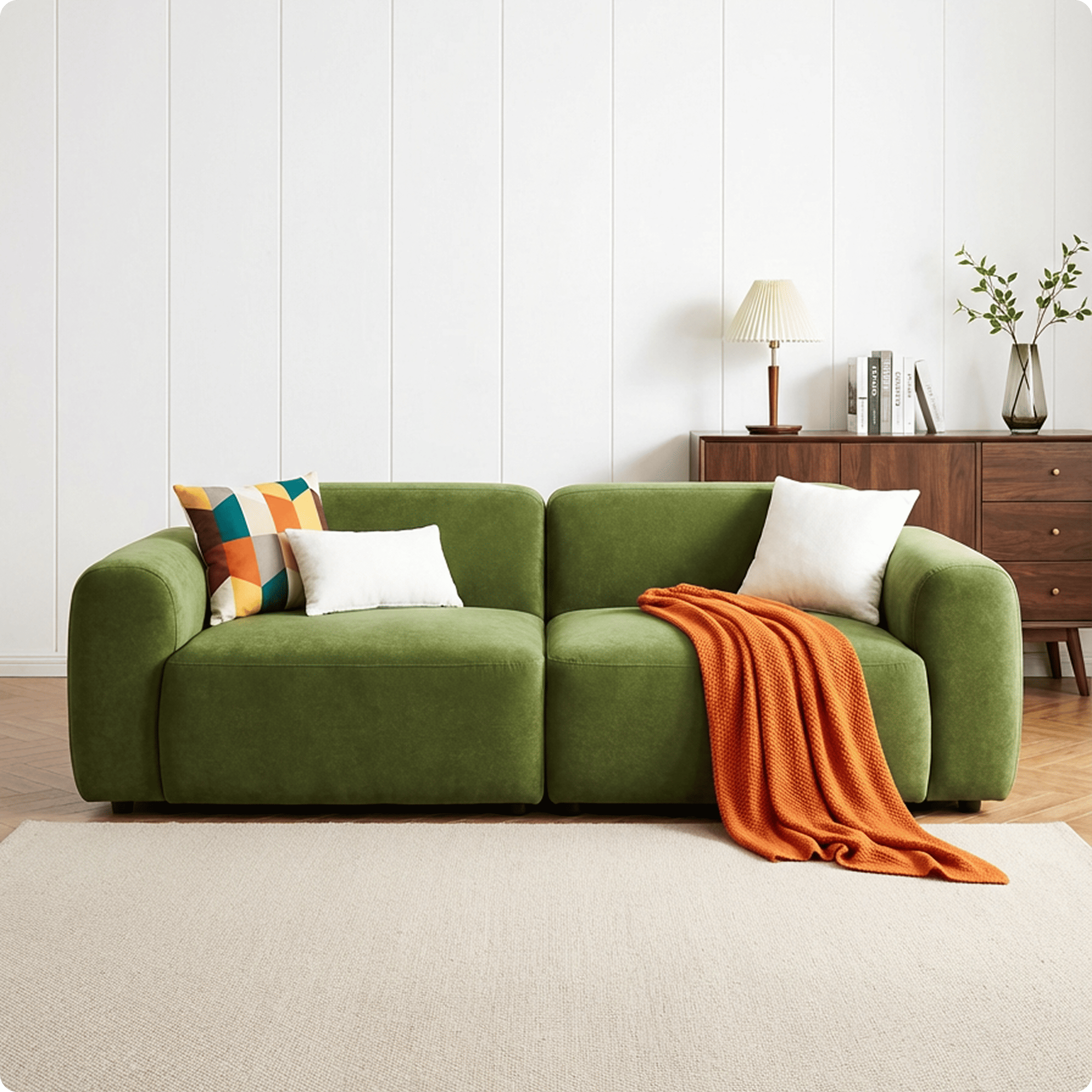
Professional E-commerce Product Photography in 3 Steps
Upload Your Product Photo
Phone shot or flat lay—any quality works. The AI agent handles product background removal automatically, isolating complex edges in seconds. Supports single image or batch processing.
AI Matches Scenes & Lighting
The agent analyzes your item to autonomously generate optimized environments. Get a clean white background for marketplaces, lifestyle templates, or custom scenes with naturally matched shadows and reflections.
Export Ready-to-Upload Assets
Download in up to 4K resolution. The AI auto-sizes your visuals for Amazon, Shopify, and more. Every export preserves true textures, delivering high-converting e-commerce product photography.
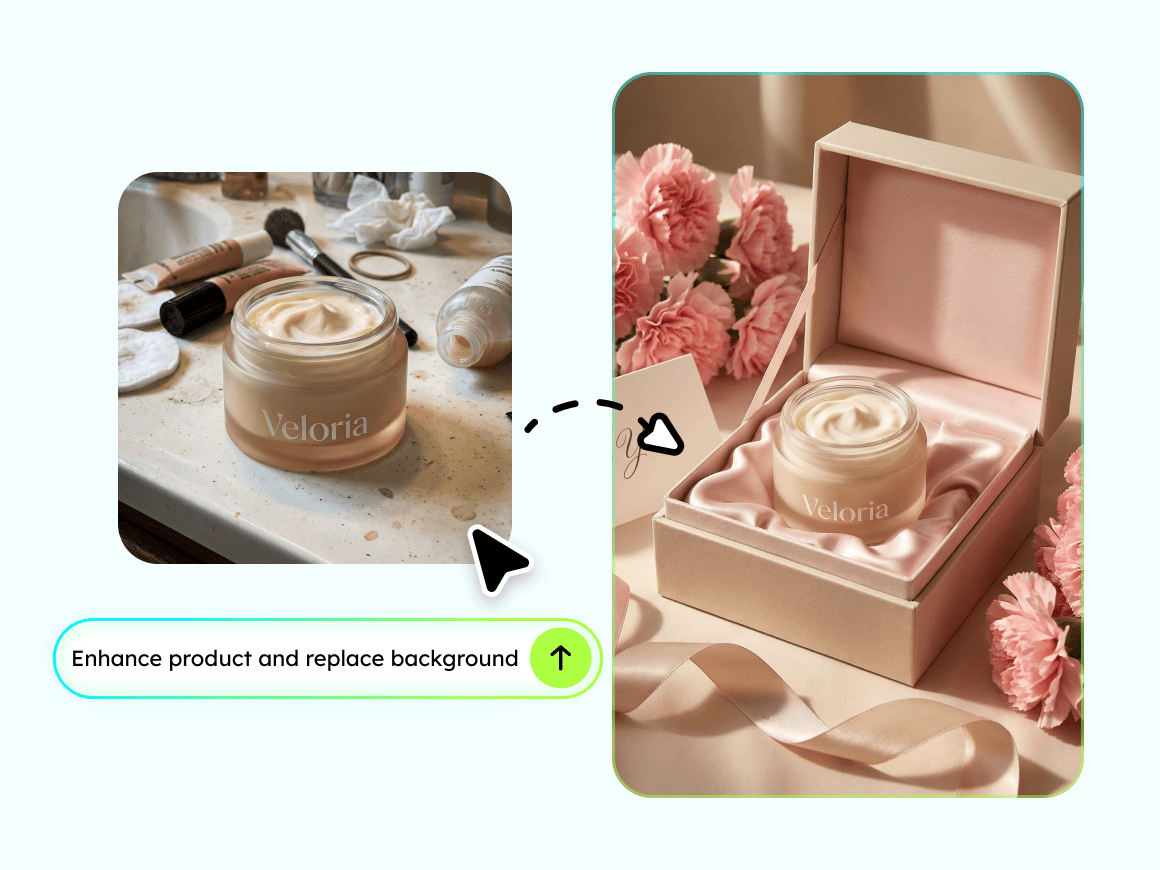
Phone Shot to Pro Product Photo in 10 Seconds
Your supplier sent a photo with a messy background and bad lighting? AI automatically removes distractions, corrects exposure, enhances product details, and delivers a clean, sharp product image that looks professionally shot. Works with phone shots, supplier images, warehouse photos, and even screenshots.
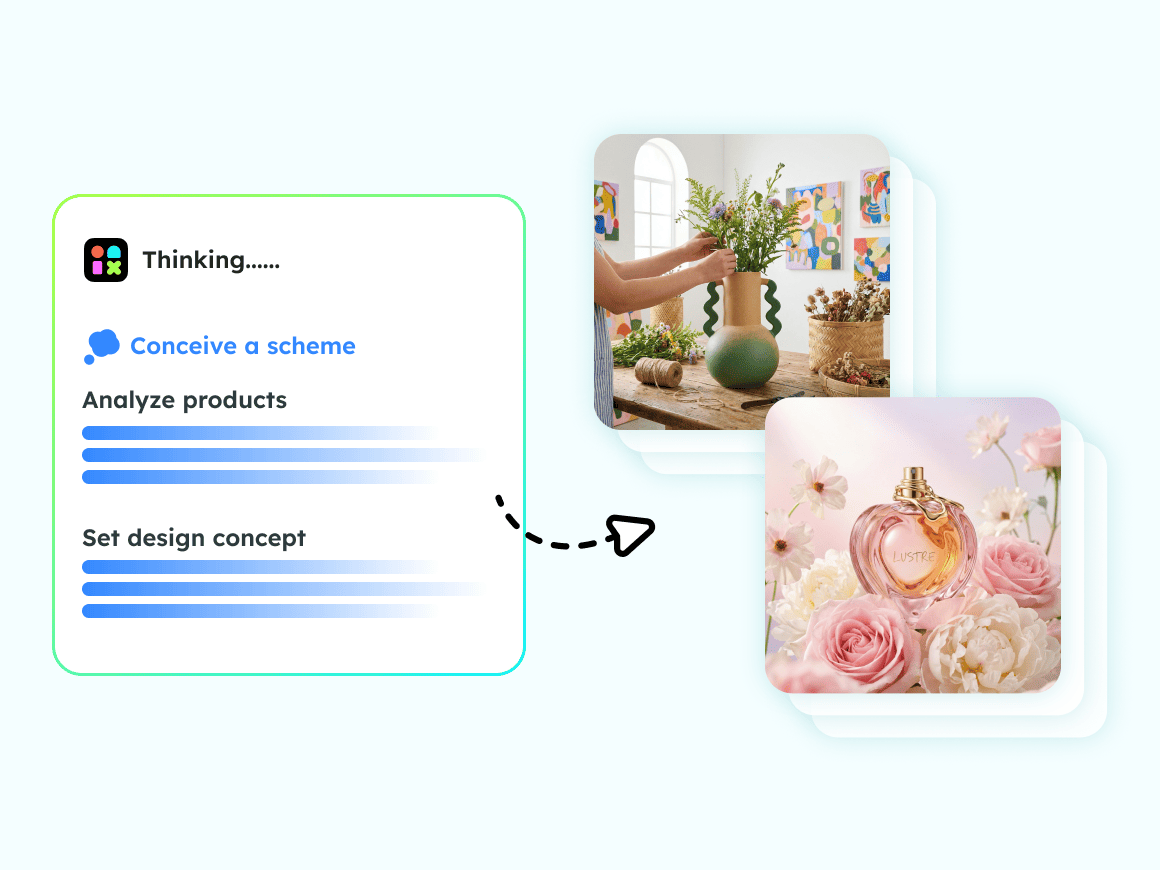
AI Picks the Perfect Scene You Just Click Generate
Tell the AI what you are selling, and it recommends scenes that match your product style. Candle in a warm bedroom with soft ambient lighting. Water bottle on an outdoor hiking trail at golden hour. Skincare on a marble countertop with natural window light. Coffee mug on a cozy wooden desk with morning atmosphere. Lighting and shadows adapt in real time so your product integrates seamlessly into the scene, not cut and pasted on top. Or type your own scene description for full creative control.
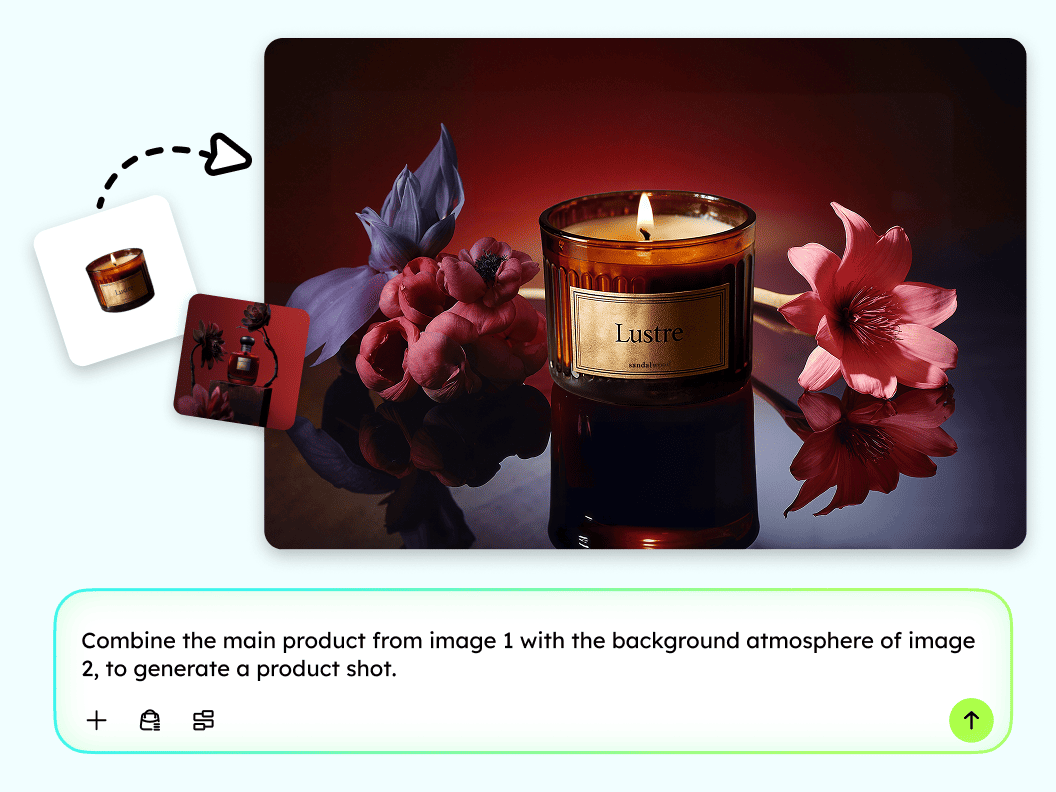
Clone Best Seller Visual Styles 100% Copyright Safe
See a competitor product image that performs well? Upload it as a style reference. AI analyzes the composition, color palette, and visual focus, then applies a similar aesthetic to YOUR product photo without copying any copyrighted elements. Every image generated is commercially licensed and safe to use on any platform worldwide.
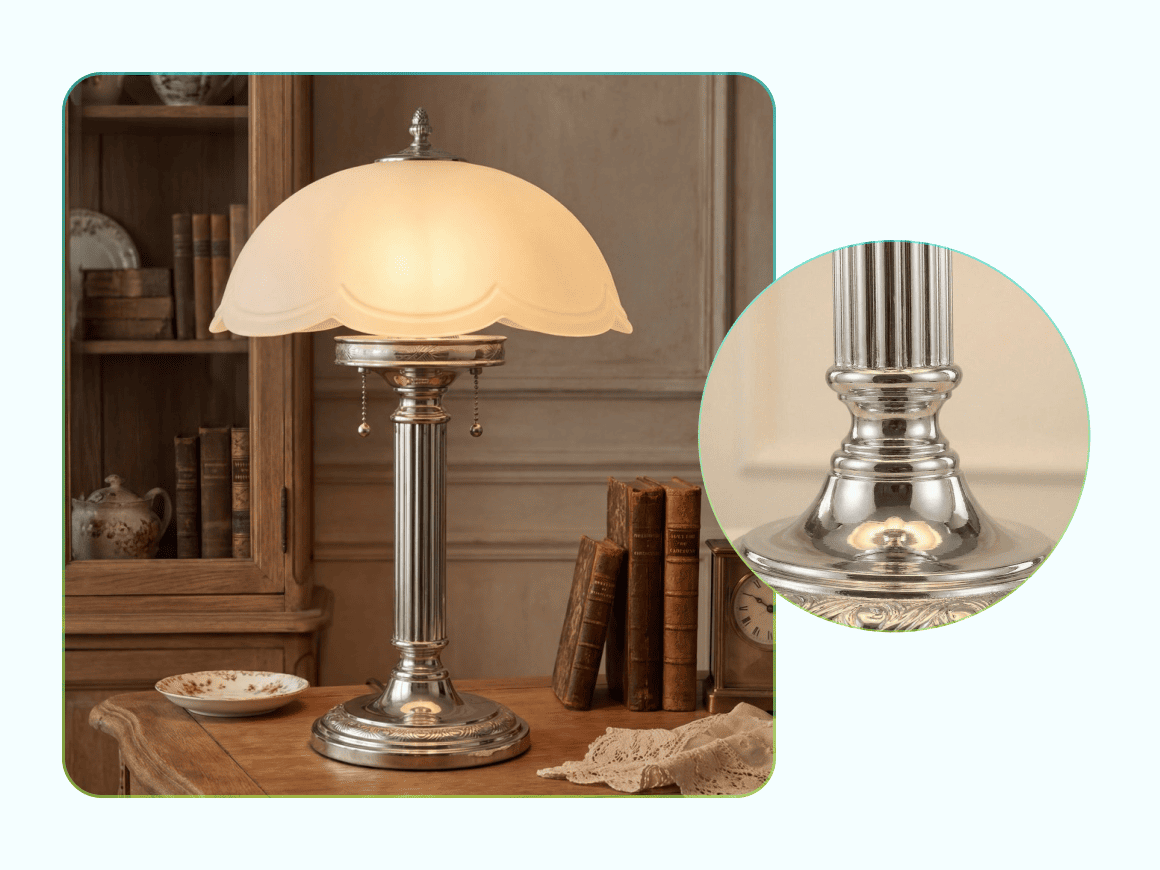
Every Texture Preserved Fabric, Metal, Glass, Food
AI enhances your product while preserving what matters most the weave of fabric, the sheen of metal, the translucency of glass, the texture of food. Minor flaws like blur, color deviation, or dust spots are automatically corrected during generation. Product shape, color, and proportions stay 100% true to the original.
Built for Sellers Who Need Professional Images Fast

Small & Medium E-commerce Sellers
Create studio-quality product photos without hiring a professional team — solving low-quality visuals and poor conversion rates.
From Snapshot to Studio: Who We Serve

E-commerce Designers / Operators
Reduce manual background removal and scene compositing workload.Improve production efficiency and focus on more strategic tasks.

Cross-Border E-commerce Sellers
Quickly generate visuals that match the aesthetic standards of overseas platforms and local consumer preferences — boosting global competitiveness.
Frequently Asked Questions
Can AI really replace professional product photography?
How do I make my product photos look professional without a studio?
Upload any product photo — even a phone shot with a cluttered background. Designkit's AI removes the background, corrects lighting, enhances details, and places your product into a professional scene. The result looks like it was shot in a $500/day studio. No equipment, no design skills, no editing experience needed.
What types of product scenes can AI generate?
Designkit generates a wide range of scenes tailored to your product category: white/solid backgrounds for marketplace hero images, lifestyle scenes (kitchen, bathroom, outdoor, office, bedroom), seasonal themes (holiday, summer, spring), and custom scenes from your text description. AI adapts lighting and shadows to each scene for a natural, realistic look.
Is there a free AI product photo tool I can try?
Yes! Designkit offers 20 free credits on sign-up — enough to generate professional product images for several products. You also earn 10 free credits daily just by logging in. No credit card required. All free-tier images are full resolution with no watermarks.
What are Amazon's product image requirements?
Amazon requires main product images to have a pure white background (RGB 255,255,255), minimum 1000px on the longest side (2000×2000px recommended), and the product must fill at least 85% of the frame. Designkit generates images that automatically meet all these requirements. Just select "Amazon" as your export format and download.
Can I generate product images in batch?
Yes. Upload multiple product photos at once, and AI generates professional images for each one with consistent quality, lighting style, and scene type. Ideal for catalog refreshes, seasonal updates, or new product launches. Batch export as ZIP in one click.
Ready to Upgrade Your Product Photos?
Generate professional product images instantly with AI. Showcase your products in high-quality, realistic photos ready for eCommerce, ads, and social media campaigns.