
Edit Your Visuals With Free Online Photo Filter
Apply professional-grade styles to your images in seconds. Whether you're a casual creator or managing an e-commerce brand, you’ll find the perfect look. Save time with quick, browser-based editing that keeps your files looking sharp.

No image? Try one of these:

How to Add Filters to Images Online with Designkit
Upload Your Source Image
Simply drag and drop your png, jpg, or webp file into the tool. We’ve designed the interface to handle your uploads automatically, so you don't waste time on complex setups.
Choose and Refine Your Filter
Navigate to the "Retouch" tab and select "Filters" to browse our categorized effects. Once you pick a style, use the slider to adjust the filter intensity until the image looks exactly how you want it.
Download Your Styled Result
Click the download button once you’re satisfied with your adjustments. Your newly filtered image saves directly to your device with one click, letting you move on to your next project fast.
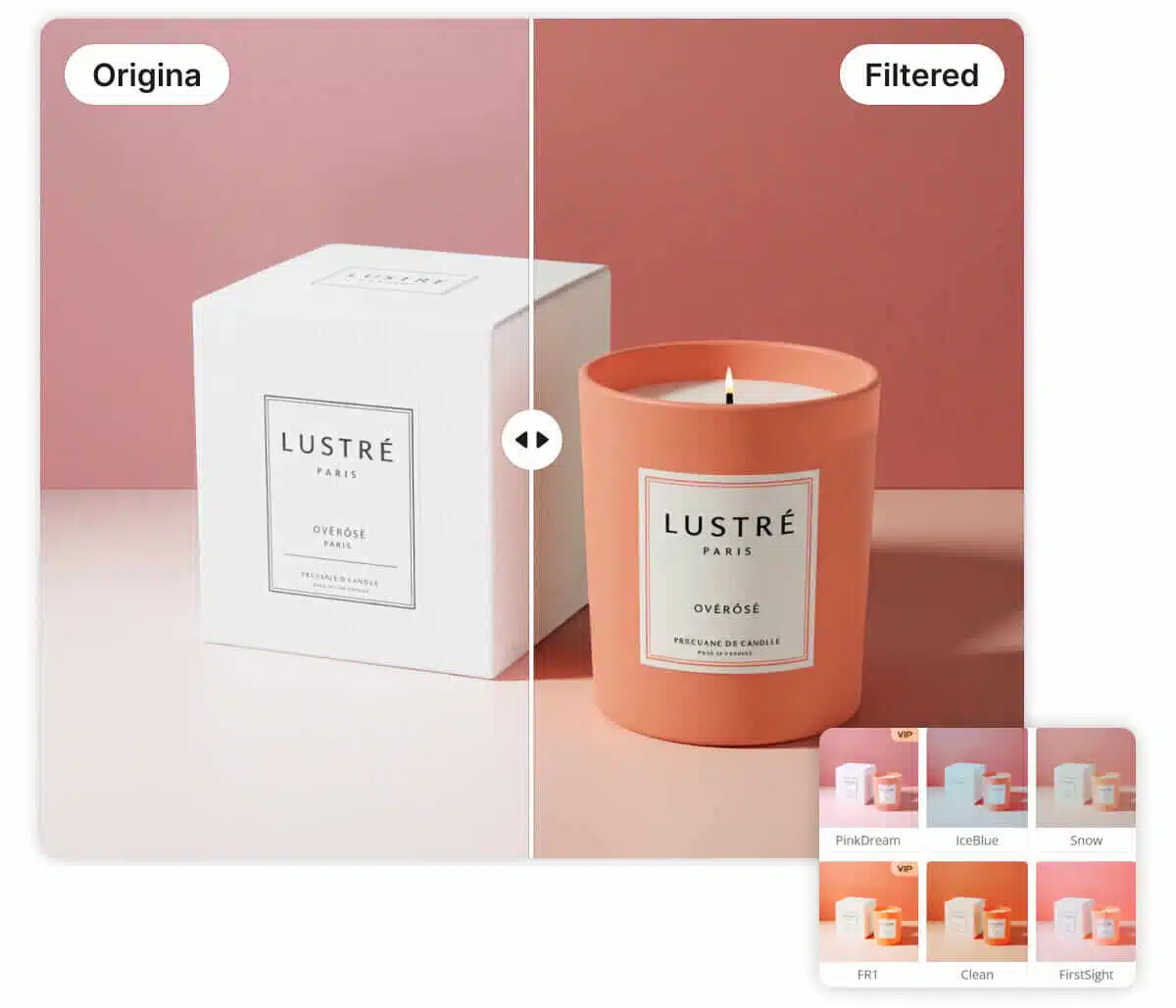
Free photo filters across multiple style categories
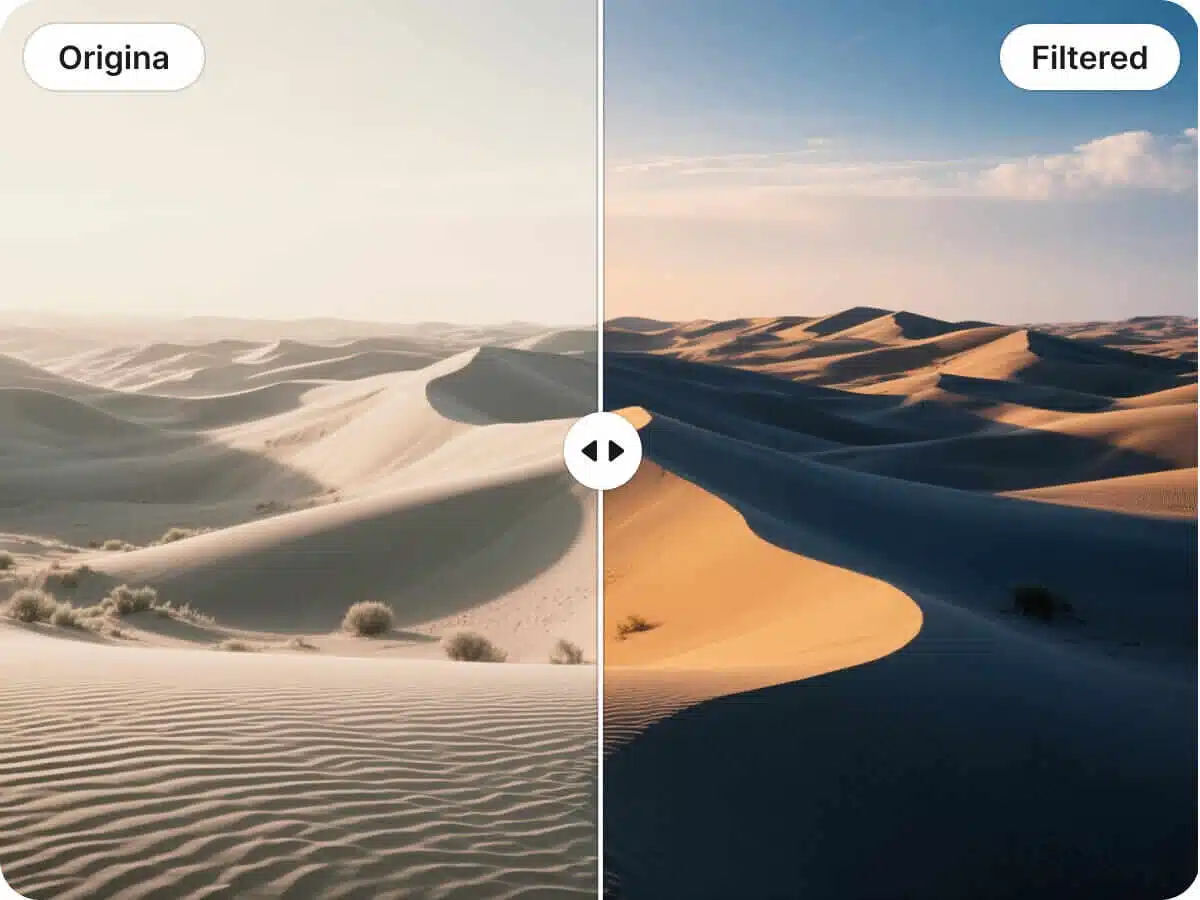
Designkit offers a curated library of presets ranging from Cinematic and Trendy Colors to Food and Spring styles. Unlike static preset apps that limit your options, this gives you specific looks tailored to your subject matter. You’ll find the exact aesthetic to match your visual goal in seconds.
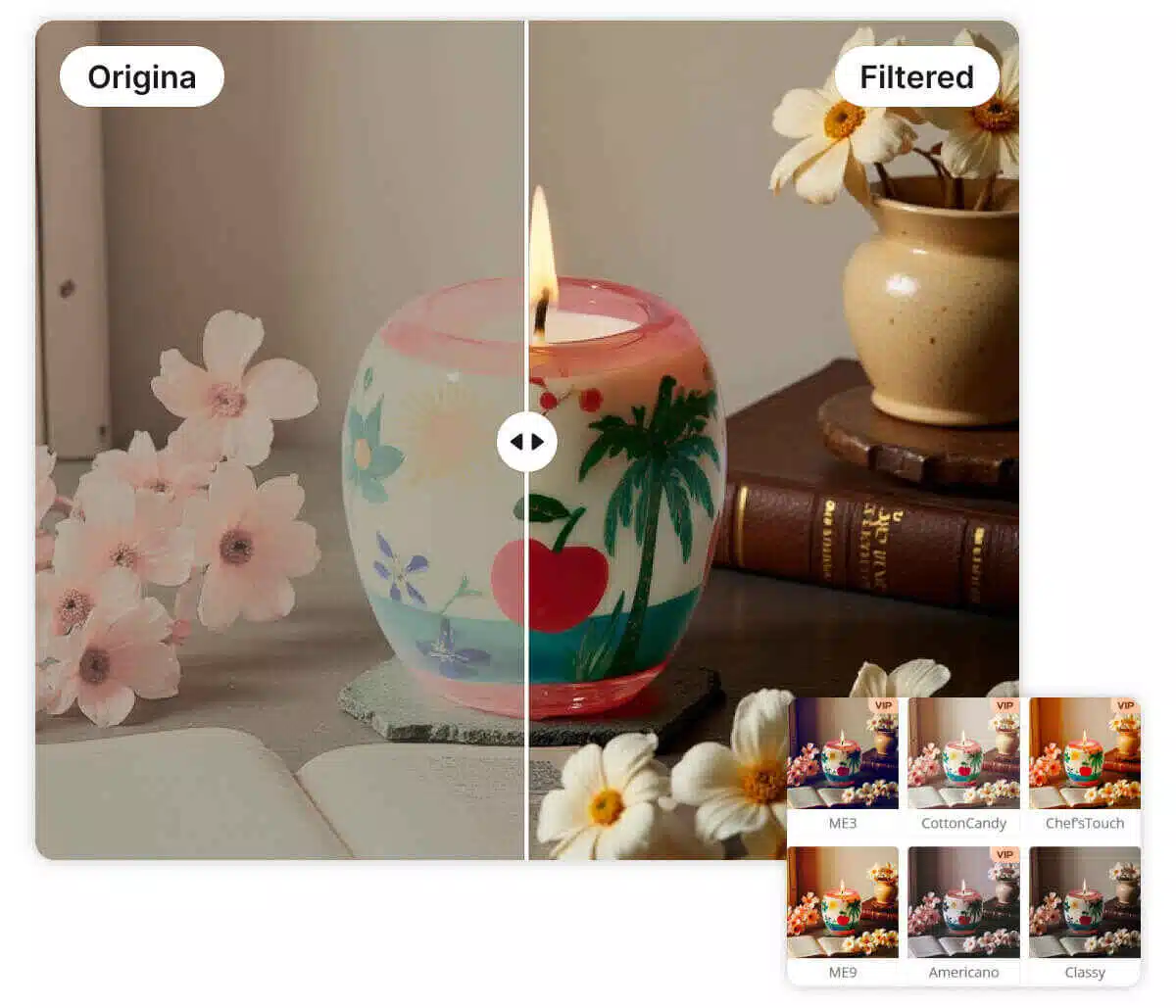
Add filter to image online without extra software
Browser-based editing is a workflow that runs fully online and saves instantly to your device. Designkit applies the selected filter as you preview, so you can decide before you export. Unlike desktop apps, which require installs and updates, you finish faster on any computer.
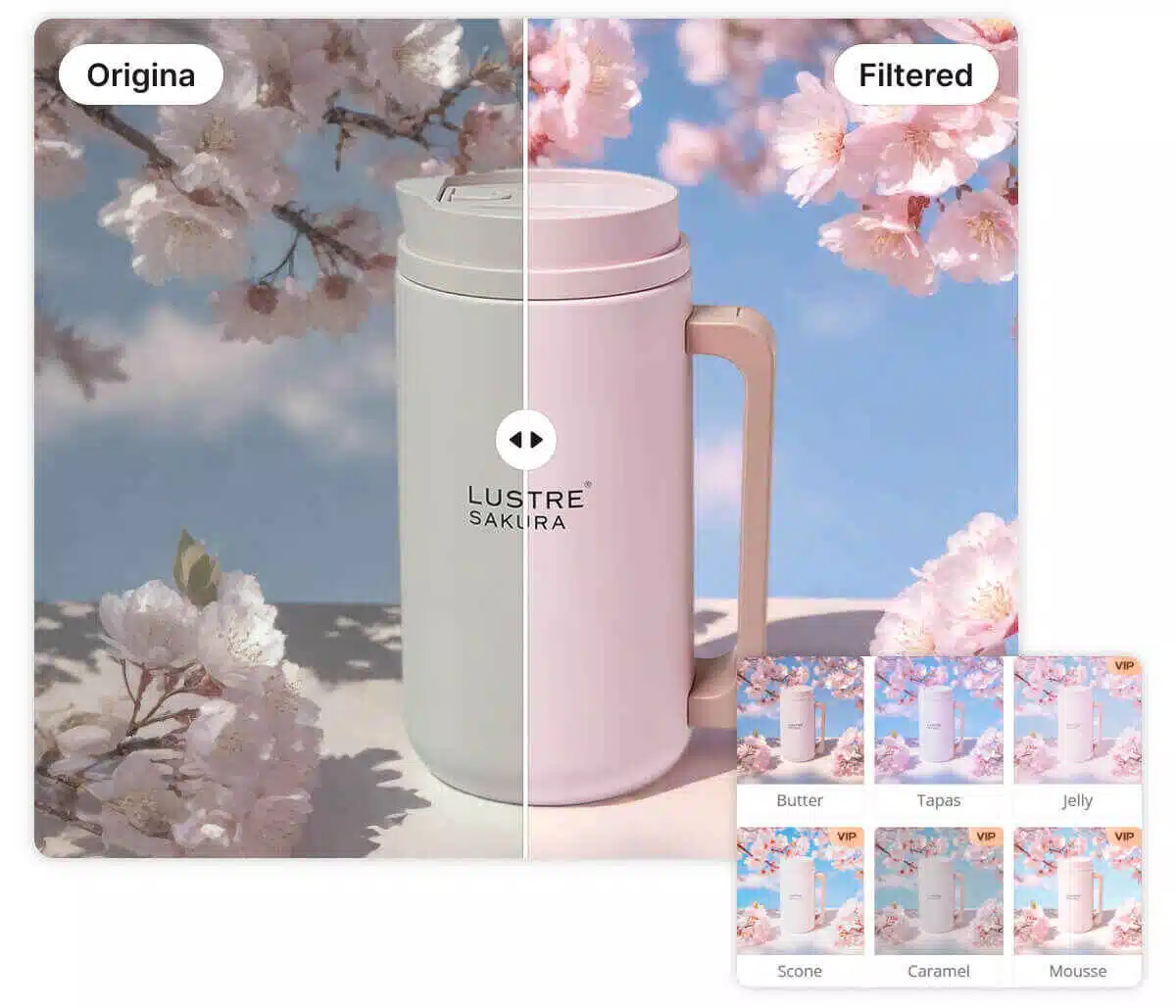
Adjustable image filter intensity for fine control
Every image filter includes a custom intensity slider for fine-tuned results. You decide how subtle or bold the effect should be, giving you creative control over the final output. Manual adjustment is now a thing of the past, as you can see changes in real-time.
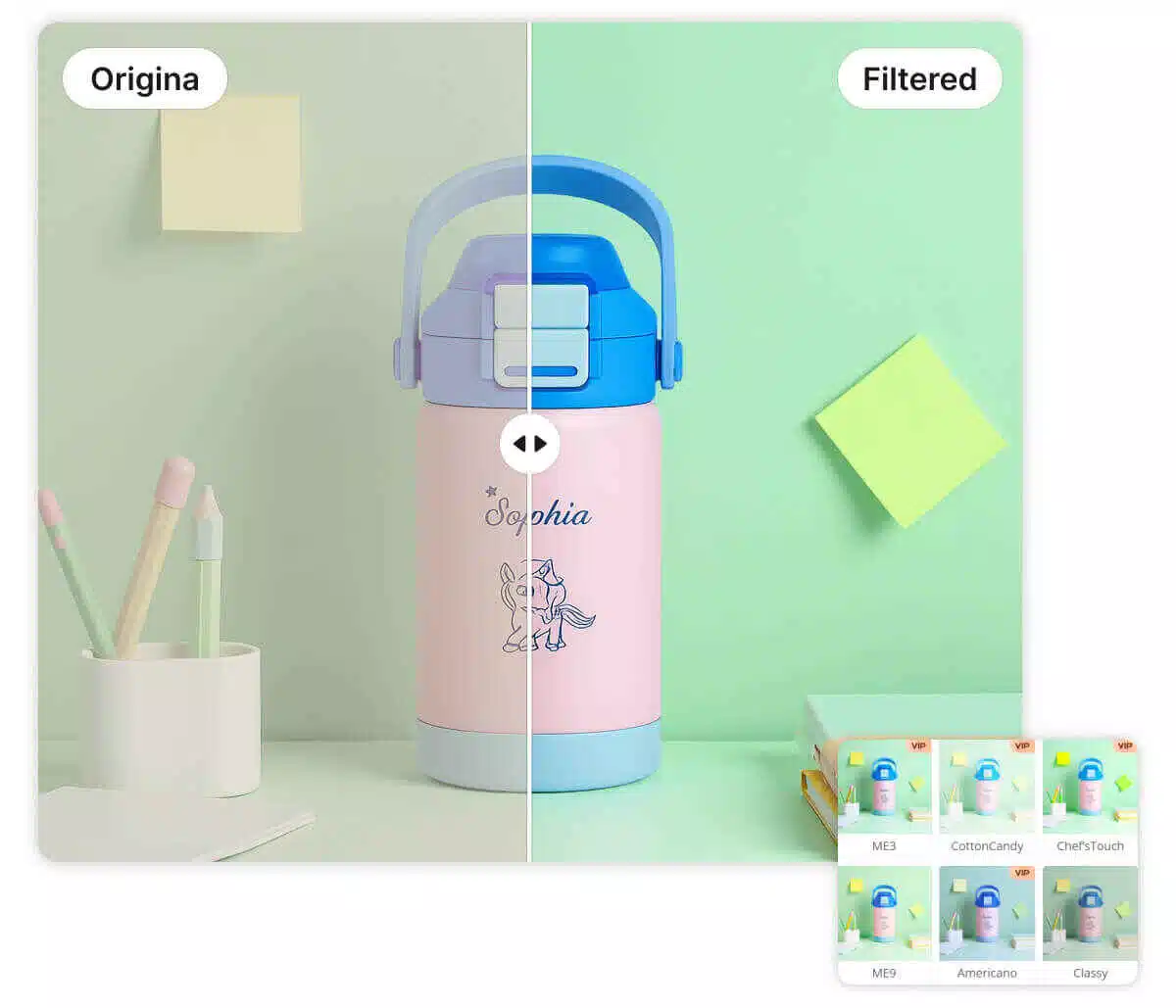
Curated photo filter collections for consistent looks
Curated presets are pre-tuned color and tone profiles built for common aesthetics. Each filter applies coordinated changes across brightness, contrast, and color balance in one pass. Unlike manual tweaking, which often drifts across images, you get repeatable results that still look natural.
Online Photo Filter for Every Scenario
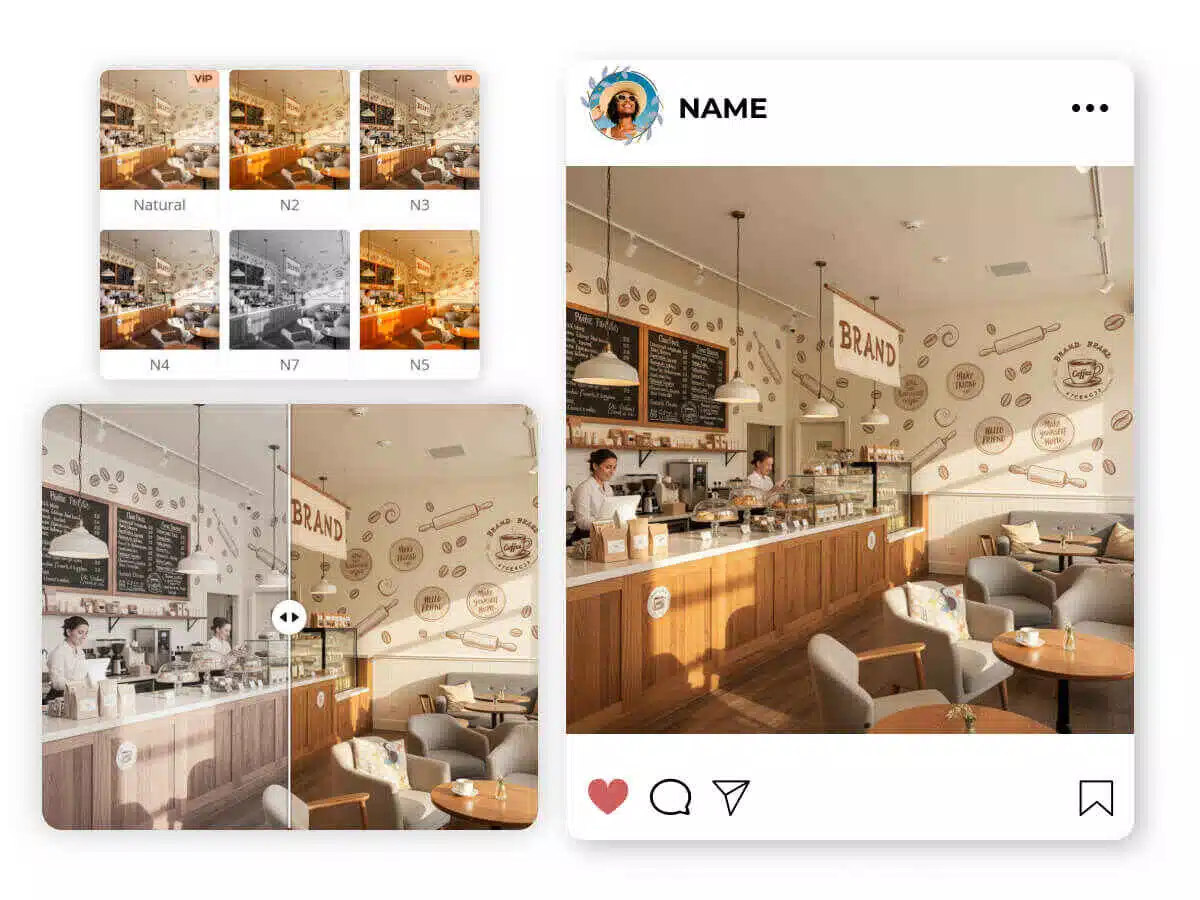
Online photo filter for Social Media Speed-posting
Social media managers often need to post high-quality content while events are still happening. You can't afford to wait until you're back at a desktop to run complex edits. Simply upload your mobile shots, apply a "Trendy" filter to match your grid's aesthetic, and export. You get polished, scroll-stopping posts in seconds.
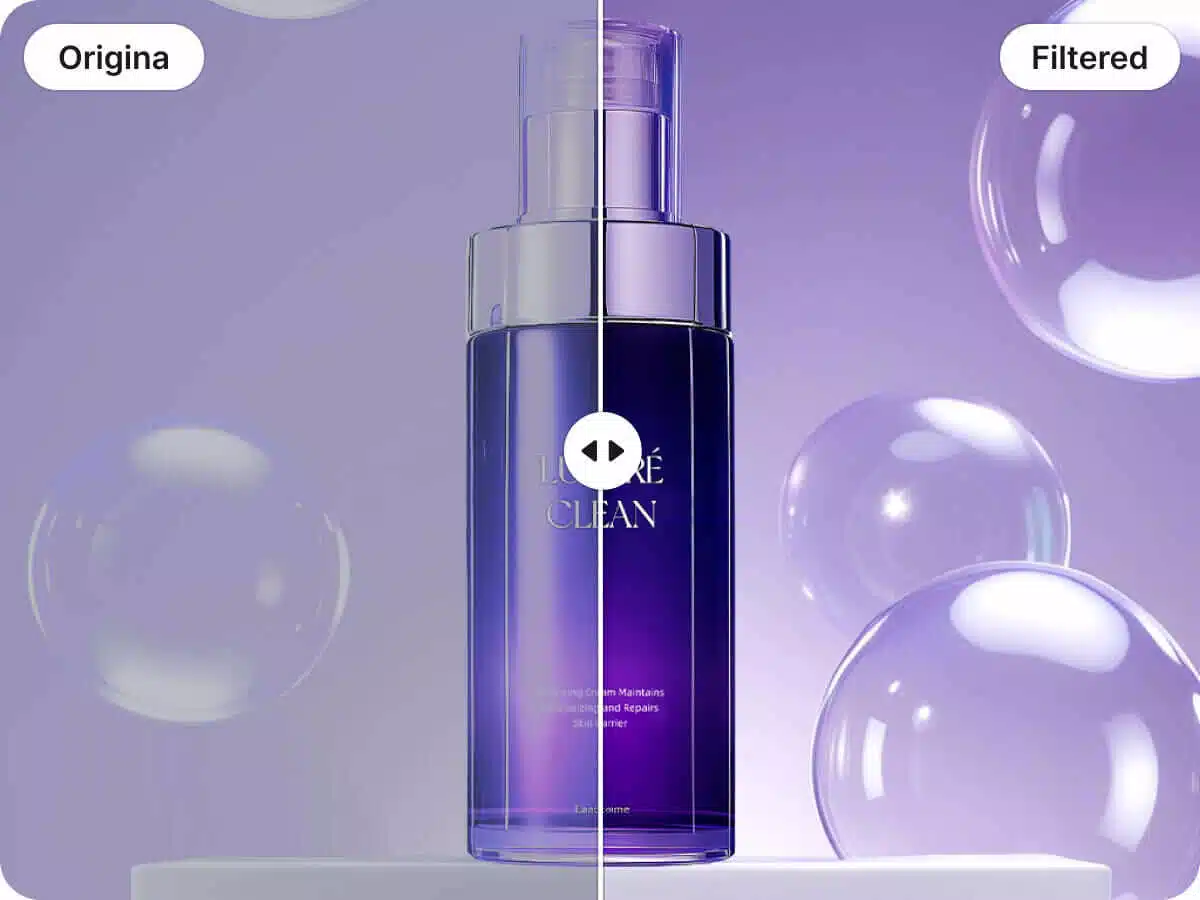
Why Choose Designkit's Online Photo Filter

Faster edits, fewer steps
You apply a photo filter and preview changes instantly in the browser, then export in 1 download. Compared with multi-layer manual edits that can take 10+ minutes per image, you finish the same task in a fraction of the time.

Flexible workflows
You can add filter to image online from any modern computer without installing apps or managing updates. If you’re an online user or an EU/US seller switching between work machines, that 0-install setup means fewer blockers and more consistent output.

Predictable results at batch scale
You can keep a consistent look by reusing the same filter and intensity across a set, then downloading outputs quickly. For product catalogs with 20–100 images, that consistency reduces rework and helps listings look unified across marketplaces.
Discover More Powerful Features in Designkit
FAQ About online photo filter
Can I add filter to image online and adjust intensity?
Can I use this for my professional e-commerce product photography?
Yes, many sellers use our tool to create a consistent brand look. By applying the same filter and intensity settings to your product images, you create a cohesive visual experience for your store, which can help improve customer trust and professional perception.
Which image formats does Designkit support for filtering?
Designkit support a wide range of common formats, including png, jpg, jpeg, heic, and webp. This coverage ensures that you can upload photos directly from your phone or desktop without needing to manually convert files to a specific format first.
Is it free to add filters to my images?
Designkit is free to use and offers a wide variety of filter styles, comprising mostly free filters along with a selection of VIP filters, allowing users to choose according to their specific needs.
Refine Your Visuals with the Designkit Online Photo Filter
Social creators and e-commerce sellers use Designkit to keep a consistent look while moving quickly. Go online, use it free, choose from varied styles, process in batches, and download in one step.