
Batch Photo Editor Online
Process entire image collections in a few clicks and achieve clean, studio-quality photos with the batch image editor.

How to Edit Images in Bulk?
Upload Your Images
Begin by launching the AI Photo Editor and uploading your entire image set. Use the batch upload feature to add multiple photos at once and start editing instantly.
Select an Editing Tool
From the left-side panel, choose from AI-powered tools such as background removal, background generation, image enhancement, or object removal. Apply edits and preview changes in real time.
Export Your Final Results
After completing your edits, click the Download button in the top-right corner to save your images. All files are exported in high resolution, preserving original quality and details.
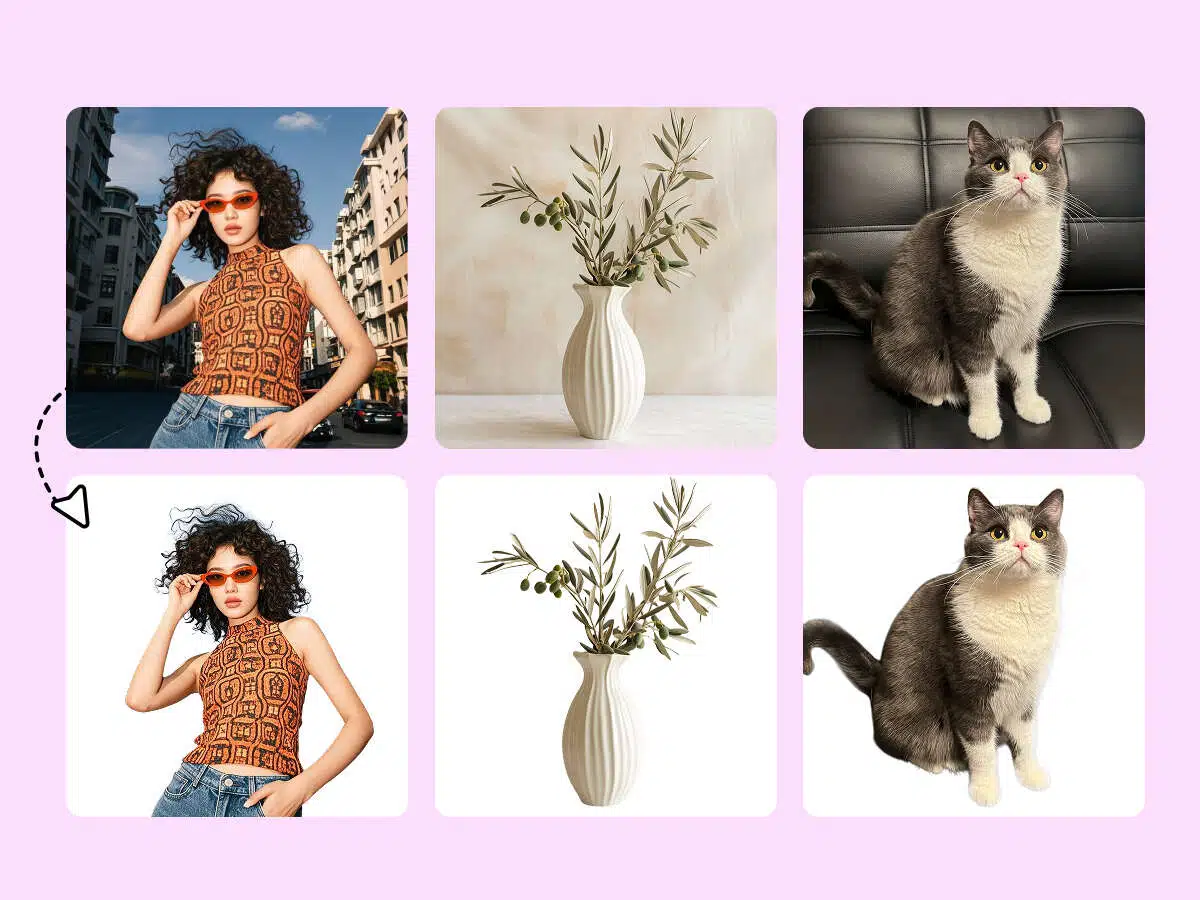
Keep Catalogue Images Consistent
Customers notice when product photos vary across a catalog, which can hurt trust. The AI batch editor solves this in one step. Instead of editing images individually, you can process an entire folder at once, giving every photo a uniform look and feel and ensuring your brand appears polished effortlessly.

Replace Backgrounds in Bulk
Manually changing backgrounds is a thing of the past. With the batch image editor, you can remove or swap backgrounds for multiple photos in seconds. Whether it’s a clean white studio style or a themed lifestyle backdrop, the tool applies your choice consistently, making seasonal campaigns and catalog updates much easier.
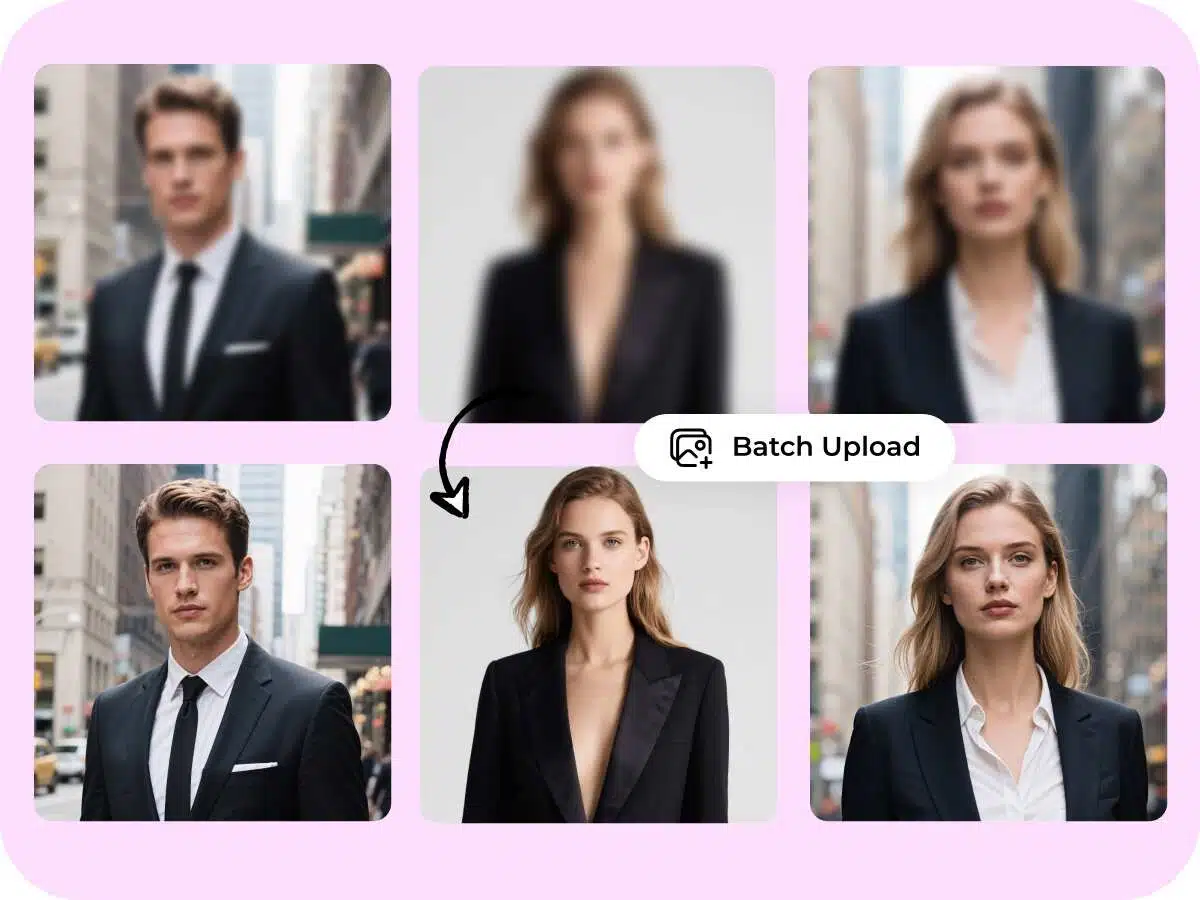
Enhance Image Quality Instantly
Poor lighting or dull colors can make photos underwhelming. The AI batch enhancer fixes these issues automatically, sharpening details and balancing tones across entire image sets. The results look natural and are ready for online stores, social media posts, or printed catalogs in no time.
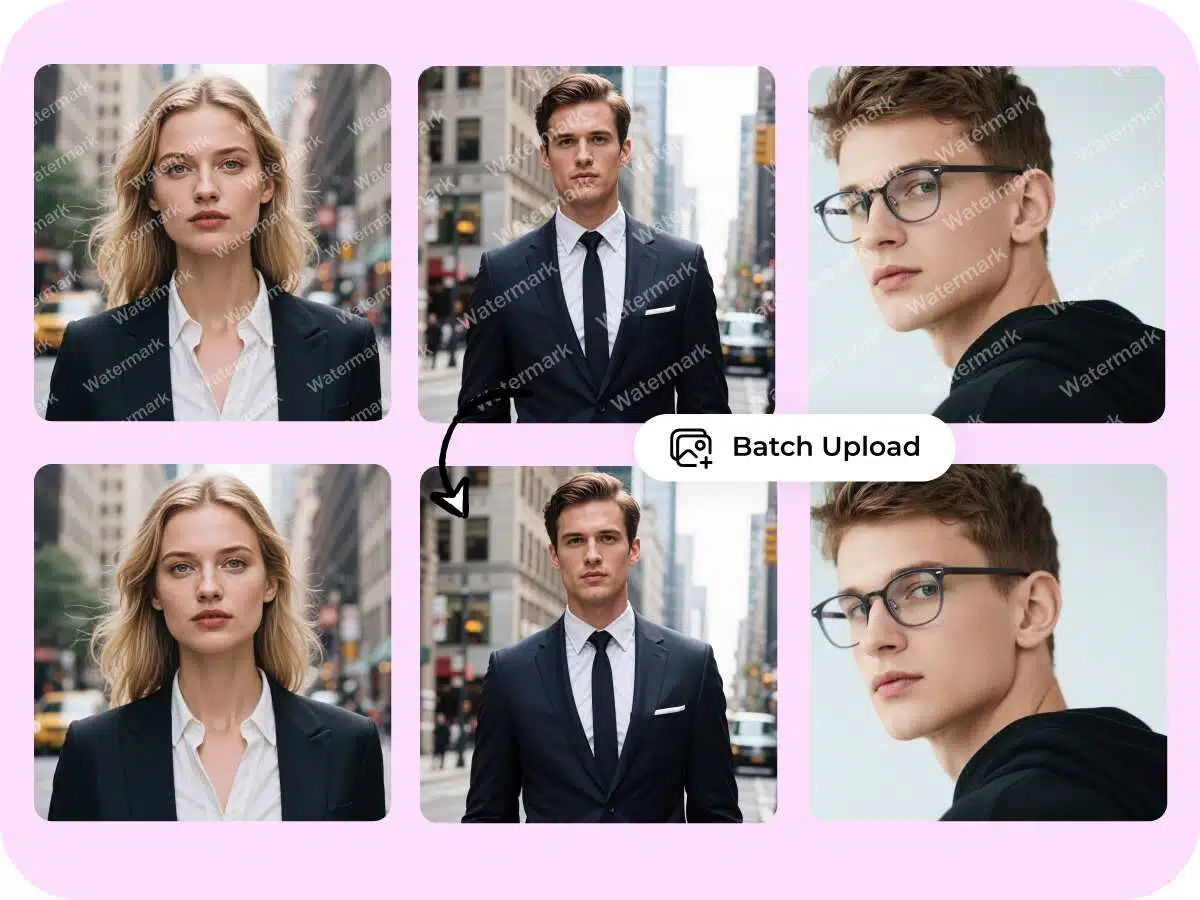
Effortlessly Remove Unwanted Objects
Every shoot has small imperfections—wires, stray items, or distractions in the frame. The AI tool detects and removes them across all your images. Upload your photos, and each one comes back cleaner and sharper, turning retouching into an effortless polish of your visuals.
Why Our AI Tools Stand Out

Scale Your Image Editing Effortlessly
Whether you’re working with a single photo or dozens, the tool processes them all with the same speed and ease.

Maintain Consistency Across Projects
A uniform look makes every campaign feel polished and professional. The editor ensures every image in a batch shares the same style.

Streamline Your Workflow
No need to switch between multiple tools—handle everything in one place. Editing becomes faster, smoother, and lets you focus on growing your business.
Frequently Asked Questions
I have many product photos with tricky lighting. Can the tool fix them all at once?
Is this only for eCommerce sellers, or can I use it for Instagram and other projects?
It’s not limited to eCommerce. Creators, small businesses, and social media enthusiasts use it to enhance photos for Instagram, marketing campaigns, and personal projects.
My images are different sizes—some vertical, some horizontal. Will that be a problem?
Not at all. The tool preserves the original proportions of every image, so nothing gets stretched or distorted.