
AI Poster Generator for Fast and Professional Poster Design
No expertise required, no complex workflows. AI Agents instantly generate brand-aligned, professional, high-conversion posters.
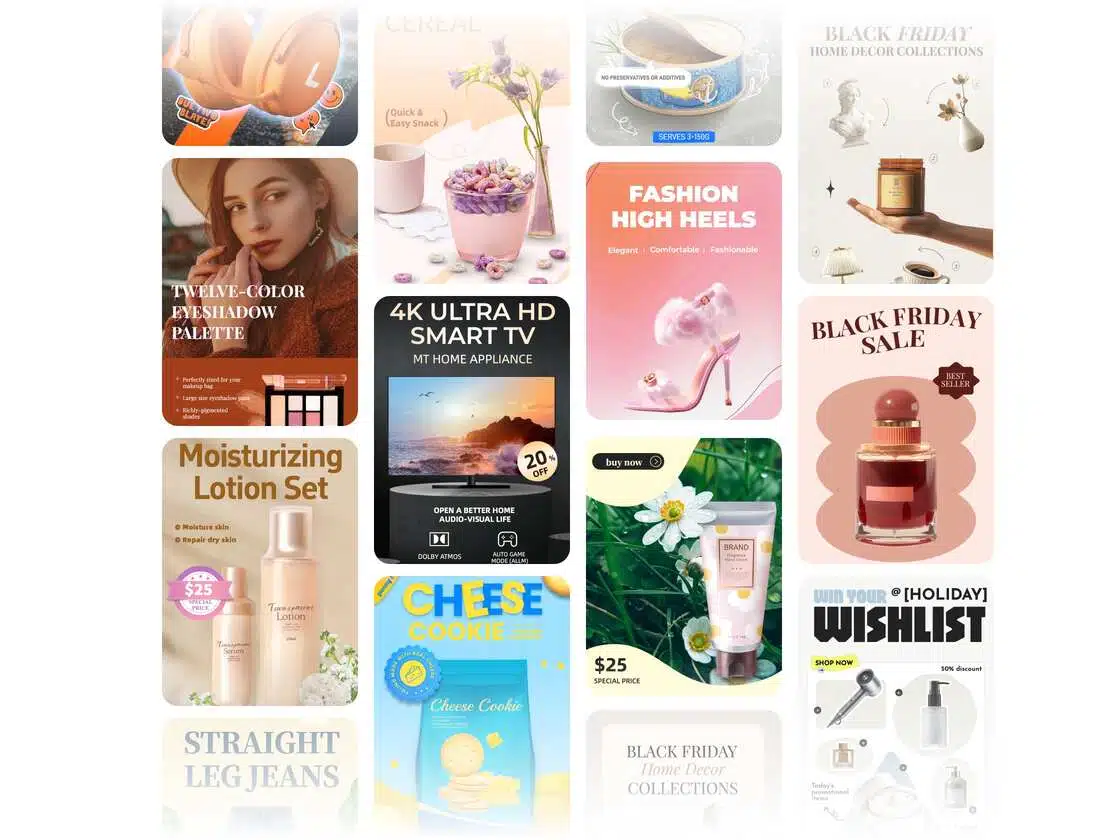
How to Generate Poster In 3 Simple Steps
Input Your Requirements & Upload Assets
Provide a text description and upload any relevant materials (e.g., product images), along with preferred styles or sizes.
AI Generation
The system selects the optimal model and generates static or animated posters.It can also produce 2–3 style variations for you to choose from.
Refine & Export
Make adjustments through conversation or by editing layers directly.Export in your preferred format (JPG / PNG / GIF / video) — high-resolution and ready for commercial use.
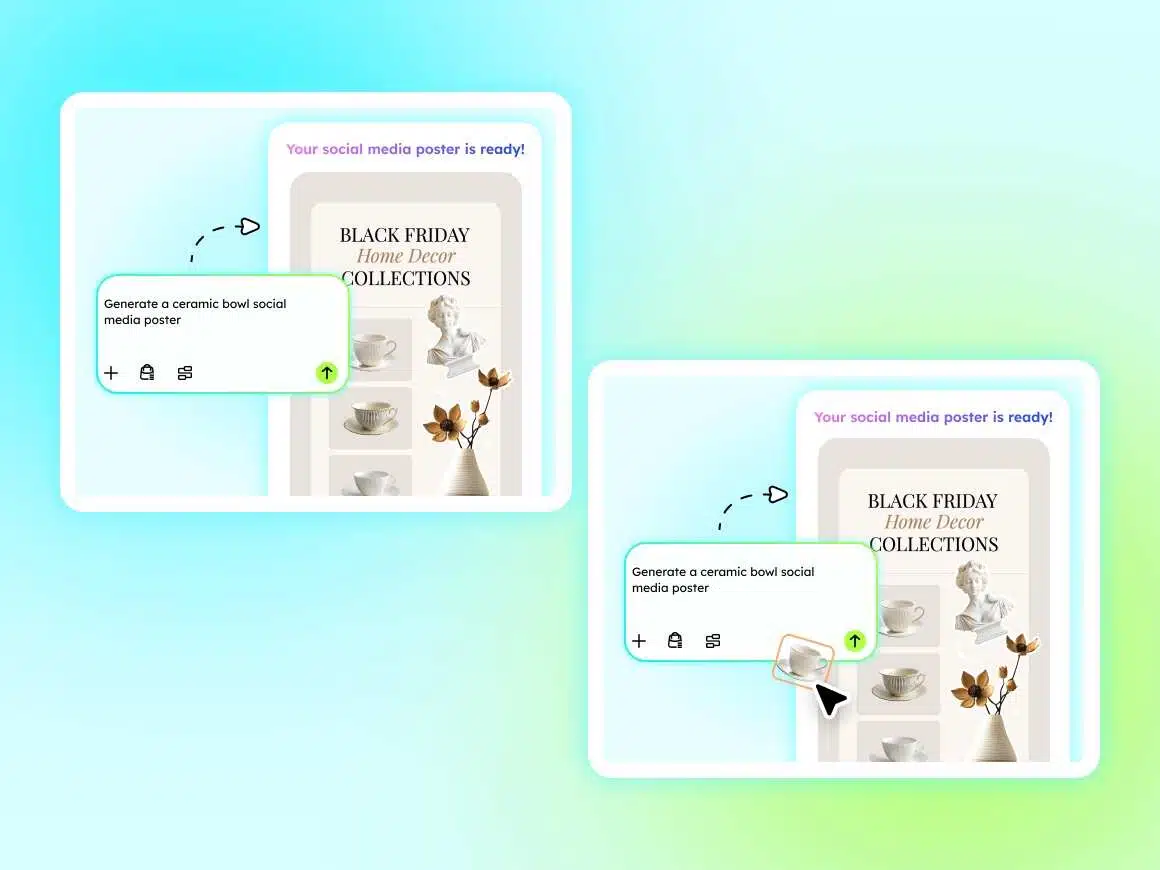
Text-to-Image & Image-to-Image — Choose Any Poster Creation Mode
Supports multiple generation modes including Image-to-Image and Text-to-Image.
Create posters for every e-commerce scenario—from product campaigns and seasonal promotions to brand assets—with fully customizable sty
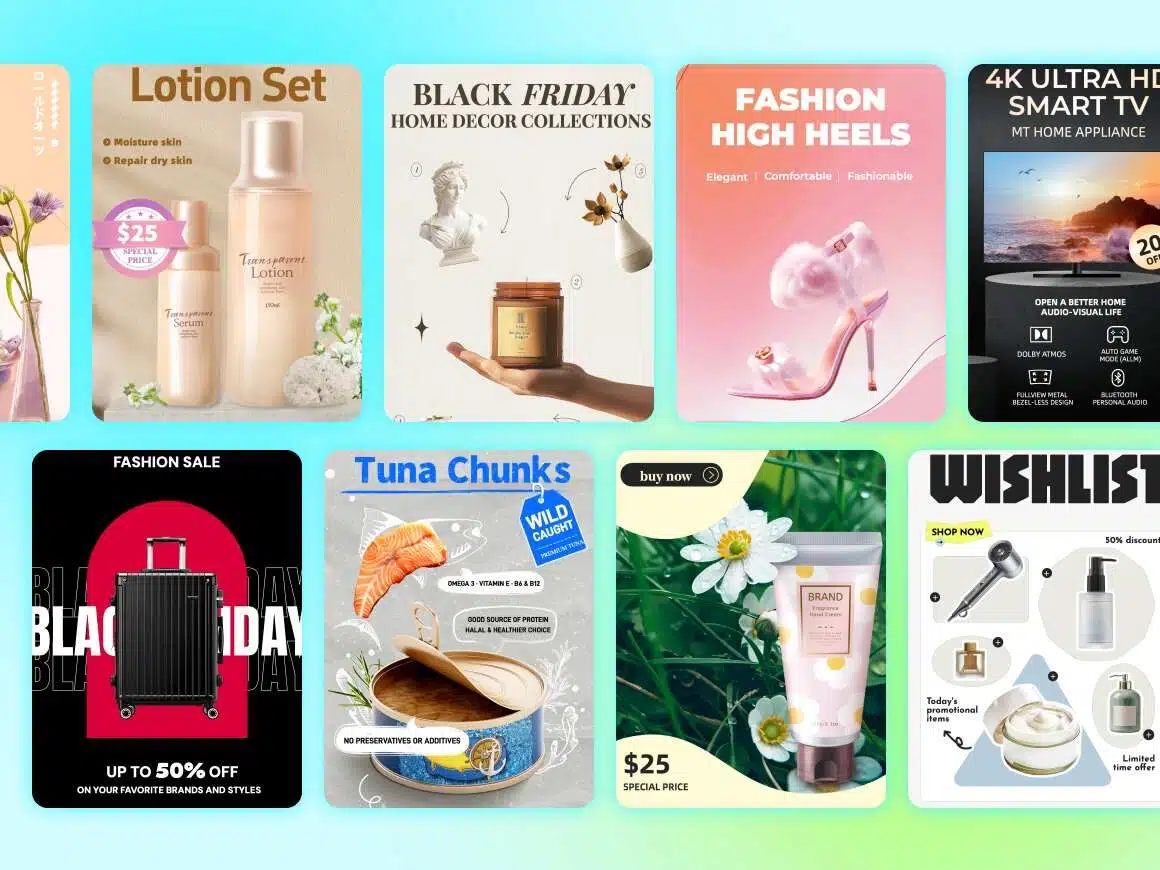
Custom Templates & Bulk Poster Generation — Creativity Meets Efficiency
Generate multiple posters in different styles and sizes with a single text command, while keeping product and brand identity consistent across all outputs.
Customize templates, lock fonts and color palettes, and ensure brand details are accurately reproduced without compromise.
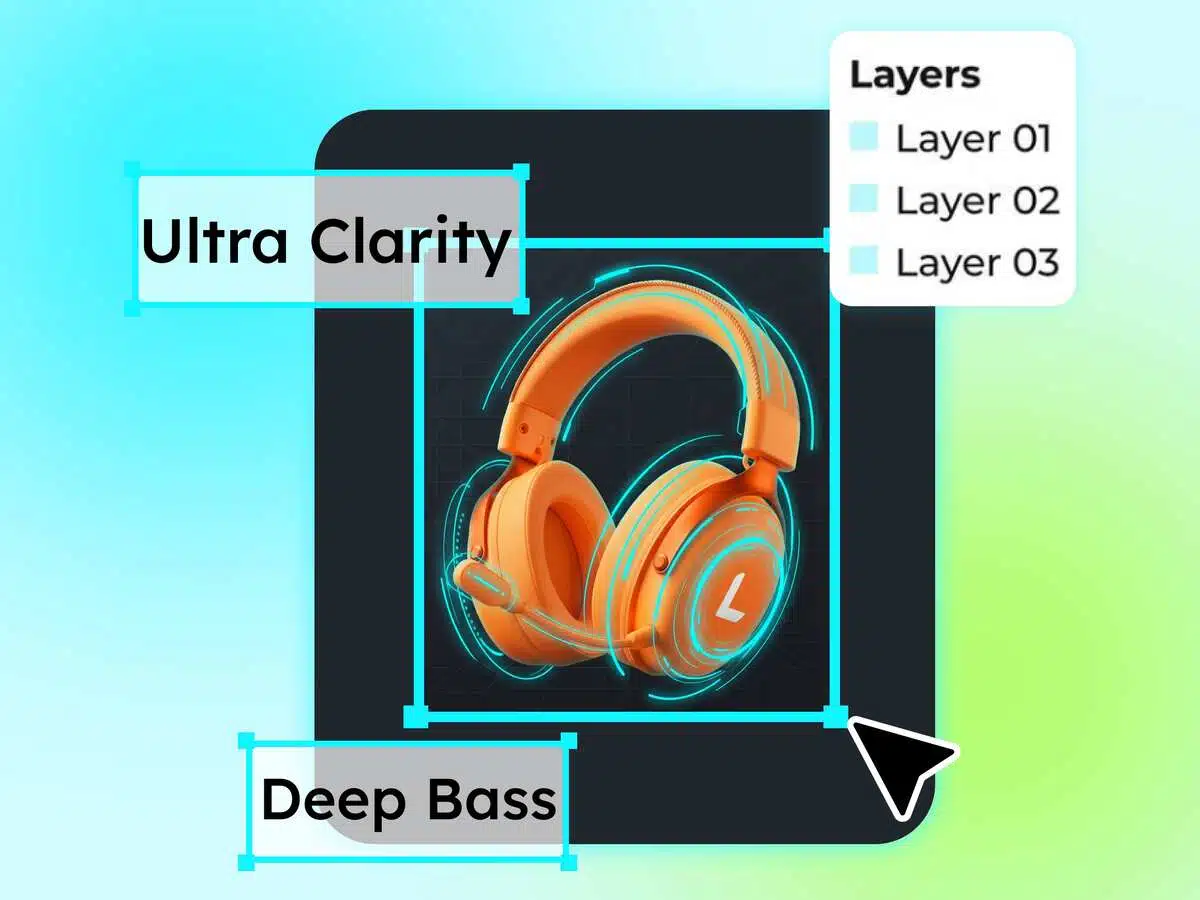
Maximum Editing Freedom — No Need to Redo Your Posters
Enjoy full-layer editing: adjust text precisely, retouch with AI (outpainting, upscaling, background removal), and modify any element instantly.
The infinite canvas supports multi-image composition and easy asset replacement—allowing creative adjustments without redrawing or restarting the design.
Fueling E-commerce Operator Success

E-commerce Operators / Designers
Create promotional posters, product hero images, and detail-page graphics to quickly respond to campaign timelines.

Entrepreneurs
Produce brand materials, event promotions, and recruitment posters at low cost while maintaining a professional brand presence.

Content Creators
Generate WeChat header images, video thumbnails, and social media graphics with consistent visual identity across platforms.
Versatile Multi-Scenario Coverage
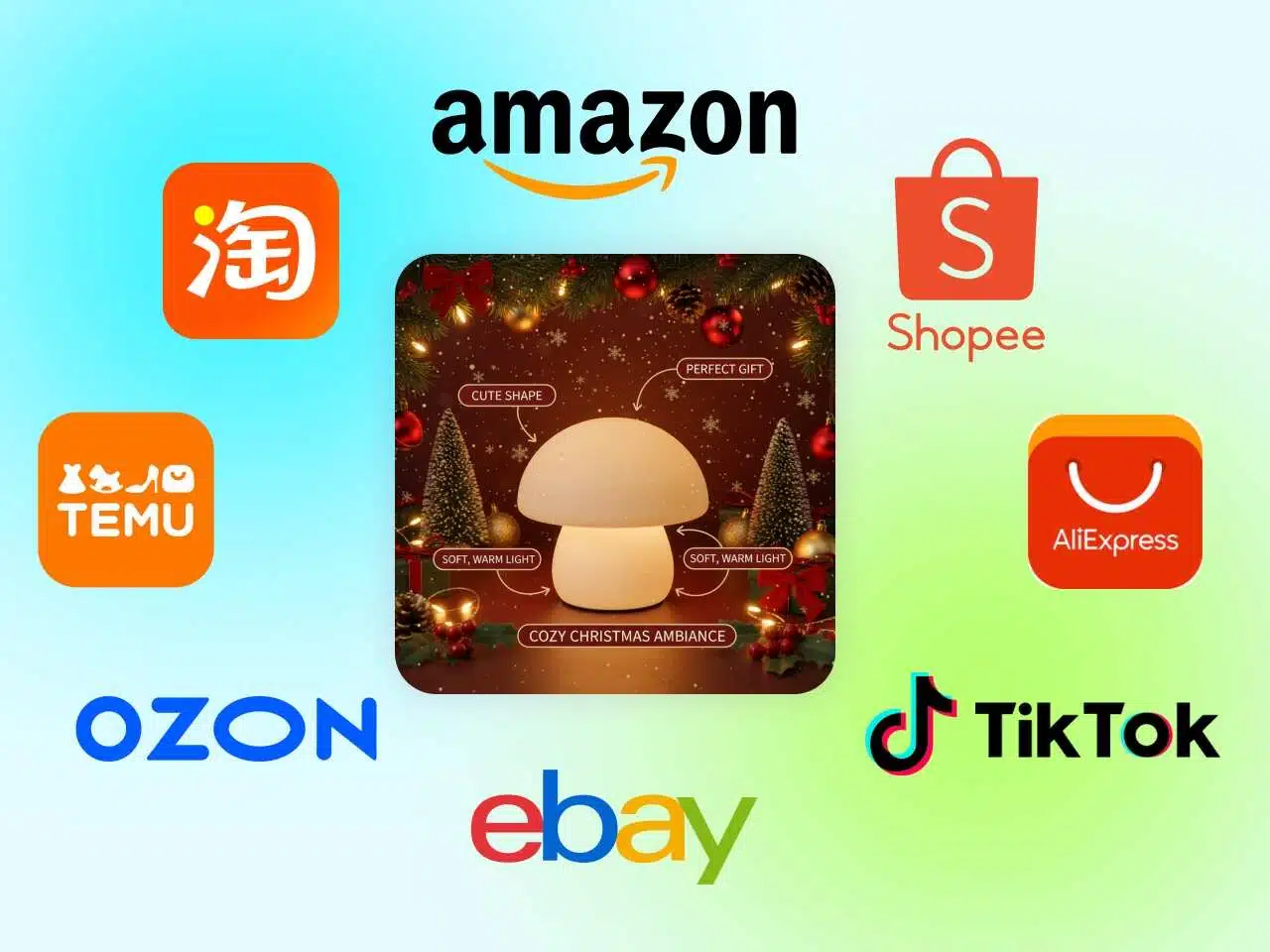
E-commerce Poster
Create posters that comply with platform-specific sizes and background standards.
Produce main images and detail page visuals ready for direct listing and display.
Frequently Asked Questions
What can I use the AI Poster Generator for in eCommerce?
Do I need design skills to create eCommerce posters?
No design experience is required. The AI automatically handles layout, typography, and visual balance, so you can generate professional-looking posters with just a few inputs.
Can I create posters for ads and social media?
Yes. The AI Poster Generator creates posters optimized for online ads, social media platforms, and store banners, making it easy to reuse designs across multiple channels.
Can I use my own product images and brand colors?
Absolutely. You can upload your product photos, logos, and choose brand colors to ensure every poster stays consistent with your store’s visual identity.
Are the posters suitable for eCommerce platforms like Shopify or marketplaces?
Yes. The posters are designed to work seamlessly with eCommerce stores and marketplaces, helping products stand out in listings, campaigns, and promotions.
Can I create multiple posters for different products or campaigns?
Yes. You can generate multiple posters quickly, making it easy to scale promotions across product lines or run A/B tests for different campaigns.
Generate Your AI Posters For Free
Create high-converting posters for eCommerce in minutes—perfect for promotions, product launches, and sales campaigns.