
Free AI Image Generator
Experience the magic of our free AI image generator, which clever is enough of appealing, and explicit algorithms to convert the abstract ideas stored in human brains into significant visual works at any place and at any time. You are expected to come up with a single-line thought or go ahead and give a few more, and then immediately you get a batch of images of the highest standards for all your projects.
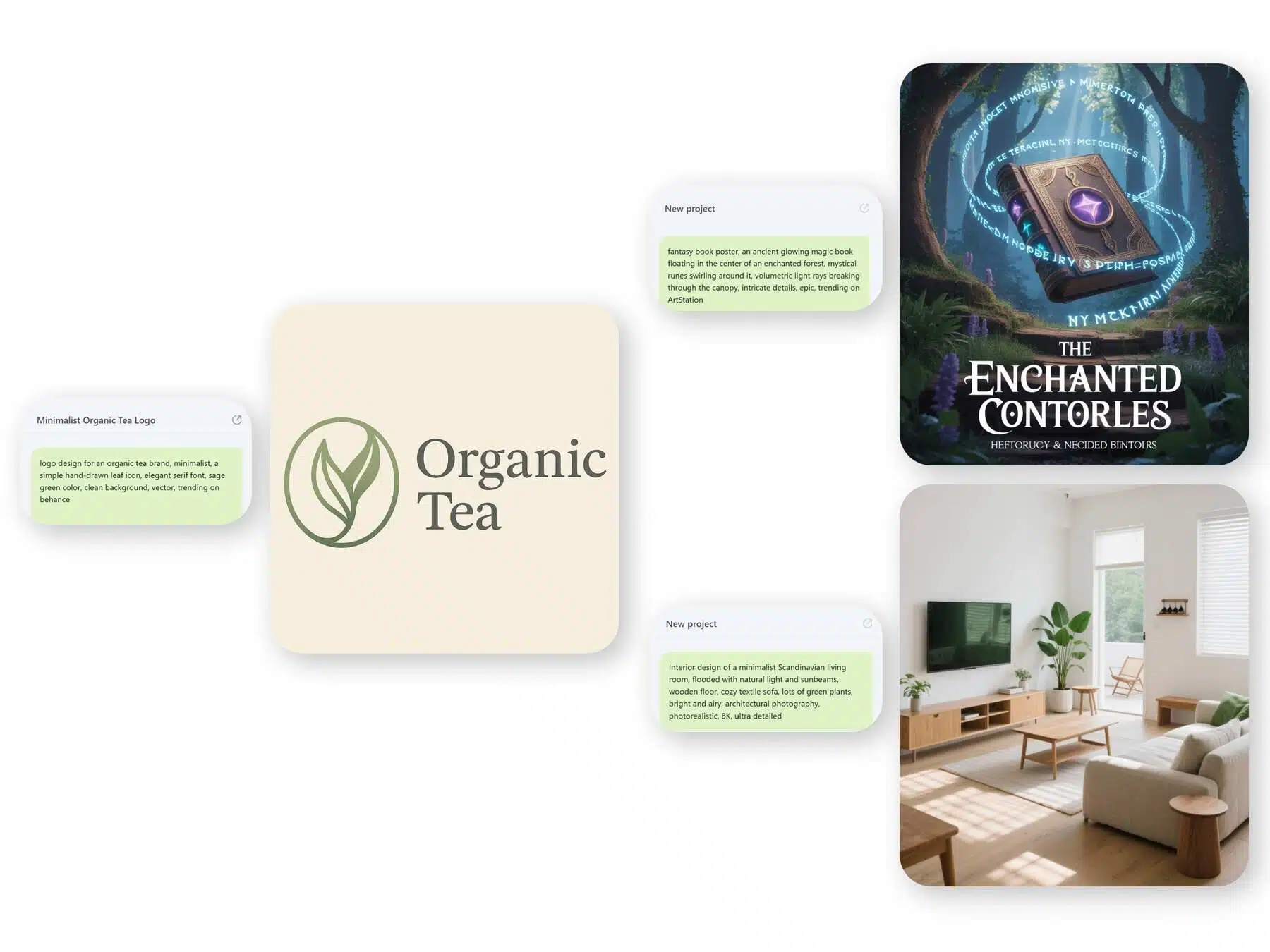
How to Use the Free AI Image Generator
Visit the Designkit AI Agent
Open an Designkit workspace and click on ‘Agent’ to start the AI Image Generator tool.
What Does the Free AI Image Generator Allow?
The Free AI Image Generator allows you to create your picture from scratch. Specify your exact vision for the image, or you can submit a reference photo or file to support the AI in understanding your intended style and layout.
The result and/or edition of files.
The image export is the next stage, where you can ace your edit using ‘Designkit’ AI tools. In the top-right corner, press ‘Export’ to retrieve the image and save it immediately.
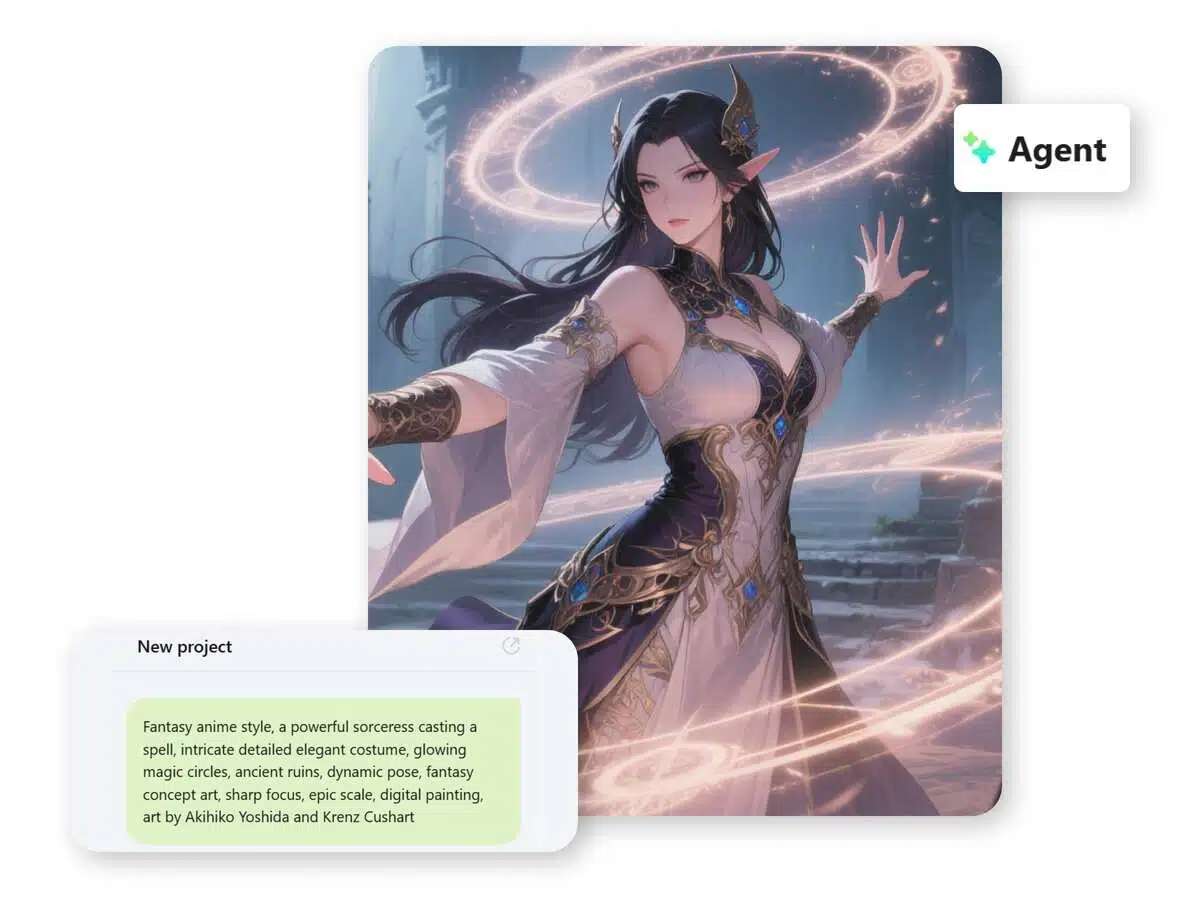
Bring Ideas to Life with Text-to-Image Creation
Transform your ideas into extraordinary visual graphics effortlessly. Our AI image generation tool decodes your idea, sees each and every detail and responds to it. It promptly produces high-quality, ready-to-use images in one go. Consequently, you get professional and finished images with no additional editing.
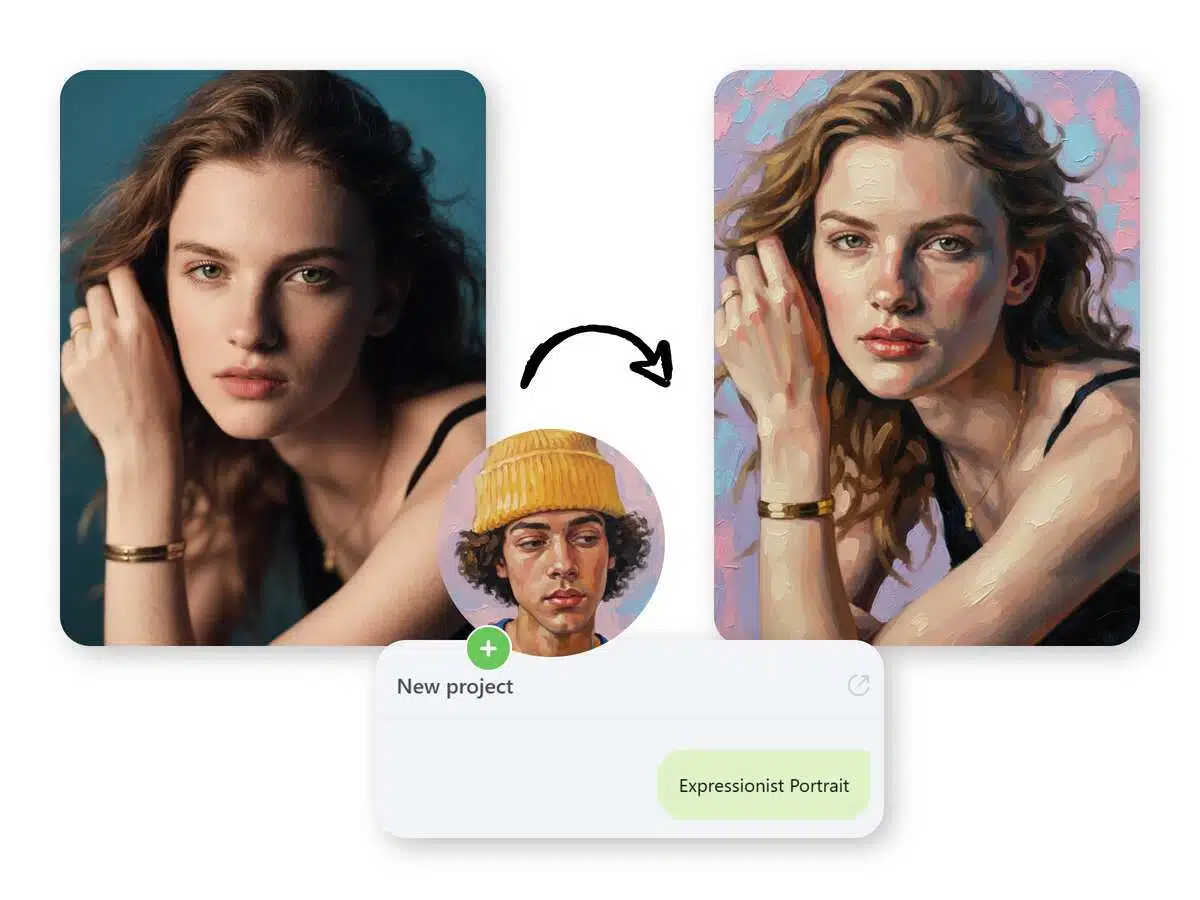
Discover New Horizons with The Help of AI Technology
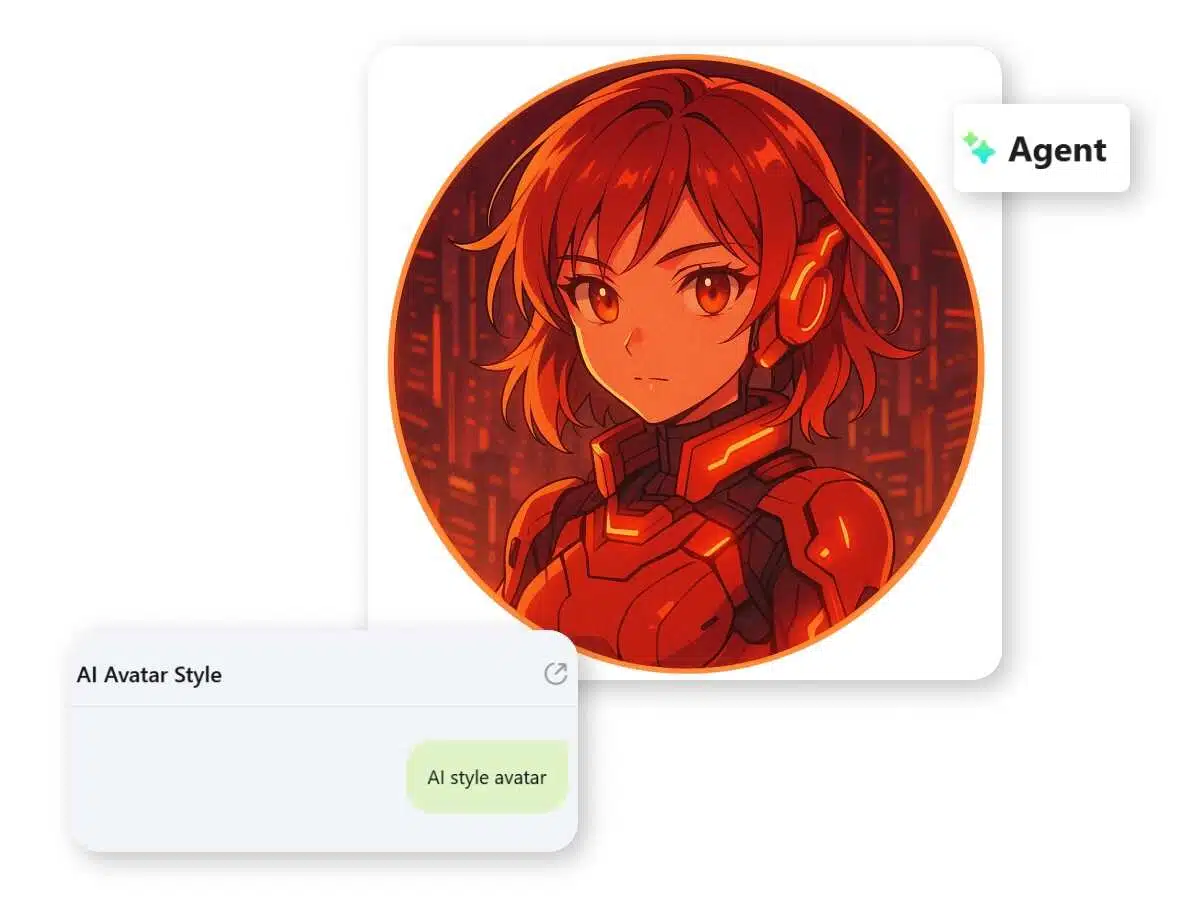
Opt for our image-to-image generator and you can change the look or the purpose of your existing photos in no time by using smart AI features. It is best suited for designers and artists who can easily drag and drop the image and let the artificially intelligent system automatically create professional quality images in a matter of seconds.
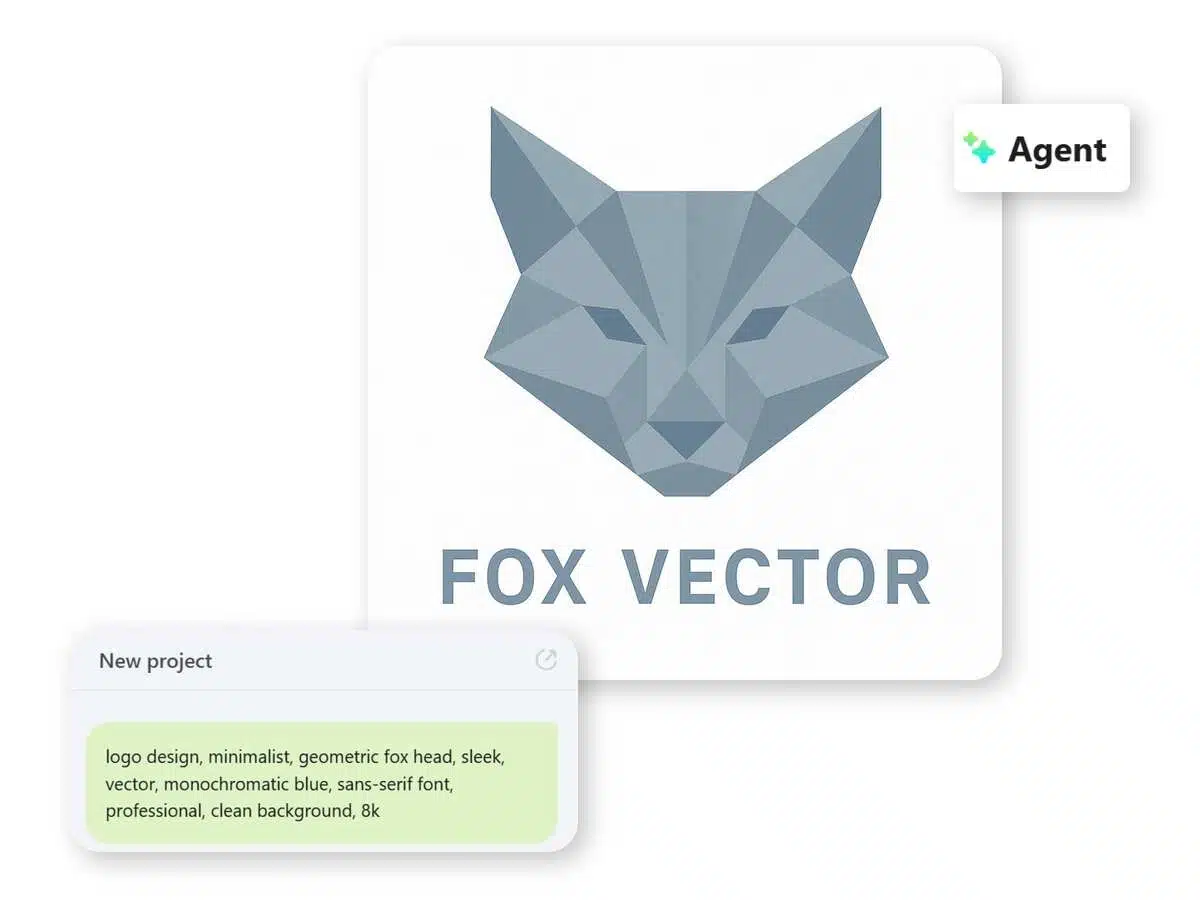
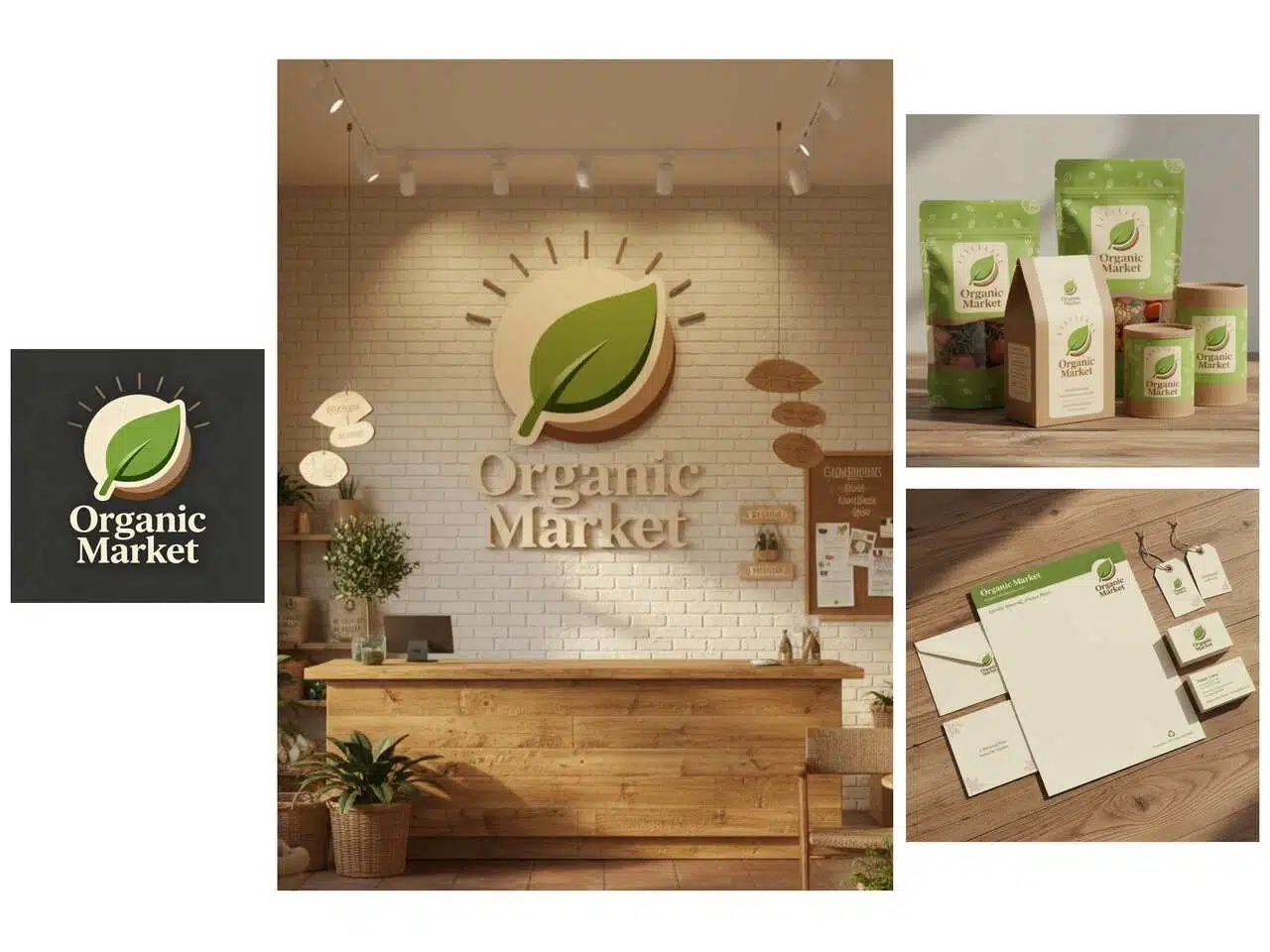
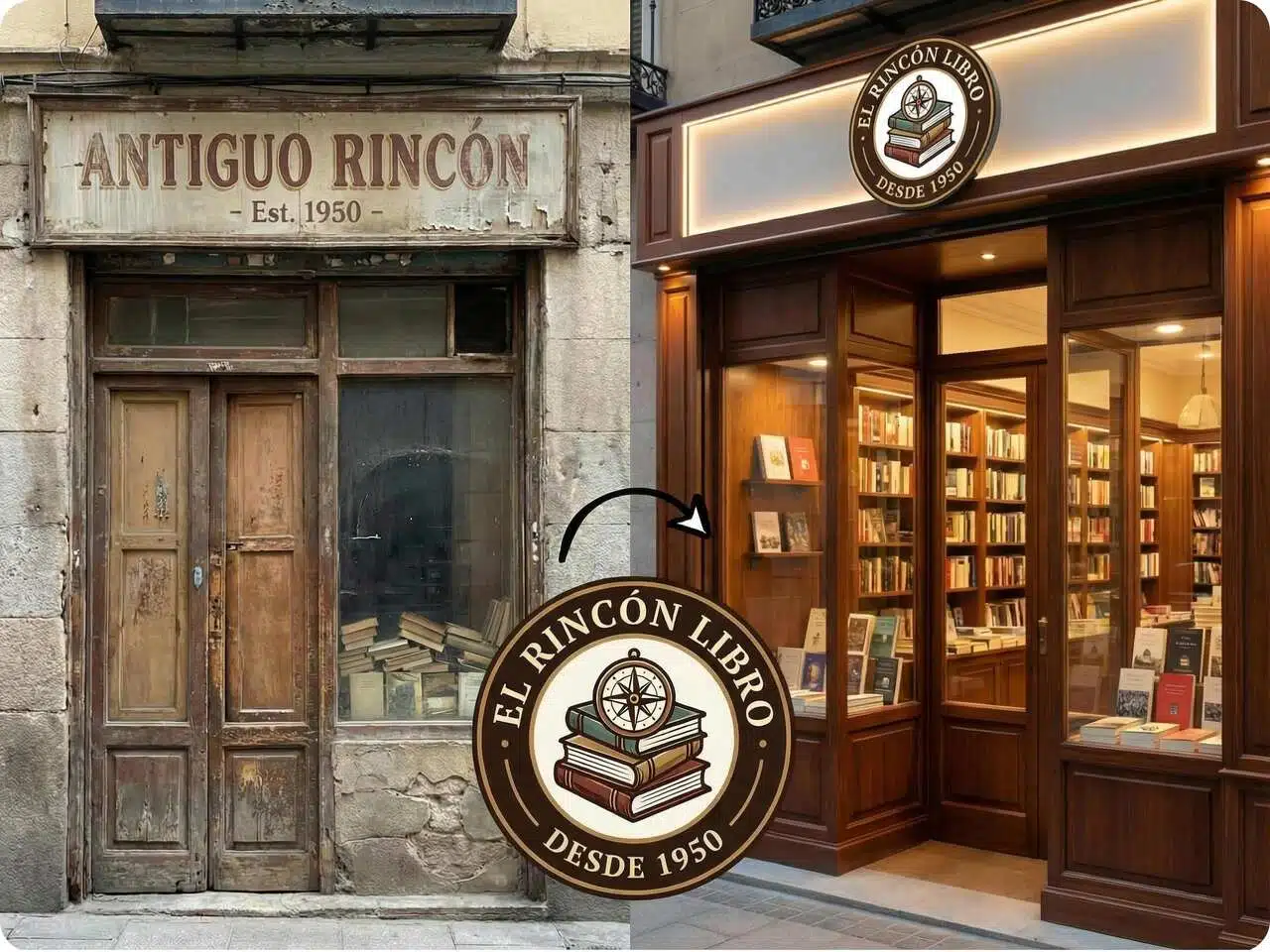
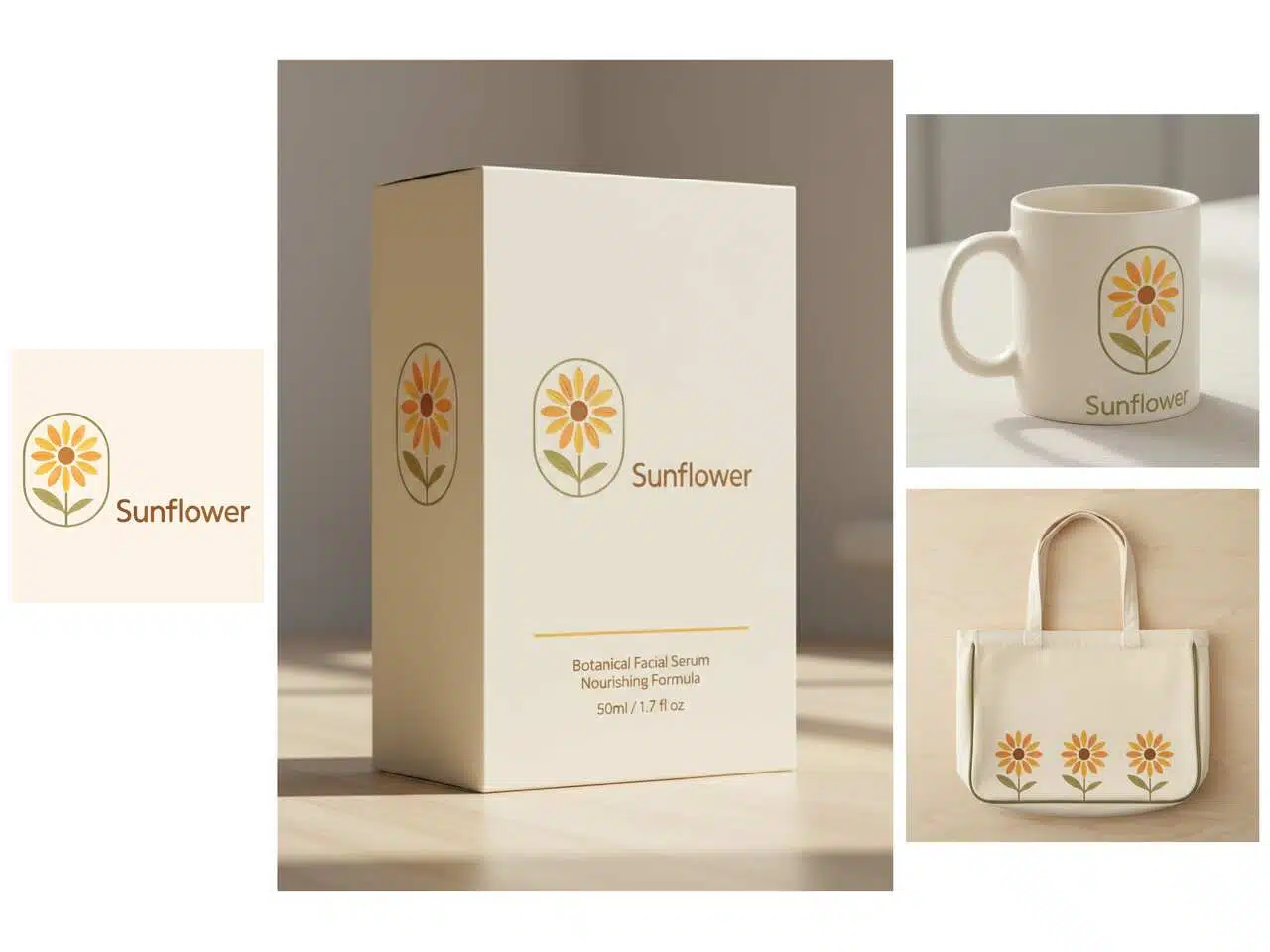
Create Professional Logos in Minutes
Instantly create your signature mark with a single command, allowing you to fluidly test countless color palettes and stylistic variations. Every design adheres to a precise, non-negotiable consistency. This ensures your brand achieves maximum distinction across all platforms, effortlessly. No heavy lifting required.
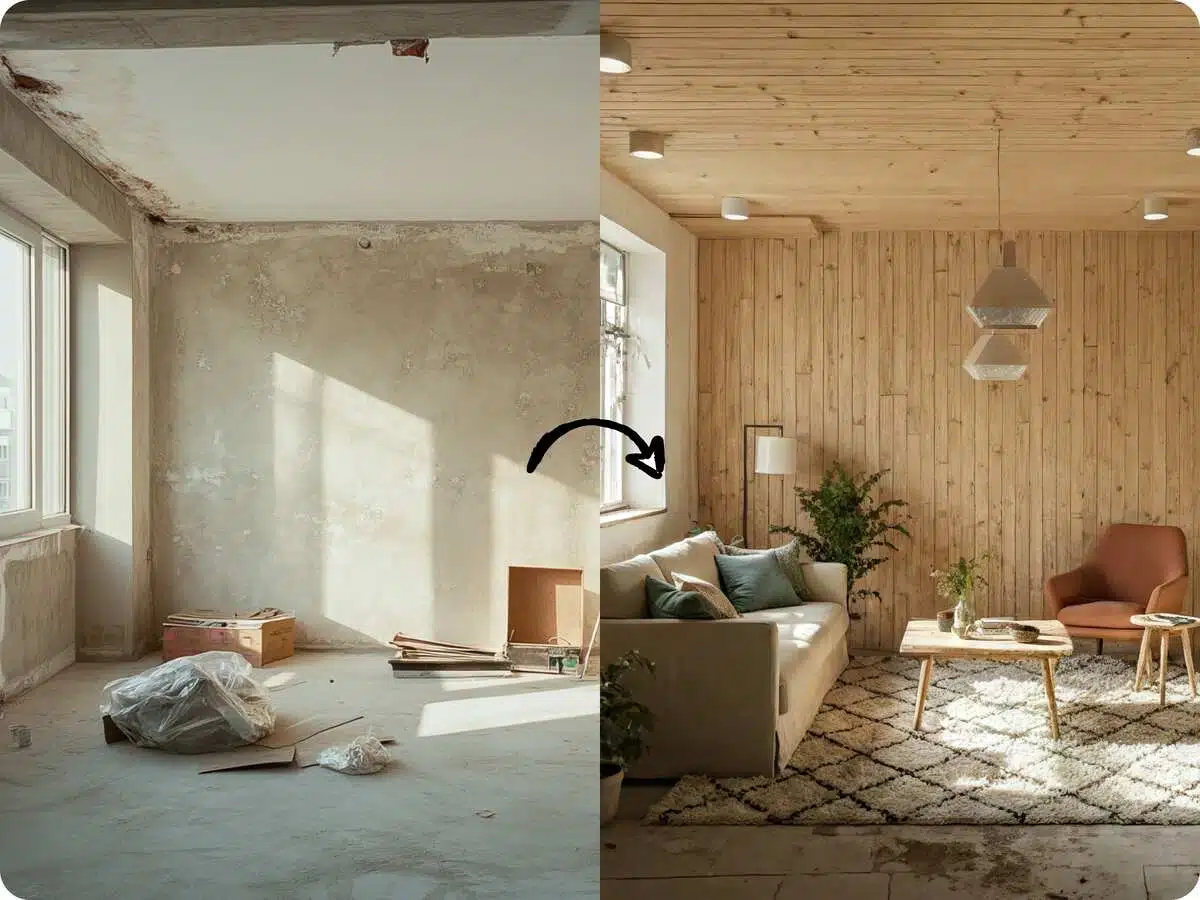
Stop selling blueprints and start selling the dream
Our advanced rendering tool empowers real estate professionals to deliver. Generate high-fidelity interior and architectural renderings that powerfully communicate a property's full potential. Effortlessly showcase proposed layouts, detailed renovations, or ideal staging concepts. You immediately engage prospective buyers, streamline the planning phase, and significantly enhance listing interaction. Make every single property stand out in a competitive market.
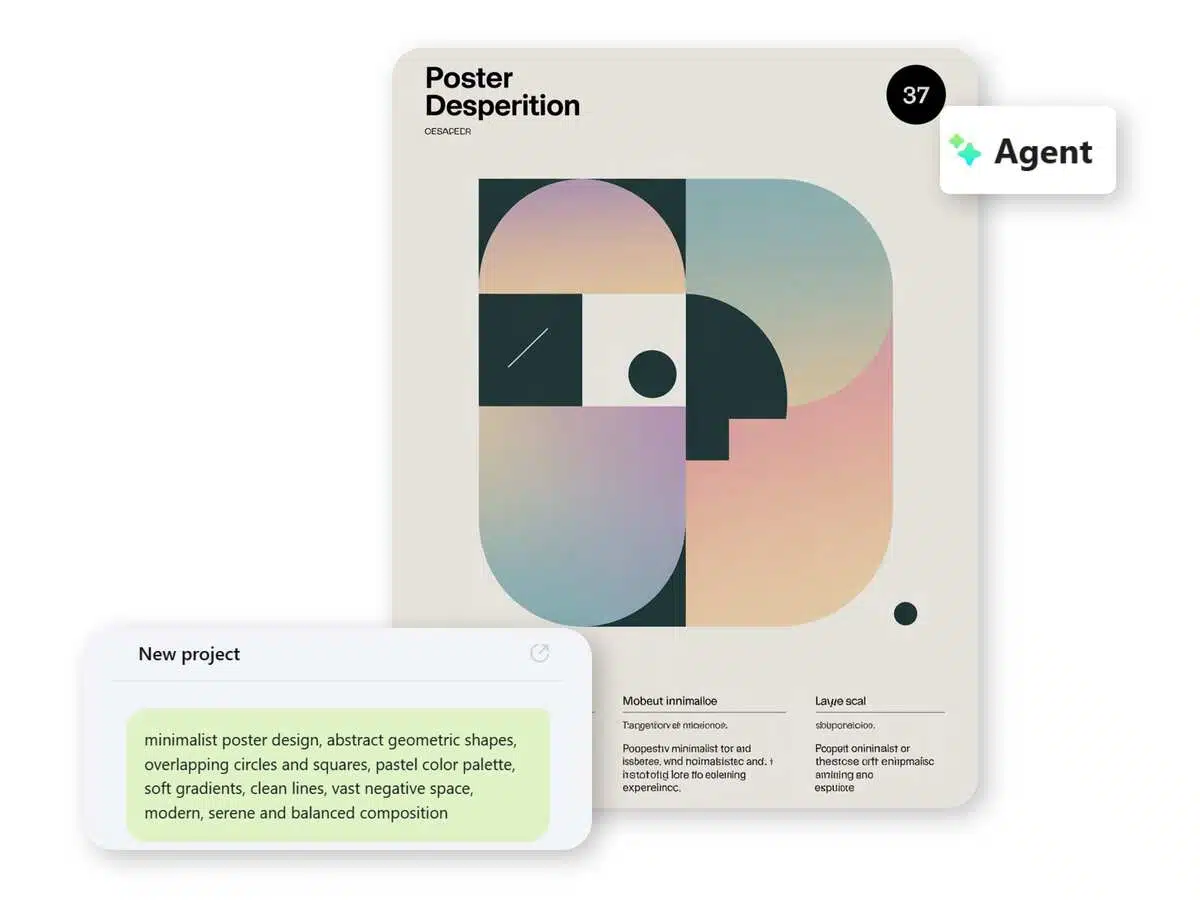
Showcase Properties with Realistic Design Visuals
Ideal for real estate professionals, our AI tool generates lifelike interior and architectural visuals to highlight the full potential of any property. Easily present layouts, renovation plans, or staged designs to captivate buyers, simplify planning, and make every listing stand out.
Create High-Quality Images for Every Need
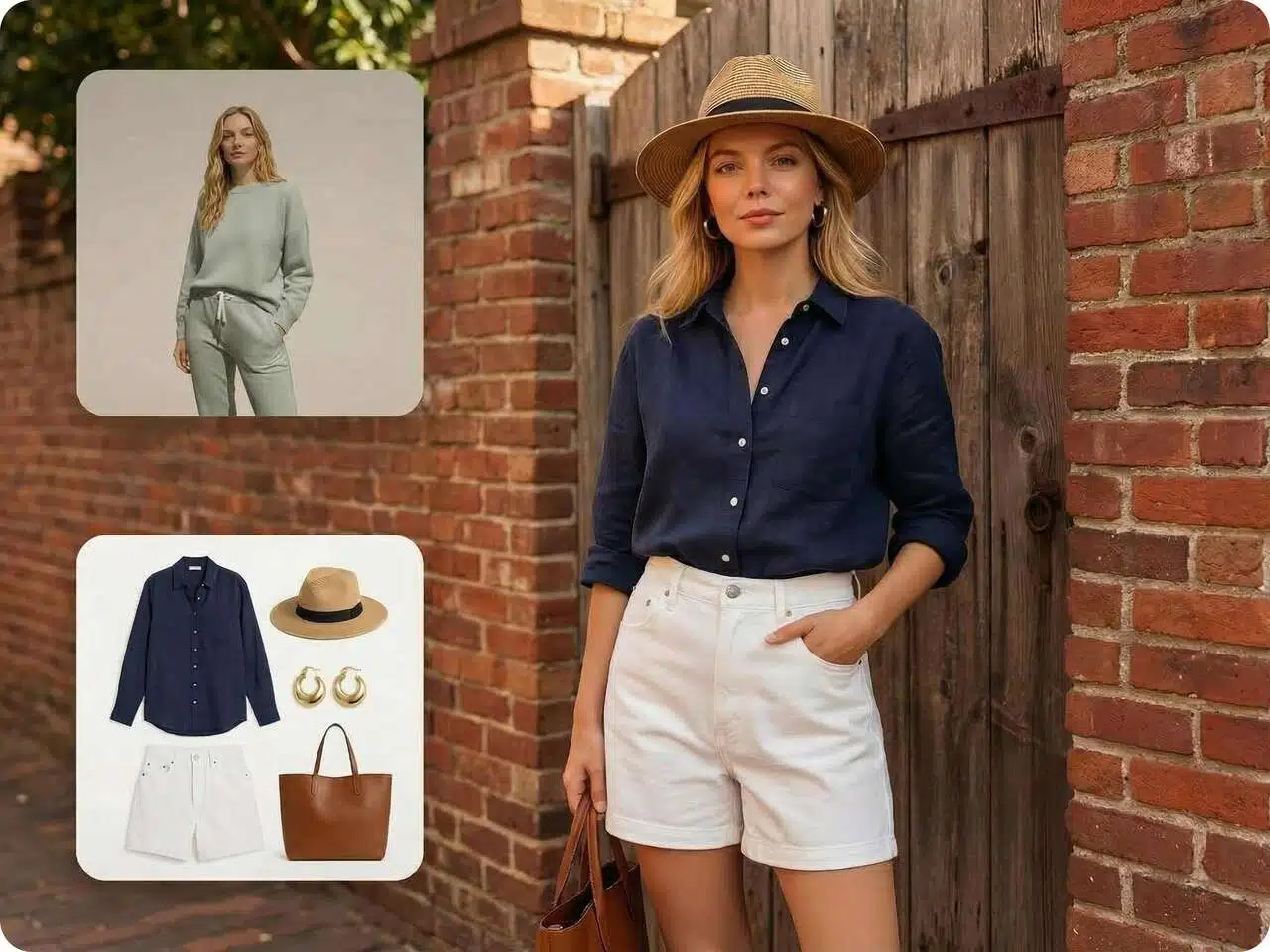
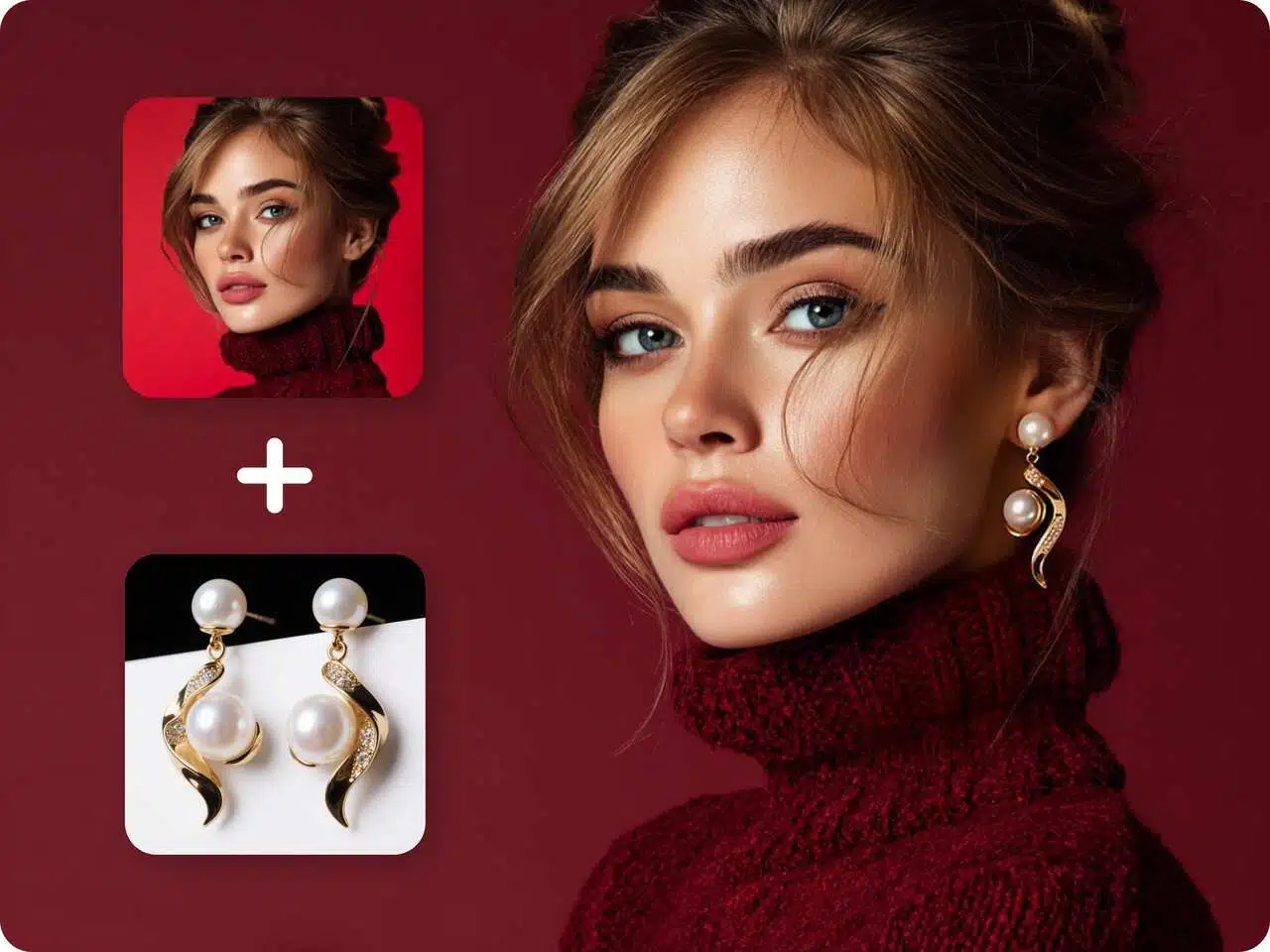
See How It Looks Before You Buy
Preview clothing, eyewear, or jewelry in a realistic way. Create professional product imagery without the need for models, delivering an immersive virtual try-on experience for e-commerce and marketing.
Why Choose Us

Unified Creation & Editing Workspace
Unlike standalone tools, Designkit offers a single, unified space for both creation and editing. With built-in AI tools, you can directly refine and edit AI-generated images without switching platforms.

Seamless Collaboration for Design Projects
Enable smooth and efficient teamwork across remote teams. Multiple collaborators can work on the same design project simultaneously, keeping workflows aligned and projects delivered on time.

High-Resolution, Watermark-Free Export
Download all generated images in full resolution with no watermarks. Use them instantly for paid ads, e-commerce listings, or social media campaigns without restrictions.
Frequently Asked Questions
Can I integrate my own photography with AI editing to achieve truly photorealistic results?
How can I generate multiple variations without designing each one from scratch?
The Designkit AI Agent enables the rapid generation of diverse AI image variations using one singular initial prompt. You then have the agility to refine, edit, and export the exact version that aligns best with your final creative vision.
When attempting to merge two photos, why do certain edits appear artificial or unconvincing?
Successful photo blending relies on the alignment of light and perspective. If one source image features harsh shadows while the other is softly lit, the AI struggles to achieve a natural composite. Prior to blending, unify the lighting and angle of your input images, then use a key prompt like "smooth transition" or "harmonized illumination."
Generate Stunning Images in Seconds
Generate high-quality, realistic images in seconds. From product shots to creative visuals, AI lets you bring any idea to life without the need for a designer.